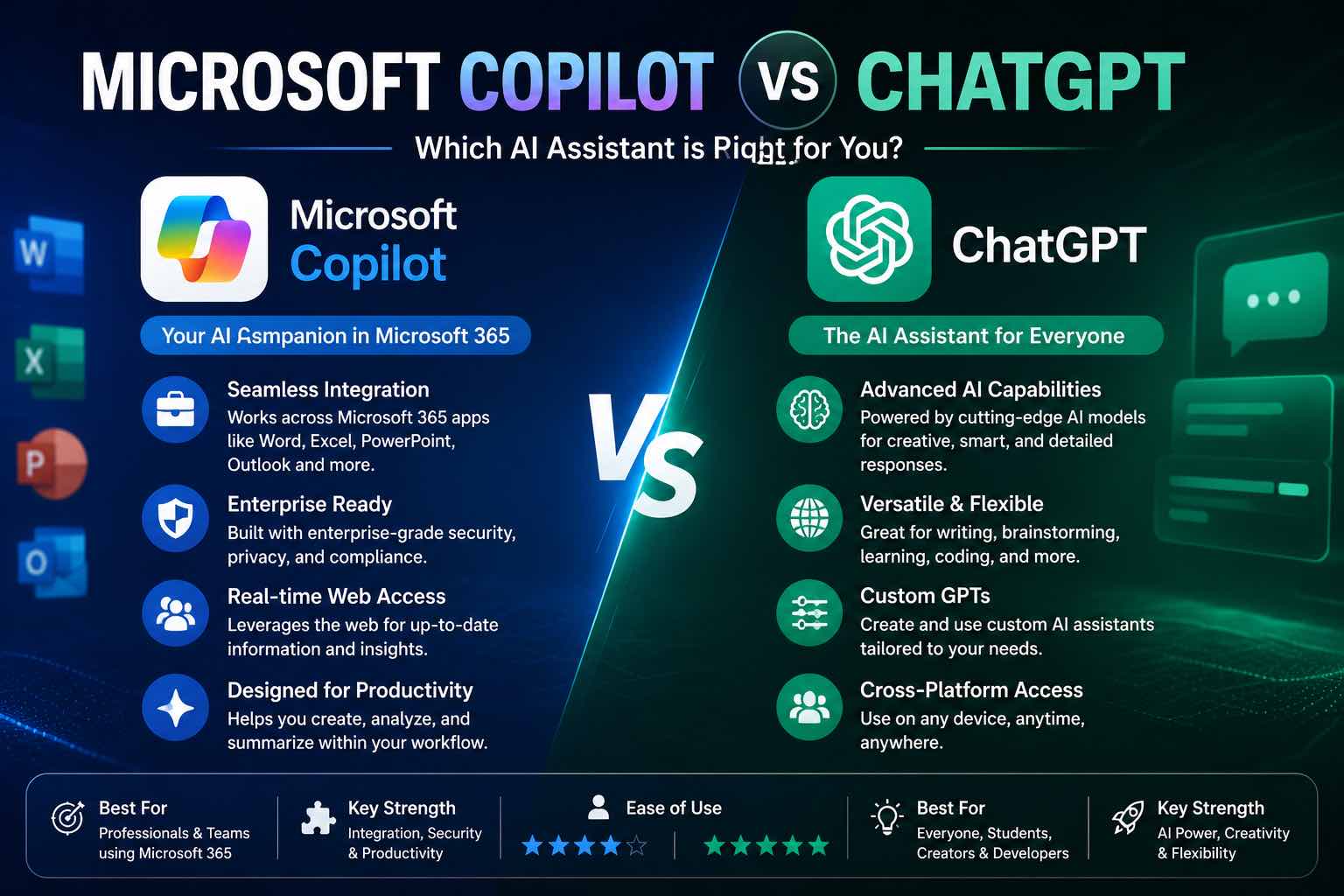
Microsoft Copilot vs ChatGPT (2026): Which Should You Use?
Microsoft Copilot vs ChatGPT compared for work, Office apps, writing, and everyday tasks — strengths, weaknesses, pricing mindset, and which to pick first.
Microsoft Copilot vs ChatGPT is less “which AI is smarter?” and more “where do you already work?”
ChatGPT is a destination assistant. Copilot is an assistant woven into Microsoft’s apps. In 2026, many people should use one as primary — and only keep both if their jobs clearly split.
Quick verdict
| If you mostly… | Choose |
|---|---|
| Live in Word, Excel, PowerPoint, Outlook, Teams | Microsoft Copilot |
| Need a flexible chat lab for any topic, prompts, coding, images | ChatGPT |
| Do both heavy Office work and open-ended creative/dev work | Copilot at work + ChatGPT for exploration |
Still choosing among chat models broadly? See ChatGPT vs Claude vs Gemini.
Side-by-side comparison
| Criteria | ChatGPT | Microsoft Copilot |
|---|---|---|
| Best home base | Chat app / web / mobile | Microsoft 365 apps + Copilot chat |
| Everyday drafting | Excellent | Excellent inside Word/Outlook |
| Spreadsheets & decks | Strong with uploads/guidance | Strong inside Excel/PowerPoint |
| Meetings / email | Good with pasted context | Strong when tied to Outlook/Teams |
| Custom workflows / GPTs | Excellent ecosystem | Growing; org-dependent |
| “Blank page” brainstorming | Excellent | Good |
| Enterprise admin / compliance | Available on business plans | Often natural for Microsoft shops |
| Learning curve | Low | Low if you already know Office |
Features and plan names change — treat this as an operator matrix, then re-test with your real files.
ChatGPT: best general-purpose AI workbench
Choose ChatGPT when you want:
- One place for outlines, rewrites, research assists, coding help, and image drafts
- Saved prompt libraries and custom GPTs for repeated jobs
- Fast experimentation outside a single office suite
Watch outs:
- Context from Outlook/Teams/Word is manual unless you paste or connect tools
- Easy to over-trust fluent answers — verify before you send
Best for: creators, students, freelancers, builders who want a flexible lab.
Start prompts with patterns from the Prompt Craft Tutorial.
Microsoft Copilot: best when work already lives in Microsoft 365
Choose Copilot when you want:
- Drafts and rewrites inside Word and Outlook
- Help summarizing threads, meetings, and docs in a Microsoft workflow
- Excel/PowerPoint assistance without constant copy-paste
Watch outs:
- Value depends heavily on your Microsoft plan and admin setup
- Not always the best “open world” sandbox for weird creative experiments
- Still needs human review for tone, numbers, and commitments
Best for: offices standardized on Microsoft 365, analysts, managers, ops teams.
Workload cheat sheet
Writing & email
- Copilot if the draft must land in Outlook/Word with org context
- ChatGPT if you want a sharper first draft or style exploration, then paste back
Spreadsheets
- Copilot in Excel for in-grid help and explanations
- ChatGPT for reasoning about a CSV you upload / paste and designing formulas to verify
Presentations
- Copilot in PowerPoint for deck structure inside the file
- ChatGPT for narrative outline and speaker notes before you design
Coding & technical learning
- Usually ChatGPT (or a code-focused assistant) for broad debugging and tutorials
- Copilot (and Microsoft’s coding tools) when your team stack is already Microsoft-centric
Images
- ChatGPT’s image tools are often the quicker brainstorm companion for social/blog visuals
- For dedicated image quality, compare specialized tools in Best AI Image Generators
20-minute decision test
Run the same three tasks in both (where your plans allow):
- Rewrite: paste a rough email → “make it clearer, keep my voice, under 120 words”
- Plan: “turn this task dump into a realistic half-day schedule”
- Explain: paste a messy spreadsheet description or meeting notes → decisions + actions
Score 1–5 on: usefulness, editing time left, and how easily it fits your apps.
Keep the winner as default. Keep the other only if it wins a different job.
Pricing mindset (not a price list)
Plans change. Use this rule:
- Pay for ChatGPT when you use it most workdays as your thinking/drafting home
- Pay for Copilot when it saves real time inside Microsoft apps you already open daily
- Paying for both is fine for some roles — wasteful if one sits unused
Review monthly with the habit from Best AI Productivity Tools and AI Time Management Apps.
Who should pick what
Students
Start with ChatGPT for studying and writing help, then add school-provided Copilot if your institution runs Microsoft 365.
See AI for Students and Best ChatGPT Prompts for Students.
Small businesses
- Microsoft shop → Copilot for email/docs, ChatGPT optional for marketing brainstorms
- Mixed/Google/Notion shop → ChatGPT first
More: How Small Businesses Can Use ChatGPT
Solo creators
ChatGPT as the lab; use Copilot only if your business OS is Microsoft.
Common mistakes
- Buying both on day one “just in case”
- Expecting Copilot to replace a prompt habit
- Pasting confidential data into the wrong plan/tool
- Publishing unedited AI text from either assistant
- Judging the model by one cute demo instead of a weekly workflow
Closing checklist
- Primary assistant chosen (Copilot or ChatGPT)
- Three real work tasks tested in both
- One weekly workflow attached (email, docs, or planning)
- Data/privacy rules written
- Second tool optional — not mandatory
Bottom line: Pick Microsoft Copilot when your day is Microsoft 365. Pick ChatGPT when you need a flexible AI workbench. Optimize for where the work already lives — not for the louder brand.
Related Articles
Keep exploring on AutoThinkers — these guides pair well with this comparison:
- ChatGPT vs Claude vs Gemini: Which AI Should You Use in 2026?
- Prompt Craft Tutorial: Write AI Prompts That Survive Real Work
- Best AI Productivity Tools in 2026 (Practical Stack That Saves Hours)
- How Small Businesses Can Use ChatGPT
- AI Time Management Apps in 2026 (What Actually Saves Your Week)
- The Practical AI Toolkit for Solo Operators (2026)
- Best ChatGPT Prompts for Students
- The Future of AI in Everyday Life (2026 Reality Check)
- AI for Students: How to Study Smarter with ChatGPT, Claude & Free AI Tools (2026 Guide)
- Best AI Voice Generators in 2026 (Practical Creator Guide)
- Perplexity vs ChatGPT (2026): Which AI Should You Use?
Keep exploring
Related Articles
Continue with 8 closely related AutoThinkers guides — more tutorials to deepen your AI workflow.

Comparisons
5 min read
ChatGPT vs Claude vs Gemini: Which AI Should You Use in 2026?
A clear ChatGPT vs Claude vs Gemini comparison for work, study, and content — strengths, weaknesses, pricing mindset, and which model to pick first.
Comparisons
6 min read
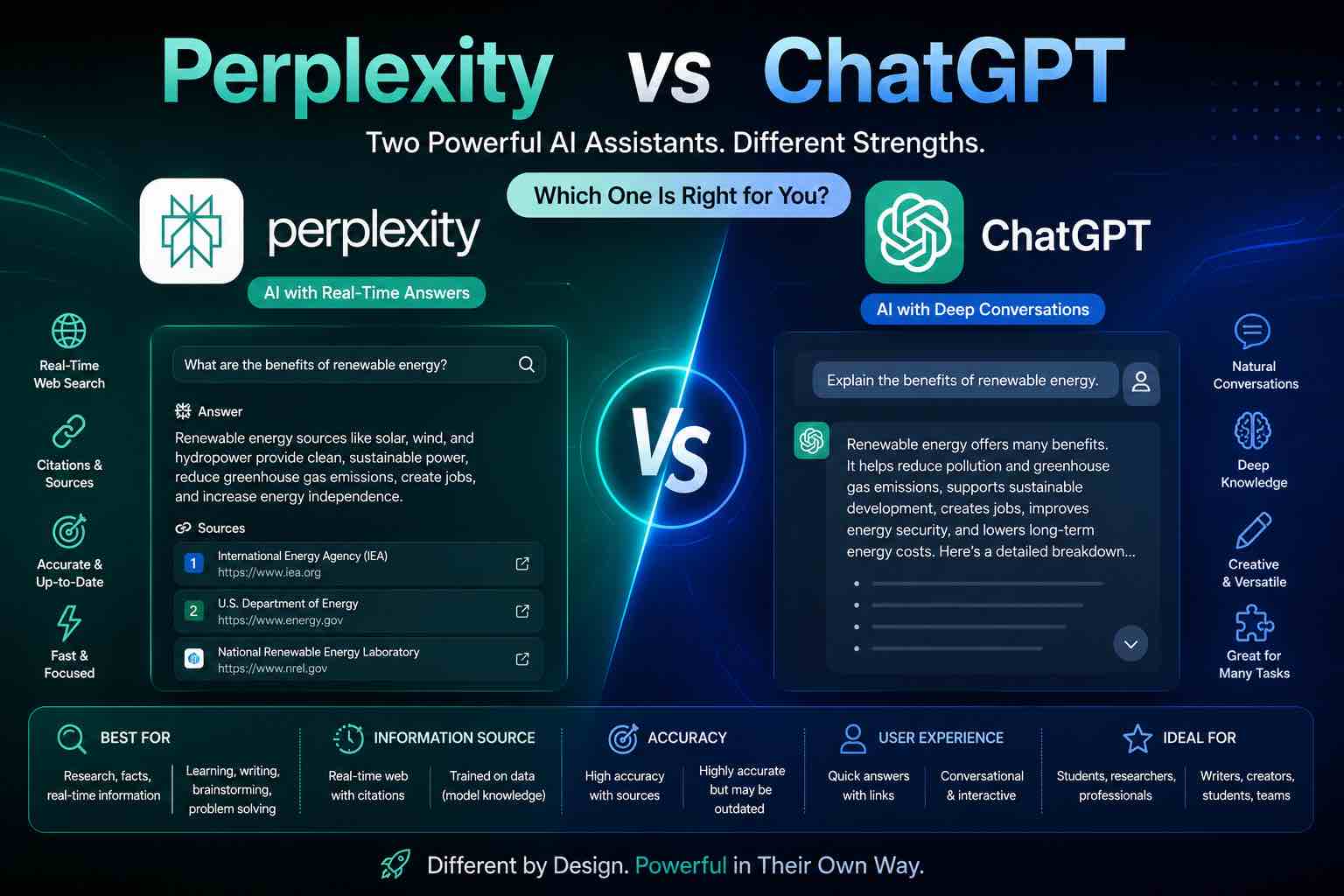
Perplexity vs ChatGPT (2026): Which AI Should You Use?
Perplexity vs ChatGPT compared for research, citations, writing, and everyday work — when to search with sources, when to draft, and which to pick first.
AI Content Creation
6 min read
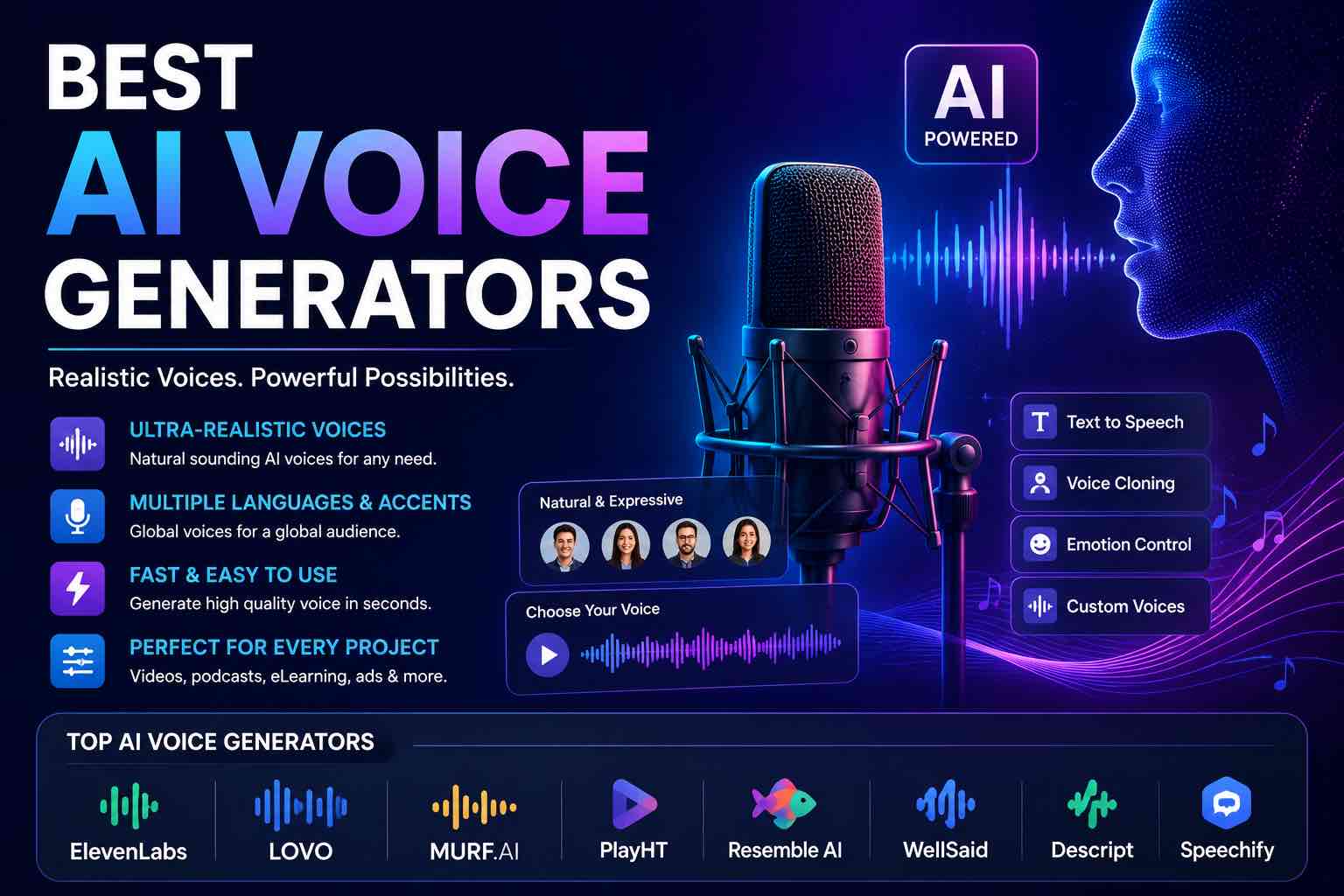
Best AI Voice Generators in 2026 (Practical Creator Guide)
Compare the best AI voice generators in 2026 for YouTube, podcasts, courses, and product demos — quality, cloning ethics, pricing mindset, and which tool to pick first.
Workflows
7 min read
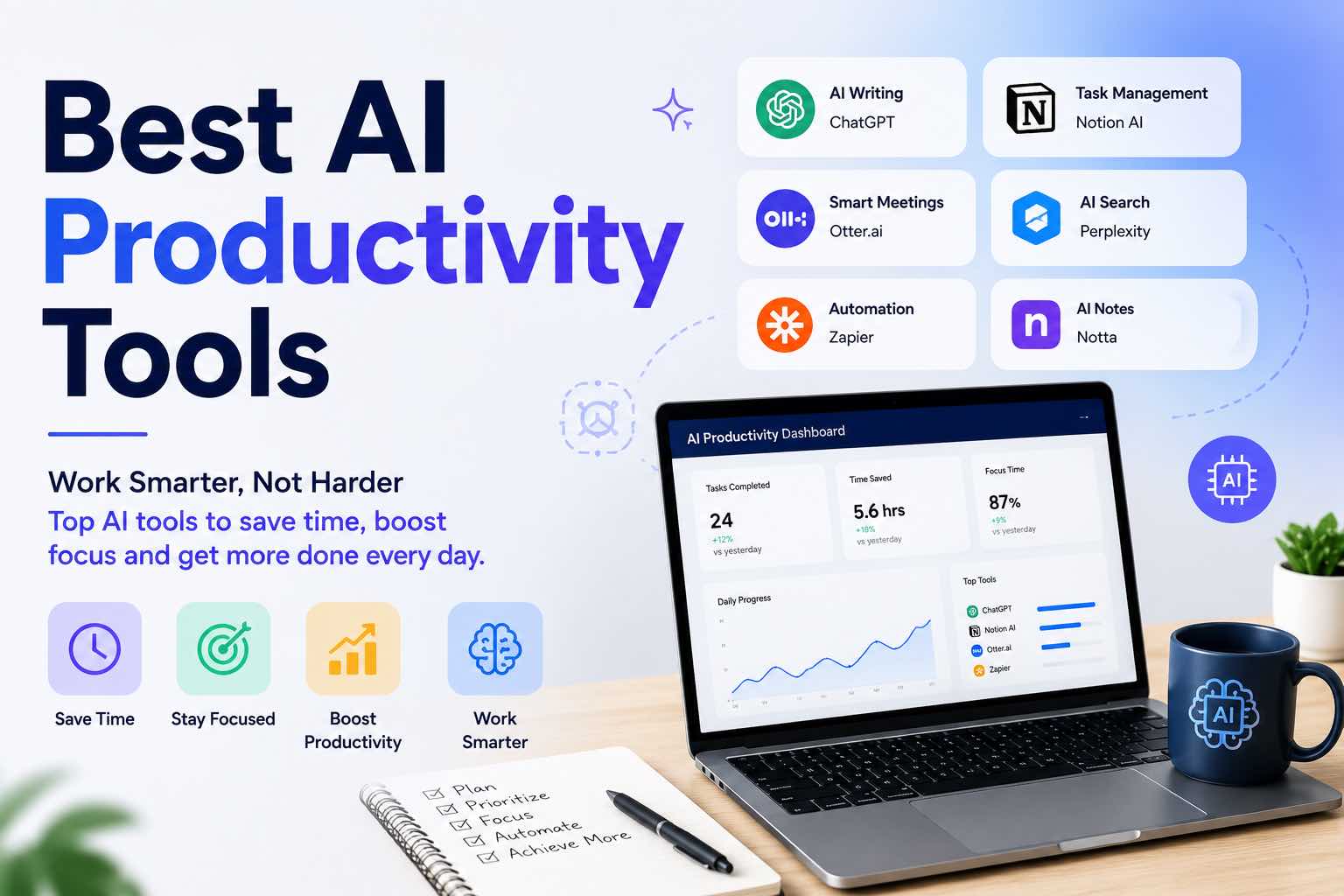
Best AI Productivity Tools in 2026 (Practical Stack That Saves Hours)
The best AI productivity tools for 2026 — writing, meetings, email, notes, and automation — plus a simple stack you can set up in one afternoon.
Workflows
6 min read
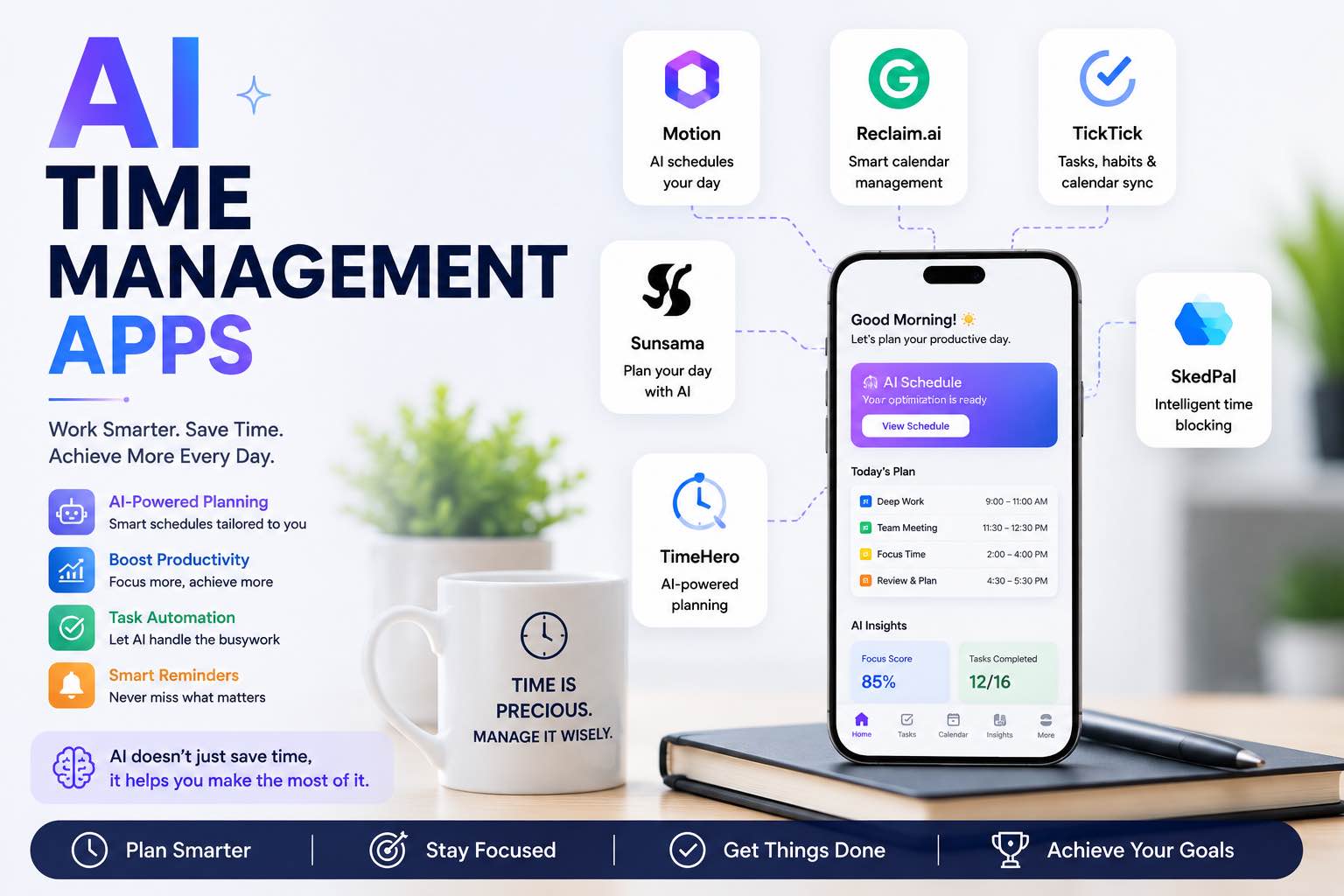
AI Time Management Apps in 2026 (What Actually Saves Your Week)
The best AI time management apps for 2026 — planning, focus, meetings, and task triage — plus a simple system you can run without tool overload.
AI Tools
5 min read
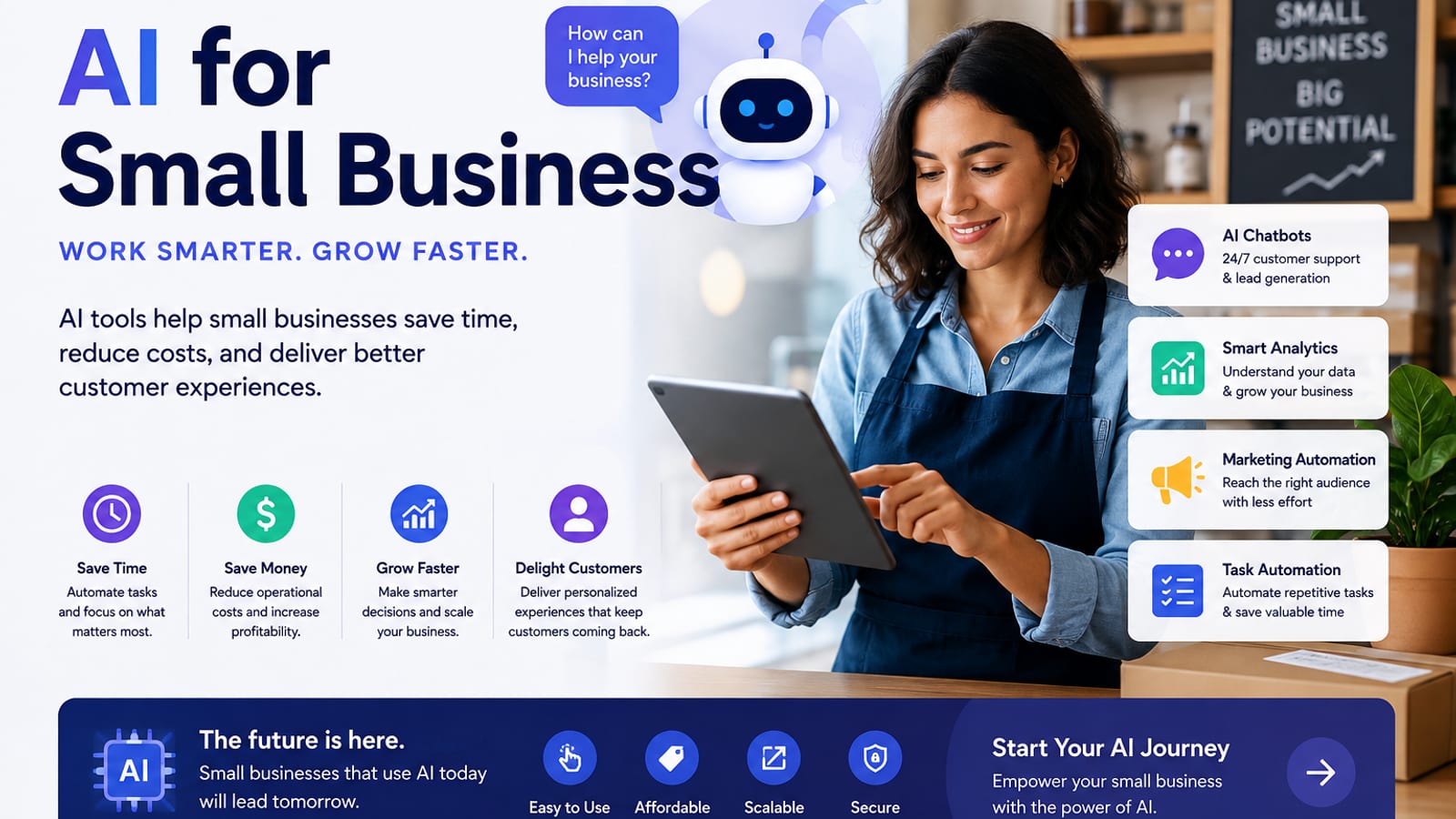
How Small Businesses Can Use ChatGPT (Practical 2026 Guide)
How small businesses can use ChatGPT for customer replies, marketing drafts, SOPs, and admin work — with copy-paste prompts and a safe weekly workflow.

Prompt Craft
5 min read
Best ChatGPT Prompts for Students (2026 Copy-Paste Library)
The best ChatGPT prompts for students — study plans, note summaries, practice quizzes, essay outlines, and exam prep templates you can copy today.

AI Content Creation
6 min read
Best AI Image Generators in 2026 (Practical Creator Guide)
Compare the best AI image generators in 2026 — Midjourney, DALL·E, Firefly, Ideogram, and free options — plus prompts, use cases, and which tool to pick first.