ChatGPT vs Claude vs Gemini: Which AI Should You Use in 2026?
A clear ChatGPT vs Claude vs Gemini comparison for work, study, and content — strengths, weaknesses, pricing mindset, and which model to pick first.
If you only try one AI model, you will think “AI” equals that model’s personality. In 2026, ChatGPT, Claude, and Gemini all work — but they win at different jobs.
This comparison helps you pick a default model without paying for three subscriptions on day one.
Quick verdict
| If you mostly… | Start with |
|---|---|
| Draft, brainstorm, and use plugins/GPTs | ChatGPT |
| Rewrite long docs carefully / paste big PDFs | Claude |
| Live inside Google Docs, Gmail, Drive | Gemini |
Most AutoThinkers readers should pick one primary model and keep a free second option for tough tasks.
Side-by-side comparison
| Criteria | ChatGPT | Claude | Gemini |
|---|---|---|---|
| Everyday drafting | Excellent | Excellent | Strong |
| Long documents | Strong | Excellent | Strong |
| Coding help | Excellent | Excellent | Strong |
| Google Workspace fit | Good | Good | Excellent |
| Ecosystem / custom GPTs | Excellent | Growing | Growing |
| “Careful editor” feel | Good | Excellent | Good |
| Best first job | General workhorse | Deep rewrite & analysis | Workspace-native tasks |
Features and plans change often — treat this as an operator’s matrix, not a forever scoreboard. Re-test quarterly with your real tasks.
ChatGPT: best general workhorse
Choose ChatGPT when you want:
- One tool for outlines, drafts, prompts, light research, and coding help
- Custom GPTs / saved workflows for repeated jobs
- Broad tutorials and community prompt patterns
Watch outs:
- Long, dense rewrites can get generic unless you constrain tone
- Easy to over-trust confident answers — always verify facts
Best for: creators, students, freelancers who need a daily default.
Claude: best careful long-form partner
Choose Claude when you want:
- Strong rewriting of essays, proposals, and SOPs
- Thoughtful critique of your drafts
- Comfortable handling longer pasted context
Watch outs:
- Ecosystem extras may matter less if you only need chat
- Still needs human fact-checking on citations and numbers
Best for: writers, researchers, consultants, students with heavy reading loads.
Gemini: best if your life is in Google
Choose Gemini when you want:
- Help inside Docs, Gmail, and Drive-centric workflows
- Summaries tied to files you already store in Google
- A model that matches a Google-first stack
Watch outs:
- If you live in Notion / local Markdown / Microsoft, the Workspace advantage shrinks
- Same rule as others: verify before you publish or submit
Best for: students and teams already standardized on Google Workspace.
How to decide in 20 minutes
Run the same three prompts in each model you are considering:
- Outline: “Create a practical tutorial outline on {{topic}} for beginners.”
- Rewrite: Paste 400 words of your own writing → “Tighten without changing my voice.”
- Work task: Paste a messy email/meeting note → “Extract actions with owners.”
Score each 1–5 on: clarity, usefulness, and how much editing you still need.
Keep the winner as your default. Keep one runner-up free account for second opinions.
Pricing mindset (not a price list)
Plans change. Use this rule instead:
- Free tiers are for learning and light weekly use
- Paid plans are worth it when you use the tool most workdays and it saves real hours
- Paying for two premium models is rarely step one — master one first
If you are unsure about ChatGPT Plus specifically, pair this guide with a later “Is ChatGPT worth paying for?” post once you have usage data.
Recommended stacks by audience
Students
- Primary: ChatGPT or Claude
- Optional: Gemini if notes live in Drive
- Next reads: study systems + prompt libraries (linked below)
Small businesses
- Primary: ChatGPT for drafts, FAQs, and sales emails
- Claude for polishing proposals and policies
- Keep customer data out of tools your policy does not allow
Solo operators / creators
- Primary: one strong chat model
- Add specialized tools later (image, transcription, automation) only after the chat loop is reliable
Common mistakes
- Switching models every week (“tool hopping”)
- Asking vague prompts and blaming the model
- Publishing unedited AI text
- Pasting confidential client data into consumer tools
- Buying three paid plans before you have one reusable workflow
Closing checklist
- One primary model chosen
- Three test prompts saved
- One real weekly workflow attached (study, email, or content)
- Fact-check rule in place
- Second model optional, not mandatory
Bottom line: ChatGPT is the safest default for most people, Claude shines on careful long-form work, and Gemini wins when Google Workspace is already home base.
Related Articles
Keep exploring on AutoThinkers — these guides pair well with this comparison:
- Prompt Craft Tutorial: Write AI Prompts That Survive Real Work
- The Practical AI Toolkit for Solo Operators (2026)
- AI for Students: How to Study Smarter with ChatGPT, Claude & Free AI Tools (2026 Guide)
- AI for Small Business: A Practical Playbook That Pays for Itself
- Tutorial: Build an AI Content Workflow in 60 Minutes
- Best ChatGPT Prompts for Students
- How Small Businesses Can Use ChatGPT
- The Attention Budget: Why Deep Thinkers Treat Focus Like Capital
- Best AI Productivity Tools in 2026 (Practical Stack That Saves Hours)
- The Future of AI in Everyday Life (2026 Reality Check)
- Microsoft Copilot vs ChatGPT (2026): Which Should You Use?
- Perplexity vs ChatGPT (2026): Which AI Should You Use?
- Free AI Homework Helpers That Actually Work (2026 Student Guide)
Keep exploring
Related Articles
Continue with 8 closely related AutoThinkers guides — more tutorials to deepen your AI workflow.
Comparisons
6 min read
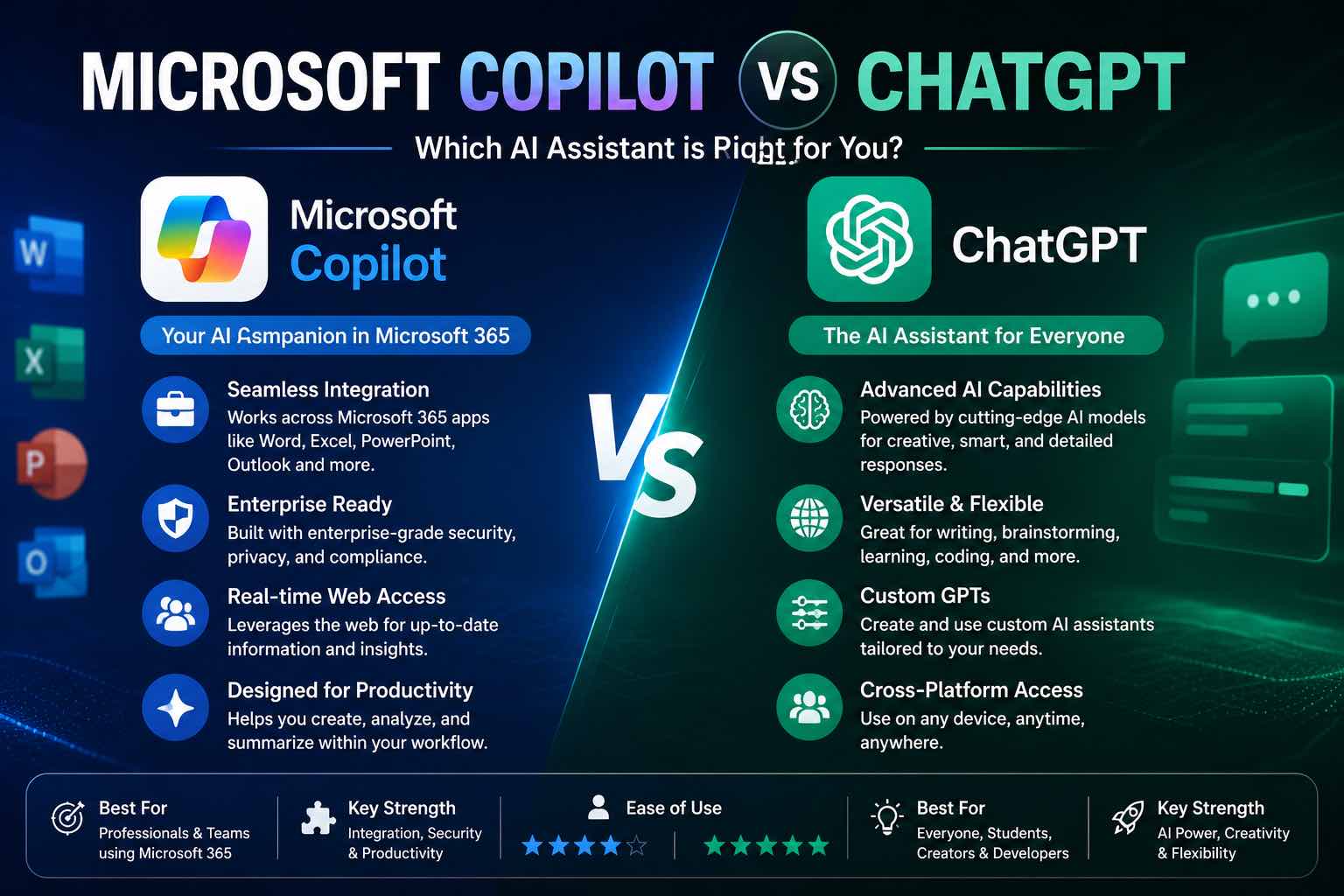
Microsoft Copilot vs ChatGPT (2026): Which Should You Use?
Microsoft Copilot vs ChatGPT compared for work, Office apps, writing, and everyday tasks — strengths, weaknesses, pricing mindset, and which to pick first.
Comparisons
6 min read
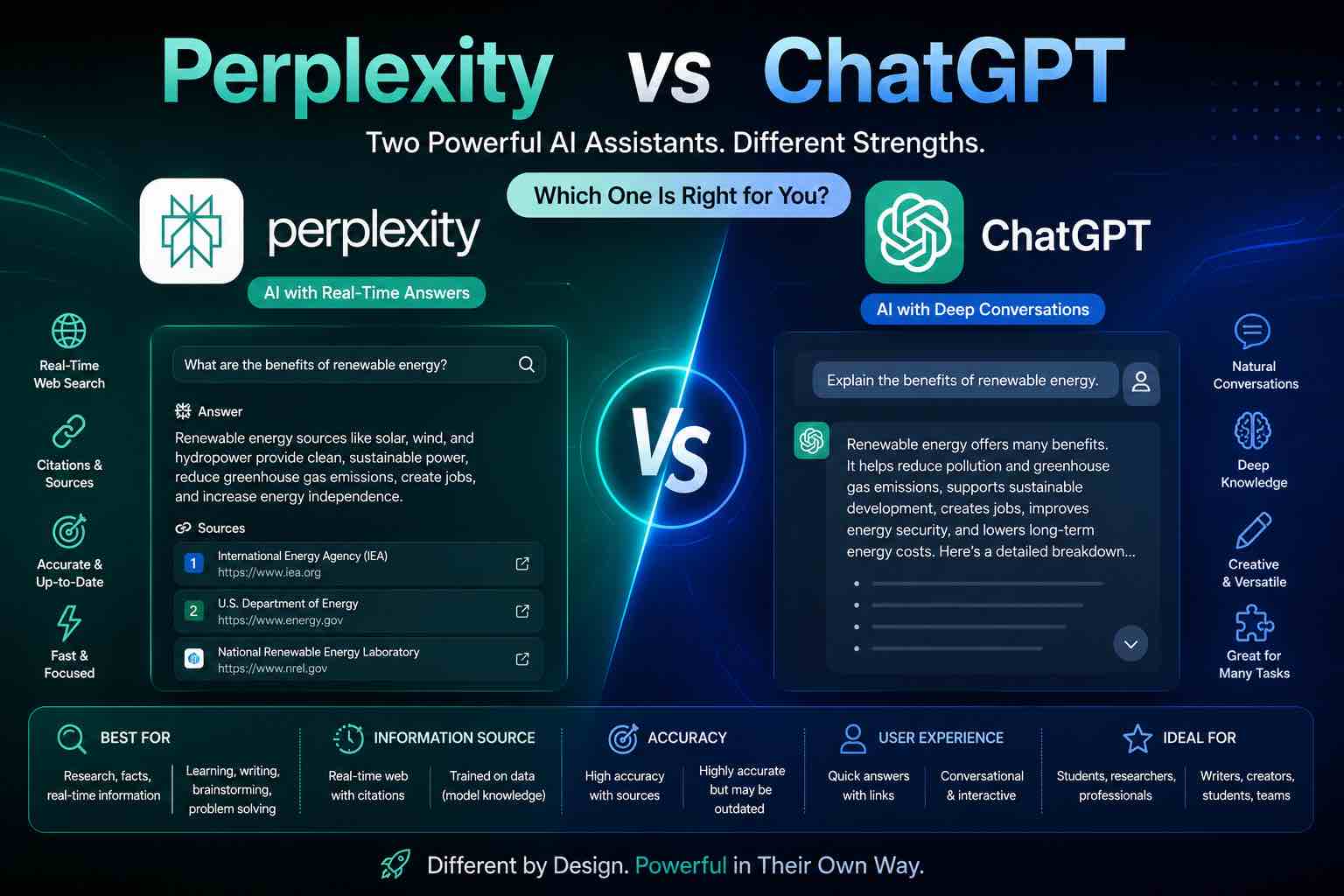
Perplexity vs ChatGPT (2026): Which AI Should You Use?
Perplexity vs ChatGPT compared for research, citations, writing, and everyday work — when to search with sources, when to draft, and which to pick first.
AI Content Creation
6 min read
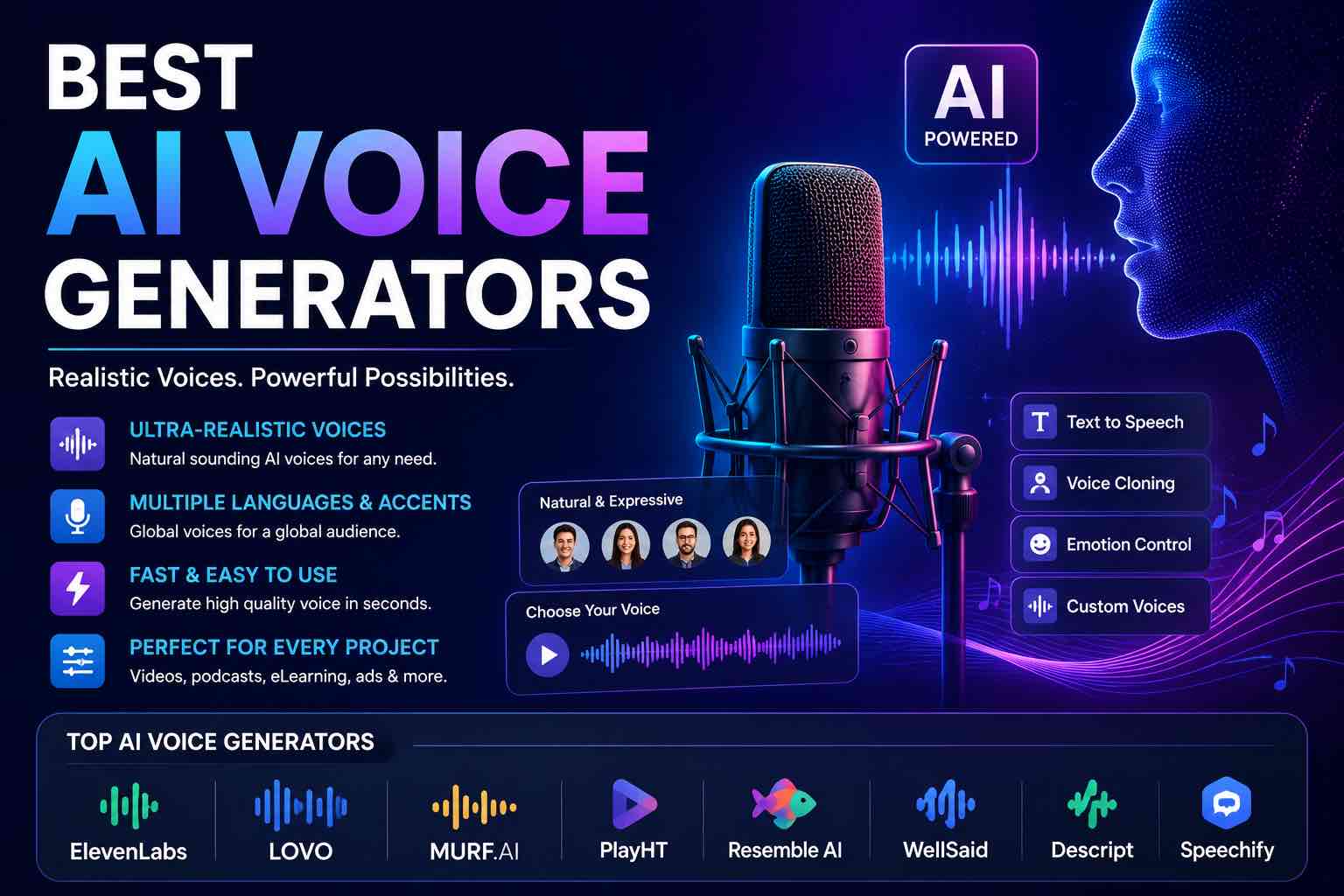
Best AI Voice Generators in 2026 (Practical Creator Guide)
Compare the best AI voice generators in 2026 for YouTube, podcasts, courses, and product demos — quality, cloning ethics, pricing mindset, and which tool to pick first.
Tutorials
6 min read
Free AI Homework Helpers That Actually Work (2026 Student Guide)
Free AI homework helpers that actually help you learn — ChatGPT, Claude, Gemini, Photomath-style tools, and study workflows — plus academic integrity rules.

Prompt Craft
5 min read
Best ChatGPT Prompts for Students (2026 Copy-Paste Library)
The best ChatGPT prompts for students — study plans, note summaries, practice quizzes, essay outlines, and exam prep templates you can copy today.
AI Tools
5 min read
How Small Businesses Can Use ChatGPT (Practical 2026 Guide)
How small businesses can use ChatGPT for customer replies, marketing drafts, SOPs, and admin work — with copy-paste prompts and a safe weekly workflow.
Tutorials
7 min read
AI for Students: How to Study Smarter with ChatGPT, Claude & Free AI Tools (2026 Guide)
Learn how to use AI for students the right way — study plans, note summaries, essay outlines, exam prep prompts, and academic integrity tips in one practical 2026 guide.
AI Tools
5 min read
The Practical AI Toolkit for Solo Operators (2026)
A clear starter stack of AI tools for creators and solo operators — what to use, what to skip, and how to set it up in one afternoon.