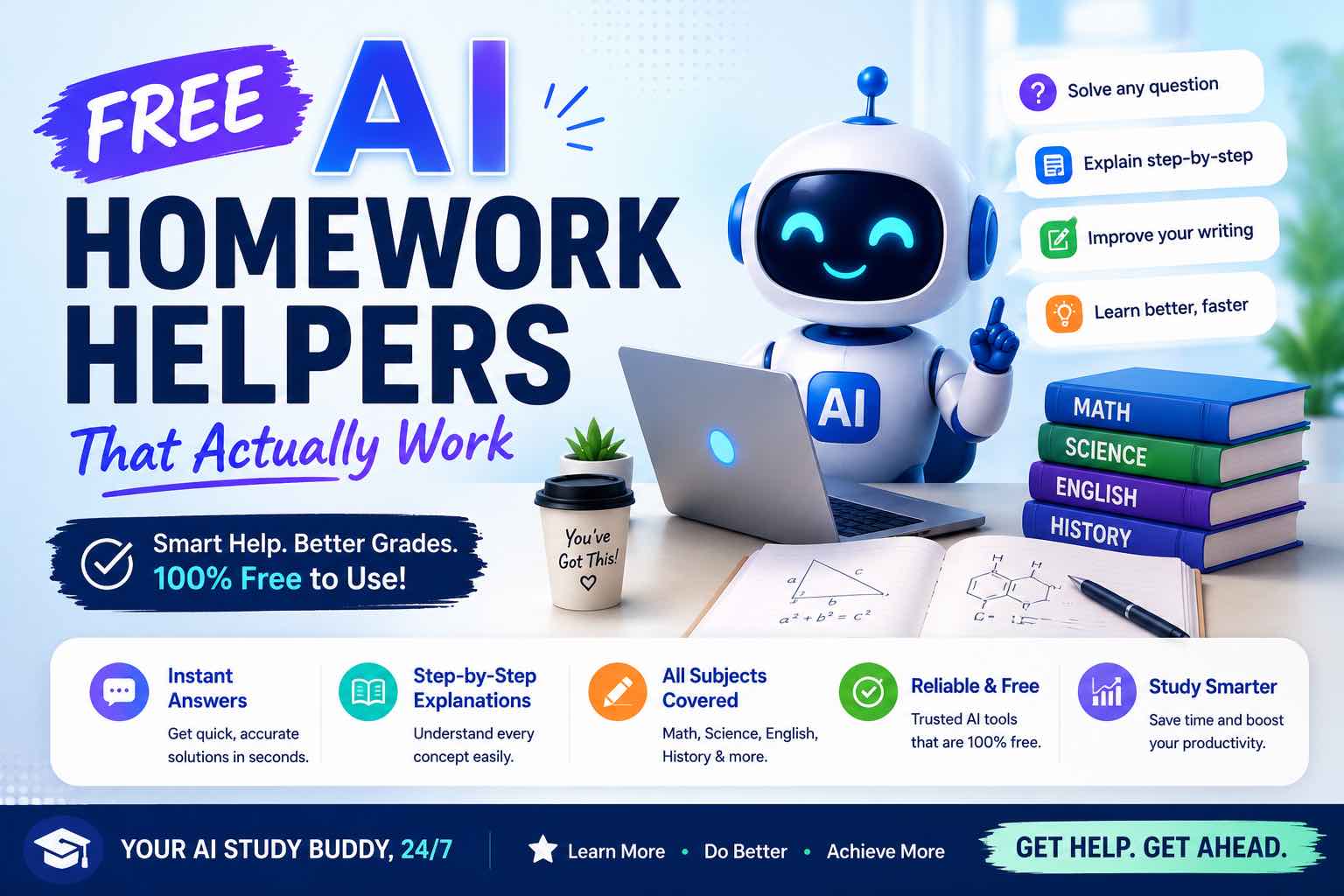
Free AI Homework Helpers That Actually Work (2026 Student Guide)
Free AI homework helpers that actually help you learn — ChatGPT, Claude, Gemini, Photomath-style tools, and study workflows — plus academic integrity rules.
Free AI homework helpers can save hours — or wreck your learning — depending on how you use them.
This guide focuses on tools and workflows that actually improve understanding, not just answer-dumping. If your school bans certain tools, follow that policy first.
Deep companion: AI for Students: Study Smarter… · prompts: Best ChatGPT Prompts for Students
Quick picks (free tiers)
| Need | Free helper to try | Best use |
|---|---|---|
| Explain + practice | ChatGPT free | Tutoring, quizzes, outlines |
| Long notes / careful rewrite | Claude free (limits apply) | Summaries, feedback on your draft |
| Google Docs / Drive study flow | Gemini free | Notes living in Workspace |
| Research with links | Perplexity free | Find sources to verify |
| Math step practice | Photomath / Microsoft Math / similar | Check steps, then re-solve yourself |
| Flashcards | Anki + AI-generated card text | Active recall |
Free limits change — if a tool rate-limits you mid-semester, keep a backup.
The rule that makes free tools “work”
Use AI for this loop:
- Explain the concept
- Practice without looking
- Check your attempt
- Retry the weak parts
If you only paste the worksheet and copy the answer, the tool “worked” for one night and failed your exam.
1) ChatGPT (free) — best all-purpose homework tutor
Best for: explanations, practice questions, essay outlines, study plans
Strengths: flexible prompts, good for almost every subject
Watch outs: can invent facts; always verify formulas, dates, citations
Tutor prompt (copy):
Role: patient tutor.
Subject: {{subject}}
Topic: {{topic}}
My level: {{beginner/intermediate}}
Explain step-by-step, then give 5 practice questions.
Do not give full answers until I attempt them.
After I answer, score me and fix misunderstandings.
More prompt patterns: Best ChatGPT Prompts for Students.
2) Claude (free tier) — best for long readings & careful feedback
Best for: chapter summaries from your notes, feedback on essays you wrote
Strengths: strong at long context and thoughtful edits
Watch outs: free limits; still not a replacement for your own writing
Ask it to critique structure and clarity — not to ghostwrite the submission.
3) Gemini (free) — best if your homework lives in Google
Best for: Docs/Drive-centric classes, brainstorming in Workspace
Strengths: convenient when notes and assignments are already in Google
Watch outs: same integrity rules as any chatbot
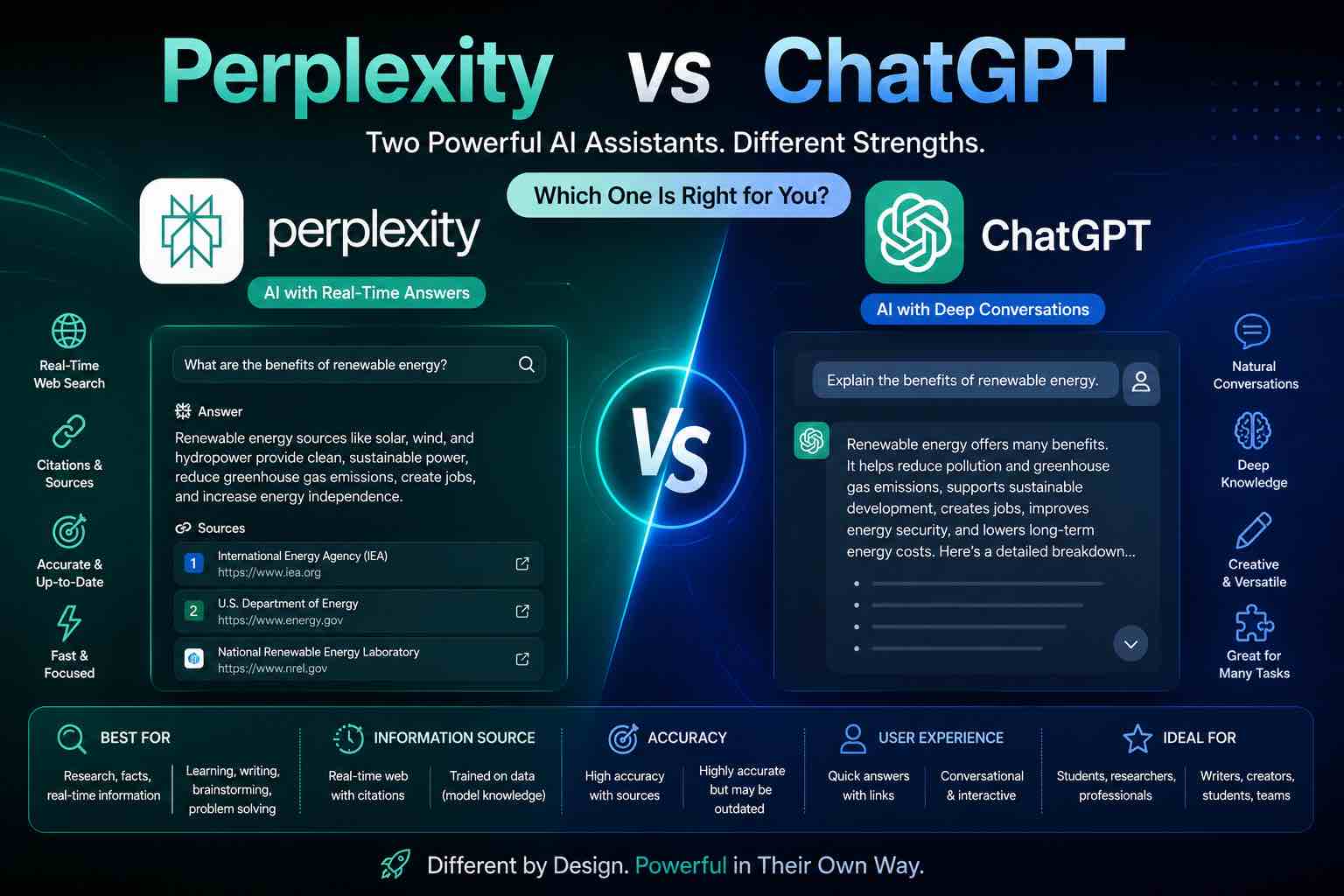
4) Perplexity (free) — best research helper with sources
Best for: background research, “what should I read?”, comparing explanations
Strengths: source links you can open and verify
Watch outs: links ≠ automatic truth — click through
When to use Perplexity vs ChatGPT: Perplexity vs ChatGPT.
5) Math & STEM helpers (use for steps, not shortcuts)
Tools like Photomath, Microsoft Math Solver, Symbolab-style apps, and Wolfram’s free layers help when you:
- Attempt the problem first
- Compare steps
- Re-solve a similar problem cold
Avoid screenshot → copy → submit. Teachers can usually tell — and you won’t remember it.
6) Notes → flashcards (free stack)
- Paste lecture notes into ChatGPT/Claude
- Generate 20 Q&A flashcards
- Import into Anki (or any free flashcard app)
- Review daily for 10 minutes
Create 20 flashcards from my notes.
Format: Front | Back
One fact per card. No yes/no questions.
Notes:
{{paste}}
Academic integrity (non-negotiable)
- Follow your school/university AI policy
- Use AI to learn, not to fake authorship
- Cite sources properly
- Expect oral follow-ups — if you can’t explain it, you didn’t learn it
- Don’t paste confidential personal data into random sites
Model choice context: ChatGPT vs Claude vs Gemini.
A free homework workflow that beats “just Google it”
For problem sets (25–40 min)
- Try 2 problems alone (10 min)
- Ask AI to explain the method for one stuck problem (5 min)
- Solve 2 new similar problems without AI (10–15 min)
- Mark mistakes and save a “weak topics” note (5 min)
For reading / essays (40–60 min)
- Read the assigned text yourself
- AI: outline your thesis options (not a full essay)
- You write the draft
- AI: critique clarity and structure
- You revise and cite
What usually does not work
- Sites that only sell “finished homework”
- Blind trust in AI citations
- Ten apps at once (pick two: one chat + one practice)
- Pasting the entire copyrighted textbook when policy forbids it
- Skipping retrieval practice
Protect focus while studying: The Attention Budget · AI Time Management Apps.
Free vs paid — when to upgrade
Stay free if you study a few times a week and limits rarely block you.
Upgrade only when you hit caps during real study sessions and the tool clearly raises quiz scores or clarity.
Closing checklist
- One primary free chat tutor chosen
- Explain → practice → check loop tested
- School AI policy reviewed
- Flashcard habit started (optional but powerful)
- No unedited AI submissions
Free AI homework helpers work when they act like a tutor, not an answer vending machine. Start with one chat tool, force yourself to attempt work first, and measure progress with quizzes you can pass cold.
Related Articles
Keep exploring on AutoThinkers — these guides pair well with this one:
- AI for Students: How to Study Smarter with ChatGPT, Claude & Free AI Tools (2026 Guide)
- Best ChatGPT Prompts for Students
- Perplexity vs ChatGPT (2026): Which AI Should You Use?
- ChatGPT vs Claude vs Gemini: Which AI Should You Use in 2026?
- Prompt Craft Tutorial: Write AI Prompts That Survive Real Work
- AI Time Management Apps in 2026 (What Actually Saves Your Week)
- The Attention Budget: Why Deep Thinkers Treat Focus Like Capital
- The Practical AI Toolkit for Solo Operators (2026)
- The Future of AI in Everyday Life (2026 Reality Check)
Keep exploring
Related Articles
Continue with 8 closely related AutoThinkers guides — more tutorials to deepen your AI workflow.
Tutorials
7 min read
AI for Students: How to Study Smarter with ChatGPT, Claude & Free AI Tools (2026 Guide)
Learn how to use AI for students the right way — study plans, note summaries, essay outlines, exam prep prompts, and academic integrity tips in one practical 2026 guide.
Comparisons
5 min read
ChatGPT vs Claude vs Gemini: Which AI Should You Use in 2026?
A clear ChatGPT vs Claude vs Gemini comparison for work, study, and content — strengths, weaknesses, pricing mindset, and which model to pick first.

Prompt Craft
5 min read
Best ChatGPT Prompts for Students (2026 Copy-Paste Library)
The best ChatGPT prompts for students — study plans, note summaries, practice quizzes, essay outlines, and exam prep templates you can copy today.

AI Tools
5 min read
How Small Businesses Can Use ChatGPT (Practical 2026 Guide)
How small businesses can use ChatGPT for customer replies, marketing drafts, SOPs, and admin work — with copy-paste prompts and a safe weekly workflow.
Workflows
7 min read
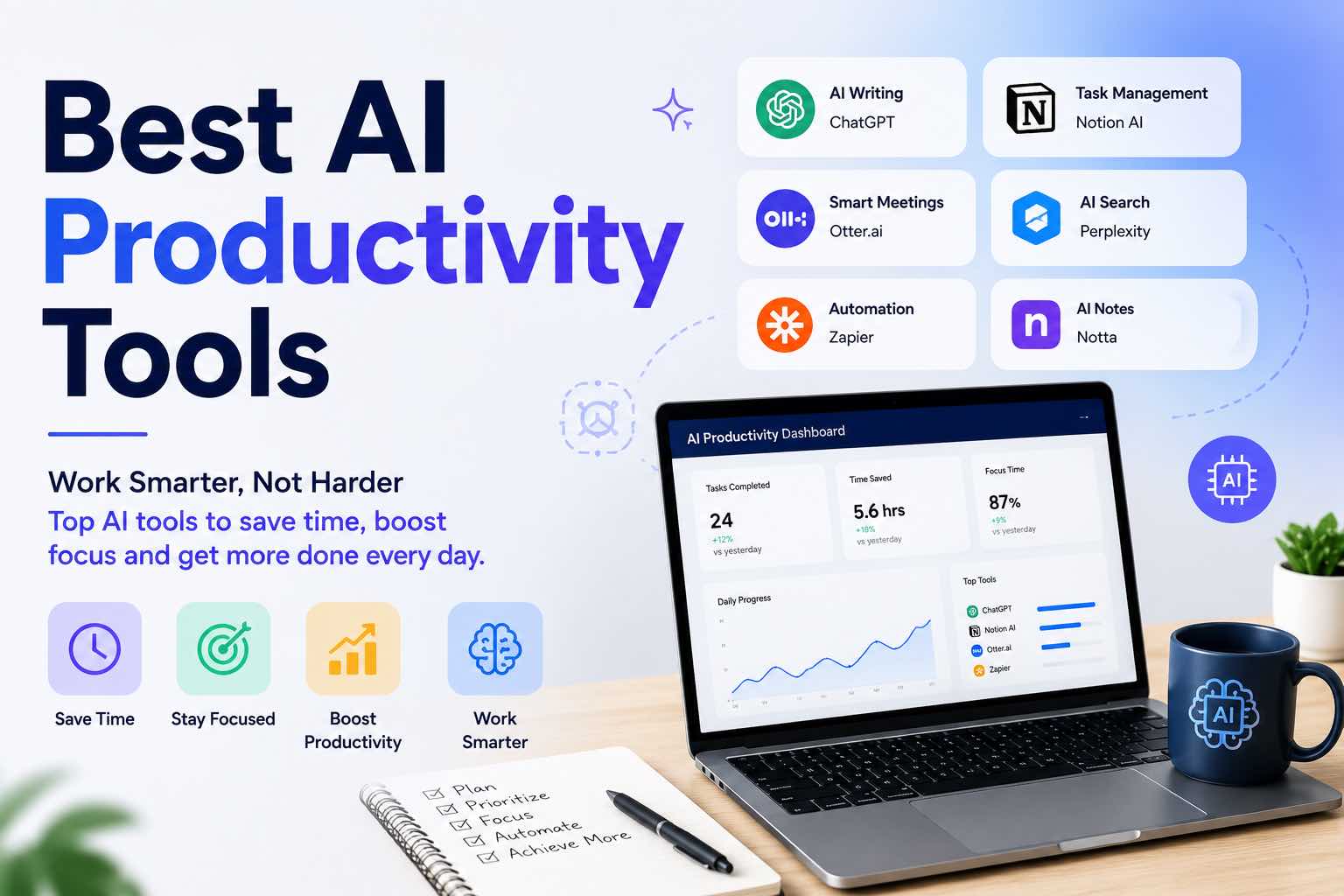
Best AI Productivity Tools in 2026 (Practical Stack That Saves Hours)
The best AI productivity tools for 2026 — writing, meetings, email, notes, and automation — plus a simple stack you can set up in one afternoon.

AI Content Creation
6 min read
Best AI Image Generators in 2026 (Practical Creator Guide)
Compare the best AI image generators in 2026 — Midjourney, DALL·E, Firefly, Ideogram, and free options — plus prompts, use cases, and which tool to pick first.

Tutorials
5 min read
Tutorial: Build an AI Content Workflow in 60 Minutes
A complete beginner-friendly workflow to research, draft, edit, and publish content with AI — including prompts, checkpoints, and a one-hour setup plan.
Comparisons
6 min read
Perplexity vs ChatGPT (2026): Which AI Should You Use?
Perplexity vs ChatGPT compared for research, citations, writing, and everyday work — when to search with sources, when to draft, and which to pick first.