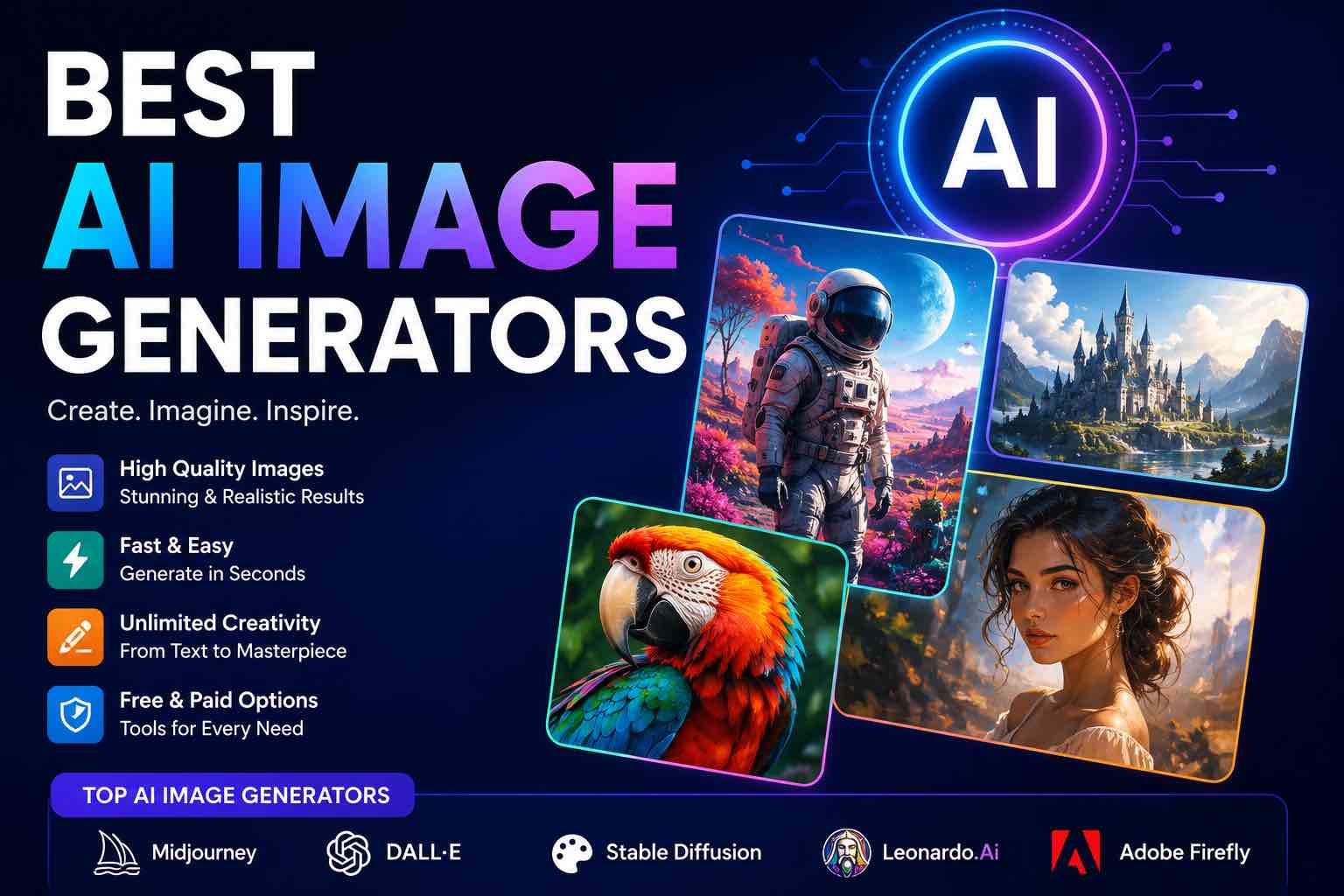
Best AI Image Generators in 2026 (Practical Creator Guide)
Compare the best AI image generators in 2026 — Midjourney, DALL·E, Firefly, Ideogram, and free options — plus prompts, use cases, and which tool to pick first.
AI image tools are no longer a novelty. For creators, marketers, and solo operators, the question is simpler: which generator gets usable visuals fastest without wrecking your workflow?
This guide compares the best AI image generators for 2026 with practical picks — not a never-ending app dump.
Pair with: The Practical AI Toolkit for Solo Operators · AI Content Workflow in 60 Minutes
Quick picks
| If you need… | Start with |
|---|---|
| Highest “wow” artistic quality | Midjourney |
| Fast drafts inside ChatGPT | DALL·E (ChatGPT images) |
| Brand-safe / commercial comfort | Adobe Firefly |
| Readable text in images (logos, posters) | Ideogram |
| Free / low-cost experiments | Microsoft Designer / Bing Image Creator, Leonardo free tier, or open models via hosts |
What to evaluate (ignore the hype)
Before you pay, score each tool on:
- Prompt control — does it follow composition, style, and constraints?
- Text-in-image — can it spell short headlines?
- Editing loop — inpainting, variations, upscales, remix
- Commercial terms — what your plan allows for client/brand use
- Speed to “good enough” — time from idea → publishable asset
- Stack fit — ChatGPT, Photoshop, Canva, Notion, etc.
1) Midjourney — best for polished creative images
Best for: concept art, moodboards, premium social visuals, stylized scenes
Strengths: strong aesthetics, community styles, powerful parameters
Watch outs: Discord/web workflow learning curve; check current commercial license for your plan
Use when: you care more about visual quality than one-click convenience.
Starter prompt pattern:
{{subject}}, {{setting}}, {{style}}, soft cinematic lighting,
shallow depth of field, high detail, --ar 16:9
Avoid: blurry faces, extra fingers, watermark, cluttered background
2) DALL·E / ChatGPT Images — best everyday default
Best for: quick blog headers, explainers, mockups, brainstorming visuals
Strengths: lives next to your writing prompts; easy iteration in chat
Watch outs: style can look generic unless you constrain it; always review faces/hands/text
Use when: you already draft in ChatGPT and need an image in the same session.
Prompt tip: describe purpose (“YouTube thumbnail for beginners”) + must-include elements + must-avoid.
3) Adobe Firefly — best for brand / design-team workflows
Best for: marketers and designers already in Adobe
Strengths: Photoshop/Express integration; trained with commercial-use posture in mind (verify current terms)
Watch outs: may feel less “wild creative” than Midjourney for some styles
Use when: clients expect Adobe-native files and safer stock-like generation.
4) Ideogram — best when the image must include words
Best for: posters, simple logos, quote cards, ad concepts with headlines
Strengths: stronger text rendering than many older generators
Watch outs: still proofread every letter before publishing
If your brief is “headline on a clean poster,” try Ideogram before Midjourney.
5) Leonardo, Flux-based apps, and other strong runners-up
These tools rotate features quickly. In 2026, treat them as:
- Leonardo — solid creator workspace, models, and community presets
- Flux-powered apps / playgrounds — often excellent realism and prompt adherence
- Canva AI / Adobe Express — best when layout + generation happen together
- Open-model hosts — flexible, but you own more of the ops/quality control
Pick one runner-up only after your primary tool is habit.
Free and low-cost options that still work
- Microsoft Designer / Bing Image Creator (great for learning prompts)
- Free tiers on creator platforms (watermark/limits vary)
- Template tools (Canva) when you need layout more than novel art
Free tools are perfect for prompt practice. Upgrade when you ship weekly and hit rate limits.
Midjourney vs DALL·E vs Firefly (decision table)
| Criteria | Midjourney | DALL·E / ChatGPT | Firefly |
|---|---|---|---|
| Artistic punch | Excellent | Good | Good |
| Convenience | Medium | Excellent | Excellent in Adobe |
| Text in image | Improving / mixed | Mixed | Mixed |
| Team/brand workflow | Medium | Good | Excellent |
| Best first job | Campaign visuals | Draft thumbnails | Design edits |
For a broader model choice (chat, not images), see ChatGPT vs Claude vs Gemini.
A practical image workflow (30 minutes)
- Brief (3 min): audience, platform, aspect ratio, one message
- Generate 4 variants (10 min) in your primary tool
- Pick 1 + edit (10 min): crop, fix text in Canva/Photoshop, remove artifacts
- Export pack (7 min): master + compressed web version + alt text
Alt text rule: describe the meaningful content, not “AI image.”
Prompt recipe that upgrades every generator
Role: commercial art director.
Create an image for: {{channel}} (aspect {{ratio}}).
Subject: {{who/what}}
Action/mood: {{verb + emotion}}
Style: {{photoreal / flat vector / collage / 3D}}
Must include: {{3 concrete elements}}
Must avoid: {{clutter, watermarks, unreadable text, distorted hands}}
Brand cues: {{colors / simple motif}}
Then iterate with: “Same composition, cleaner background, more negative space for a title.”
Common mistakes
- Generating 40 images instead of editing one good candidate
- Publishing unreadable AI text in logos/ads
- Ignoring license/plan limits for client work
- Using the same generic “cinematic lighting” prompt for every niche
- Skipping compression (huge PNGs kill page speed)
Which should you buy first?
- Creators / YouTubers: ChatGPT images for speed or Midjourney for premium stills
- Small businesses: Firefly or Canva AI + light ChatGPT image drafts
(How Small Businesses Can Use ChatGPT) - Designers: Firefly inside Adobe, Midjourney for exploration
- Students / beginners: free Microsoft Designer, then one paid tool when needed
Keep your wider stack boring and reliable — see Best AI Productivity Tools.
Closing checklist
- Primary image generator chosen (one only)
- Aspect ratios saved for your channels
- Prompt template saved
- Edit step defined (Canva/Photoshop/Express)
- License/plan checked for commercial use
- Alt text written before publish
The best AI image generator is the one that survives your real publishing cadence. Start with a default, learn one strong prompt pattern, and only then compare extras.
Related Articles
Keep exploring on AutoThinkers — these guides pair well with this one:
- Tutorial: Build an AI Content Workflow in 60 Minutes
- The Practical AI Toolkit for Solo Operators (2026)
- Best AI Productivity Tools in 2026 (Practical Stack That Saves Hours)
- Prompt Craft Tutorial: Write AI Prompts That Survive Real Work
- ChatGPT vs Claude vs Gemini: Which AI Should You Use in 2026?
- How Small Businesses Can Use ChatGPT
- AI for Small Business: A Practical Playbook That Pays for Itself
- Best ChatGPT Prompts for Students
- The Future of AI in Everyday Life (2026 Reality Check)
- Best AI Voice Generators in 2026 (Practical Creator Guide)
Keep exploring
Related Articles
Continue with 8 closely related AutoThinkers guides — more tutorials to deepen your AI workflow.
AI Content Creation
6 min read
Best AI Voice Generators in 2026 (Practical Creator Guide)
Compare the best AI voice generators in 2026 for YouTube, podcasts, courses, and product demos — quality, cloning ethics, pricing mindset, and which tool to pick first.
Workflows
7 min read
Best AI Productivity Tools in 2026 (Practical Stack That Saves Hours)
The best AI productivity tools for 2026 — writing, meetings, email, notes, and automation — plus a simple stack you can set up in one afternoon.
Workflows
6 min read
AI Time Management Apps in 2026 (What Actually Saves Your Week)
The best AI time management apps for 2026 — planning, focus, meetings, and task triage — plus a simple system you can run without tool overload.
Tutorials
7 min read
AI for Students: How to Study Smarter with ChatGPT, Claude & Free AI Tools (2026 Guide)
Learn how to use AI for students the right way — study plans, note summaries, essay outlines, exam prep prompts, and academic integrity tips in one practical 2026 guide.
AI Tools
6 min read
AI for Small Business: A Practical Playbook That Pays for Itself
A clear guide to using AI in a small business — where to start, which tasks to automate first, copy-paste prompts, and a 30-day rollout plan.
Comparisons
5 min read
ChatGPT vs Claude vs Gemini: Which AI Should You Use in 2026?
A clear ChatGPT vs Claude vs Gemini comparison for work, study, and content — strengths, weaknesses, pricing mindset, and which model to pick first.
Tutorials
6 min read
Free AI Homework Helpers That Actually Work (2026 Student Guide)
Free AI homework helpers that actually help you learn — ChatGPT, Claude, Gemini, Photomath-style tools, and study workflows — plus academic integrity rules.
Comparisons
6 min read
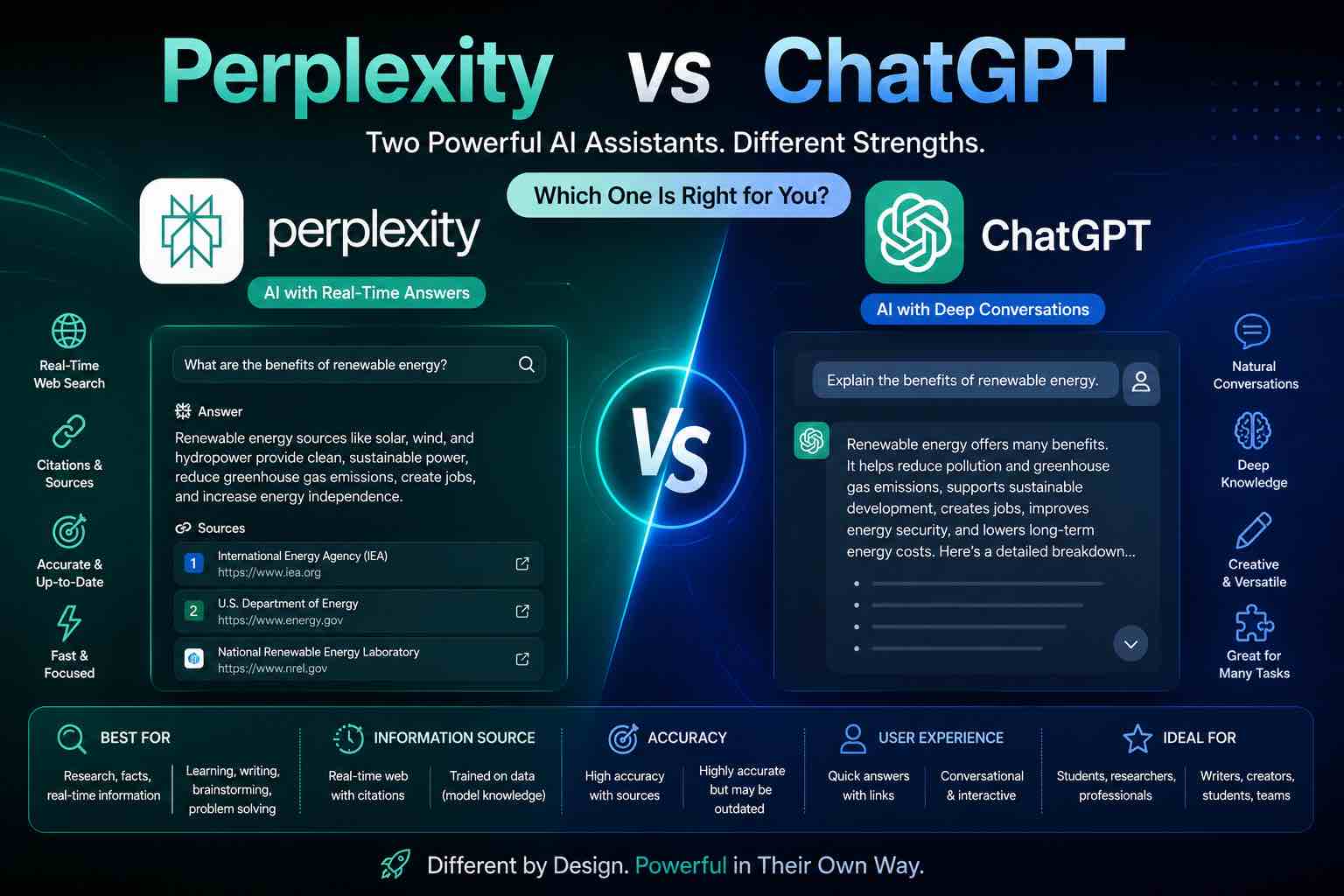
Perplexity vs ChatGPT (2026): Which AI Should You Use?
Perplexity vs ChatGPT compared for research, citations, writing, and everyday work — when to search with sources, when to draft, and which to pick first.