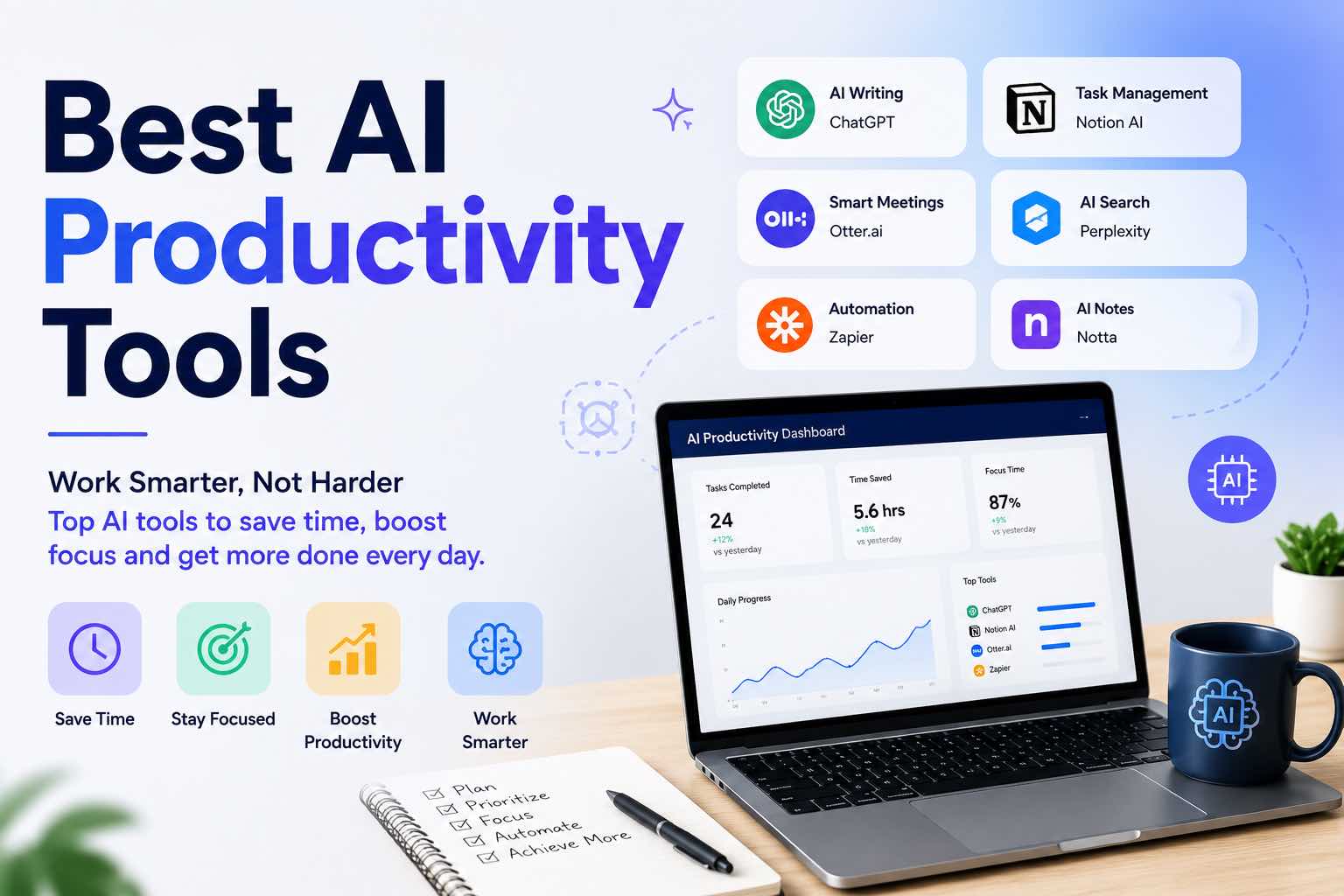
Best AI Productivity Tools in 2026 (Practical Stack That Saves Hours)
The best AI productivity tools for 2026 — writing, meetings, email, notes, and automation — plus a simple stack you can set up in one afternoon.
Most “best AI tools” lists are just long directories. This one is different: a small productivity stack that removes shallow work — drafting, meeting notes, email triage, and repetitive admin — without turning your week into tool babysitting.
If you only keep five AI habits this year, start here.
What “AI productivity” actually means
A tool counts as productive when it does at least one of these every week:
- Cuts drafting time (emails, docs, outlines)
- Turns messy inputs into decisions (meetings, notes, research)
- Removes repetitive clicks (summaries, formatting, follow-ups)
- Improves focus by shrinking context-switching
If an app is fun but unused after seven days, it is not a productivity tool — it is clutter.
The 2026 productivity stack (recommended)
| Job | Best starting tool type | Why it earns a slot |
|---|---|---|
| Think & draft | ChatGPT / Claude / Gemini | Fast first drafts and rewrite loops |
| Meetings | AI meeting assistant / transcript + summary | Actions instead of fuzzy memory |
| AI draft assist inside your inbox or chat | Shorter reply time | |
| Notes & recall | Notes app + AI summarize/Q&A | Find decisions later |
| Automation | Zapier / Make / native automations | Move finished text between apps |
Pick one tool per job. Overlap is how stacks die.
1) Best AI writing & thinking tools
ChatGPT
Best for: everyday drafting, brainstorming, light research, coding help
Use it when: you need a first draft, outline, or critique in minutes
Skip if: you only need Google Docs–native help (consider Gemini)
Claude
Best for: careful long-document rewrites, proposals, SOPs
Use it when: you paste a long draft and want sharper structure
Skip if: you need heavy plugin ecosystems first
Gemini
Best for: productivity inside Google Workspace
Use it when: your notes and docs already live in Drive/Gmail
Skip if: your stack is Notion/Microsoft-first
How to choose one default: run the same three prompts in each model, then keep the winner. Full matrix: ChatGPT vs Claude vs Gemini.
Operator tip: productivity gains come from better prompts, not from switching models every Monday.
2) Best AI meeting assistants
Look for tools that can:
- Capture transcript (with permission)
- Extract decisions and action items
- Tag owners / due dates when stated
- Export to your notes or task app
Good fits: dedicated meeting notetakers (Otter-style / Fireflies-style / native Zoom/Meet AI) — pick the one that plugs into your calendar with the least friction.
Weekly workflow (10 minutes after each important call):
Paste transcript or summary.
Extract:
## Decisions
## Actions (owner · task · deadline)
## Risks
## Customer language worth saving
Ignore small talk. Do not invent owners.
3) Best AI email helpers
AI email tools win when they:
- Draft replies in your tone
- Shorten long threads
- Suggest next steps (not fluff)
Practical approach for most people:
- Keep your current inbox (Gmail/Outlook)
- Use ChatGPT/Claude with a saved “reply draft” prompt
- Or enable native AI draft features if your plan includes them
Copy-paste prompt:
Role: concise professional email writer.
Objective: draft a reply I can send after a 60-second edit.
Thread:
{{paste}}
Constraints:
- Under 120 words
- Clear next step
- No fake urgency
- Match a calm, direct tone
Output: subject (if needed) + body
Small businesses can go deeper with How Small Businesses Can Use ChatGPT.
4) Best AI note-taking & second-brain helpers
You do not need a perfect “second brain.” You need:
- One place notes land
- AI summarize / ask-my-notes
- Links between decisions and evidence
Solid patterns in 2026:
- Notion AI / similar for databases + summaries
- Obsidian + AI plugins if you like local Markdown
- Google Docs + Gemini if Workspace is home
Rule: capture first, organize weekly. AI cannot fix an empty inbox of thoughts.
5) Best AI task & project helpers
AI is weak at “managing your life” and strong at:
- Turning notes into task lists
- Breaking projects into next actions
- Rewriting fuzzy goals into checklists
Use AI to generate tasks. Use a real task app to track them.
Turn this project note into a checklist.
Project: {{name}}
Outcome: {{done looks like}}
Constraints: max 9 next actions, ordered by dependency.
Flag anything that needs a human decision.
6) Best AI automation tools (only after the checklist works)
Automate transport, not judgment:
- New form → summary in Slack
- Meeting actions → task board
- Approved newsletter draft → scheduler
Tools in this lane: Zapier, Make, n8n, or built-in app automations.
Do not automate a messy process. Write the SOP first, then connect the pipes. For content ops, see Build an AI Content Workflow in 60 Minutes.
A one-afternoon setup plan
Hour 1 — Primary model
- Choose ChatGPT, Claude, or Gemini
- Save 3 prompts: outline, rewrite, email reply
Hour 2 — Meetings + notes
- Enable one meeting assistant (or transcript habit)
- Pick one notes home
Hour 3 — Weekly loop
- Calendar a 30-minute Friday review:
- Which AI draft shipped?
- Which tool was ignored?
- What prompt gets promoted to your library?
What to avoid in 2026
- Installing 12 “AI productivity” apps in one weekend
- Paying for overlapping writers that do the same job
- Publishing or sending unedited AI text
- Pasting confidential client data into random free tools
- Automating before you have a checklist
Protect attention like capital — see The Attention Budget — or your new tools become another interruption source.
Sample stacks by role
Solo creator / freelancer
- ChatGPT or Claude (draft + critique)
- One notes app
- Optional meeting notetaker
- Delay automation until weekly publishing is stable
Small business owner
- ChatGPT for replies and marketing drafts
- Meeting summaries for client calls
- One SOP folder (AI-assisted checklists)
Student / knowledge worker
- One model for study/work drafts
- Notes + quiz/recall workflow
(students: AI for Students · Best ChatGPT Prompts for Students)
Closing checklist
- One primary AI chat tool chosen
- Three saved prompts (outline, rewrite, email)
- One notes home
- Meeting → actions habit tested once
- No overlapping paid tools for the same job
- Friday 30-minute review on the calendar
The best AI productivity tools are the ones that show up in your real week. Start with one drafting model, one notes home, and one meeting summary habit — then expand only what saves measurable hours.
Related Articles
Keep exploring on AutoThinkers — these guides pair well with this one:
- The Practical AI Toolkit for Solo Operators (2026)
- Prompt Craft Tutorial: Write AI Prompts That Survive Real Work
- ChatGPT vs Claude vs Gemini: Which AI Should You Use in 2026?
- Tutorial: Build an AI Content Workflow in 60 Minutes
- How Small Businesses Can Use ChatGPT
- The Attention Budget: Why Deep Thinkers Treat Focus Like Capital
- Designing Personal Systems That Survive Contact With Real Weeks
- AI for Students: How to Study Smarter with ChatGPT, Claude & Free AI Tools (2026 Guide)
- Best ChatGPT Prompts for Students
- Best AI Image Generators in 2026 (Practical Creator Guide)
- The Future of AI in Everyday Life (2026 Reality Check)
- AI Time Management Apps in 2026 (What Actually Saves Your Week)
- Microsoft Copilot vs ChatGPT (2026): Which Should You Use?
Keep exploring
Related Articles
Continue with 8 closely related AutoThinkers guides — more tutorials to deepen your AI workflow.
Workflows
6 min read
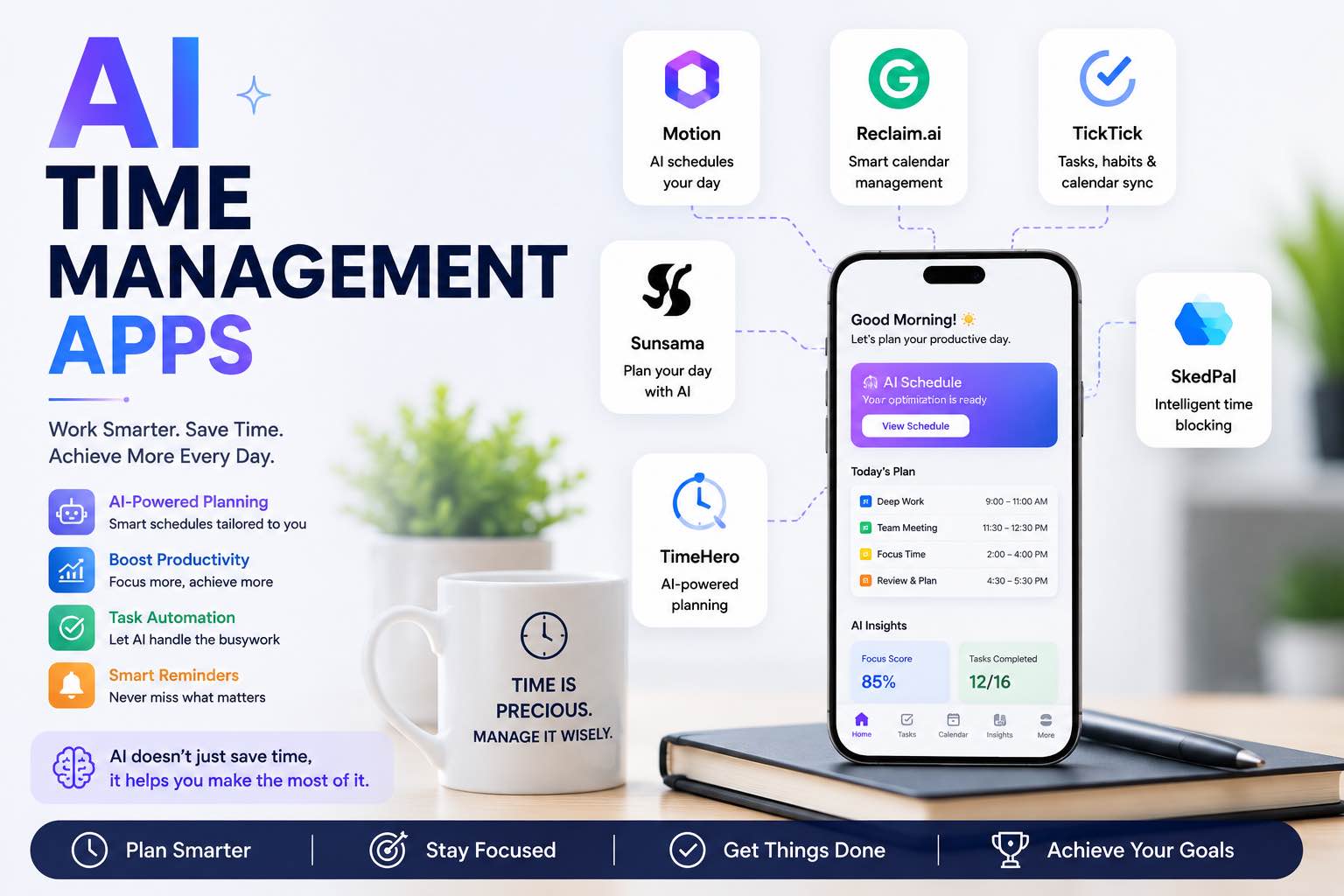
AI Time Management Apps in 2026 (What Actually Saves Your Week)
The best AI time management apps for 2026 — planning, focus, meetings, and task triage — plus a simple system you can run without tool overload.
AI Tools
5 min read
The Practical AI Toolkit for Solo Operators (2026)
A clear starter stack of AI tools for creators and solo operators — what to use, what to skip, and how to set it up in one afternoon.

AI Content Creation
6 min read
Best AI Image Generators in 2026 (Practical Creator Guide)
Compare the best AI image generators in 2026 — Midjourney, DALL·E, Firefly, Ideogram, and free options — plus prompts, use cases, and which tool to pick first.
AI Content Creation
6 min read
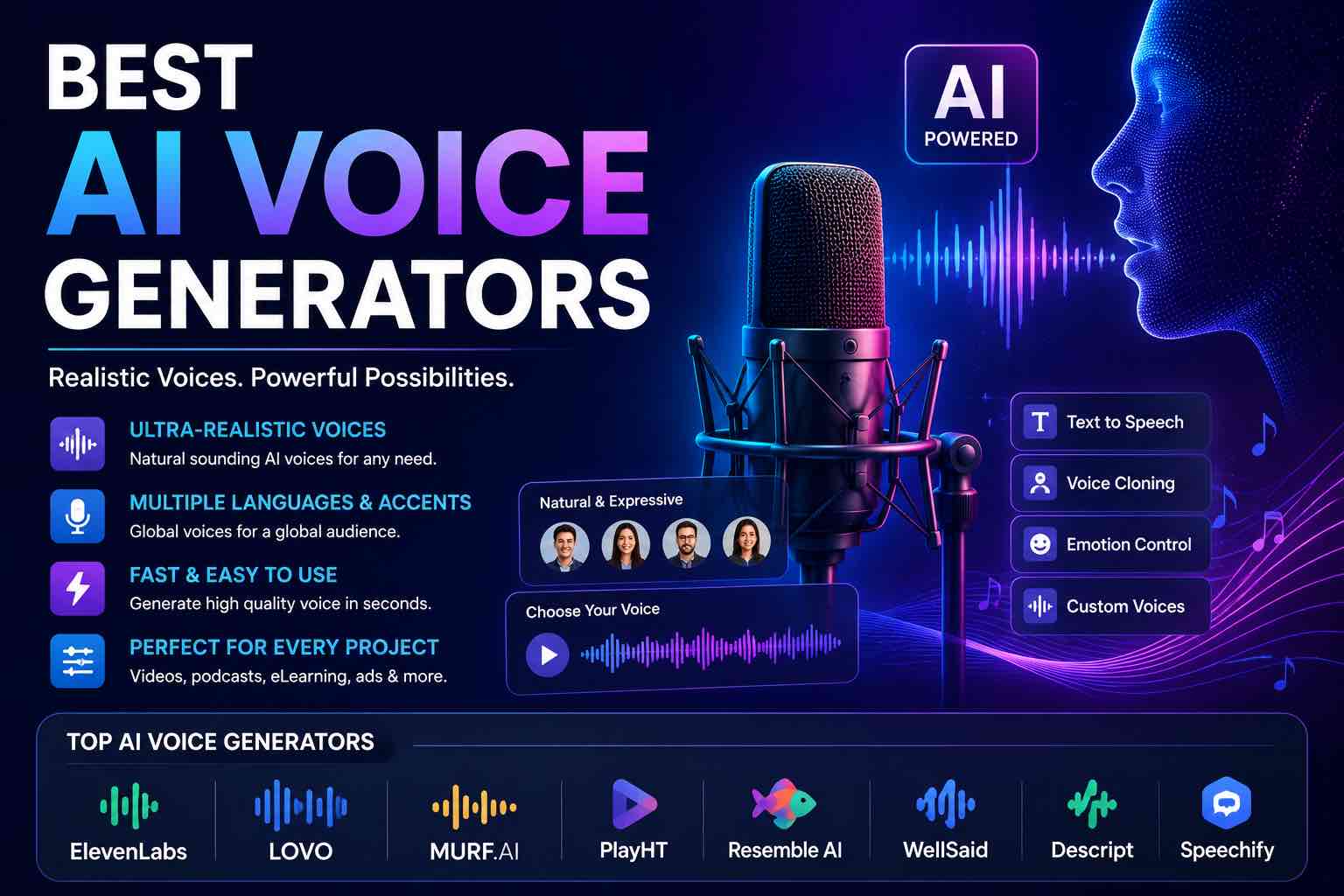
Best AI Voice Generators in 2026 (Practical Creator Guide)
Compare the best AI voice generators in 2026 for YouTube, podcasts, courses, and product demos — quality, cloning ethics, pricing mindset, and which tool to pick first.
Tutorials
6 min read
Free AI Homework Helpers That Actually Work (2026 Student Guide)
Free AI homework helpers that actually help you learn — ChatGPT, Claude, Gemini, Photomath-style tools, and study workflows — plus academic integrity rules.
Comparisons
6 min read
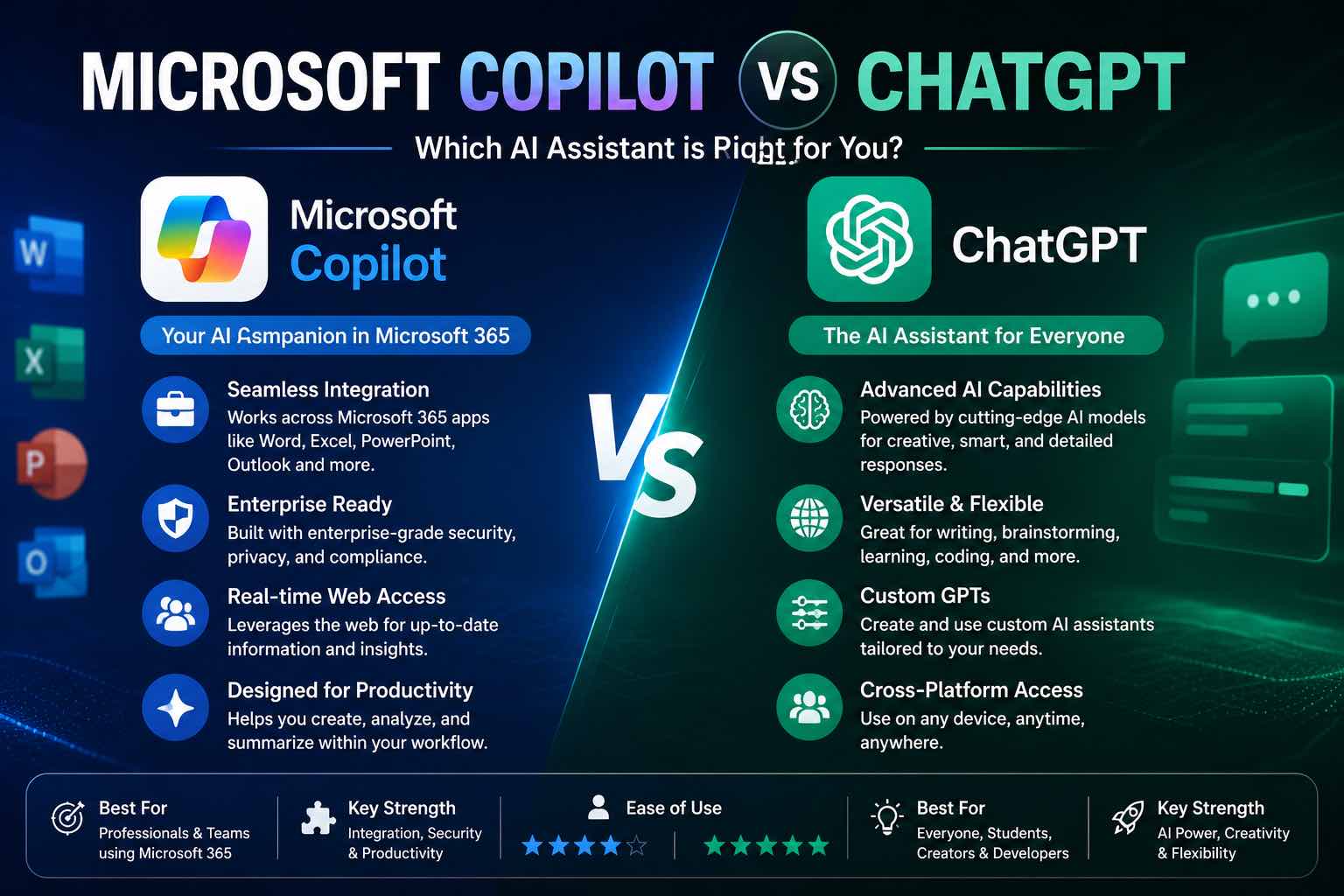
Microsoft Copilot vs ChatGPT (2026): Which Should You Use?
Microsoft Copilot vs ChatGPT compared for work, Office apps, writing, and everyday tasks — strengths, weaknesses, pricing mindset, and which to pick first.

Prompt Craft
5 min read
Best ChatGPT Prompts for Students (2026 Copy-Paste Library)
The best ChatGPT prompts for students — study plans, note summaries, practice quizzes, essay outlines, and exam prep templates you can copy today.

Systems Thinking
5 min read
Designing Personal Systems That Survive Contact With Real Weeks
Most personal operating systems die by Wednesday. Here is how to design workflows that bend under load instead of shattering.