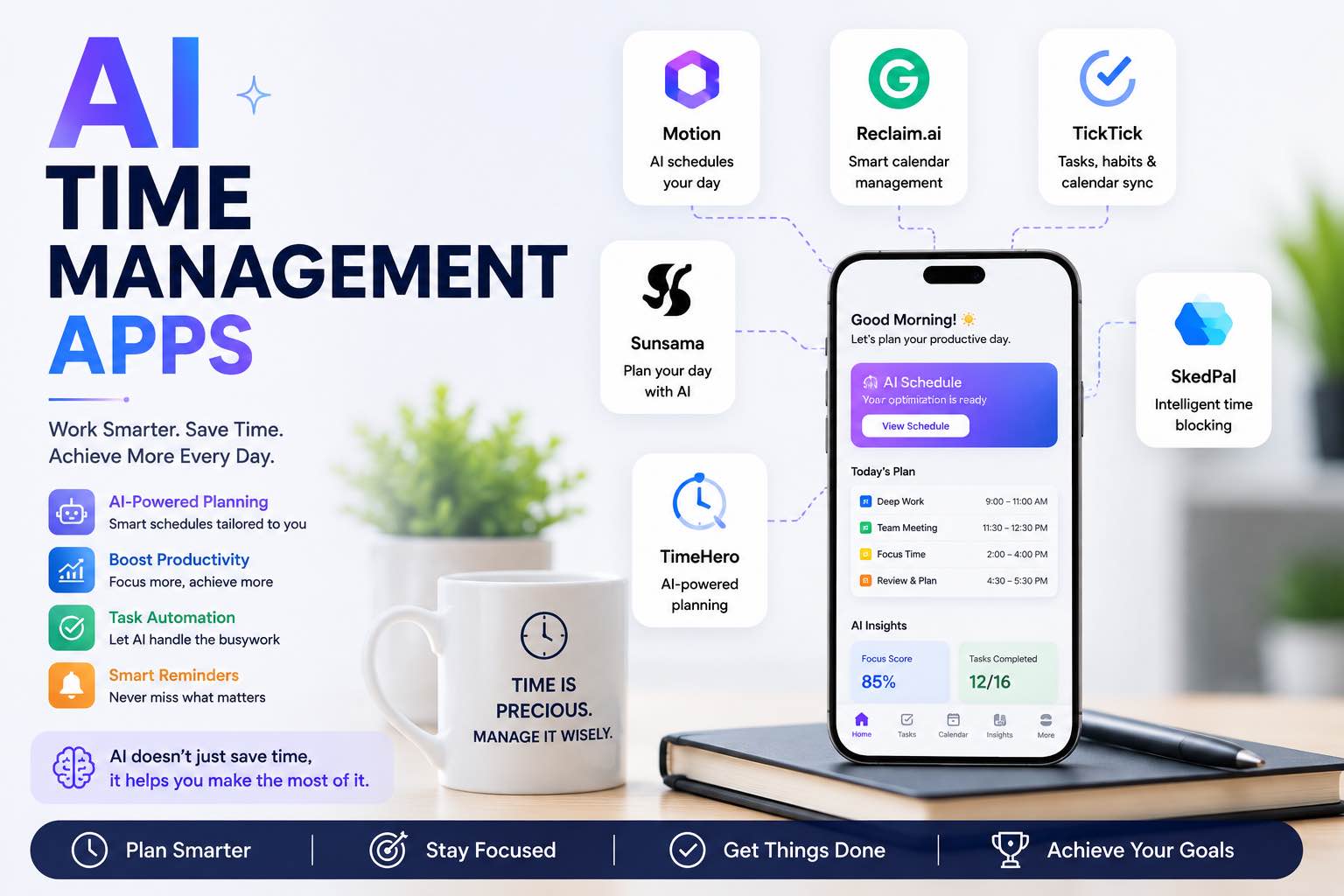
AI Time Management Apps in 2026 (What Actually Saves Your Week)
The best AI time management apps for 2026 — planning, focus, meetings, and task triage — plus a simple system you can run without tool overload.
Most people do not need another colorful planner. They need fewer decisions about when to do what — and fewer meetings that erase the day.
AI time management apps help when they turn messy inputs (emails, notes, wishes) into a realistic schedule. They fail when they become a second job.
This guide shows which AI time tools are worth a slot in 2026, and a simple system that survives busy weeks.
Related stack: Best AI Productivity Tools · The Attention Budget
What “AI time management” should do
A useful app should help with at least two of these:
- Plan — turn a task list into time blocks
- Protect — defend focus blocks from random booking
- Triage — rank what matters today
- Capture meetings — actions with owners, not just transcripts
- Review — show where your hours actually went
If a tool only sends motivational notifications, skip it.
Quick picks by job
| Job | Tool type to start with | Why |
|---|---|---|
| Daily planning | AI planner / chat + calendar | Converts tasks → blocks |
| Focus work | Calendar defenses + focus timer | Protects maker time |
| Meeting load | AI meeting assistant | Shrinks follow-up debt |
| Task chaos | AI inside your task app | Prioritizes next actions |
| Habit / routines | Simple tracker + reminders | Consistency over cleverness |
1) AI calendar & scheduling assistants
Examples of the category: Motion-style auto-schedulers, Reclaim-style habit defenders, Clockwise-style meeting optimizers, native Google/Outlook AI suggestions.
Best for: people whose calendar is the bottleneck
Strengths: auto-finds slots, defends focus time, reshuffles when meetings move
Watch outs: over-automation can hide bad priorities; you still choose what matters
Use if: you already live in Google Calendar or Outlook and meetings constantly collide with deep work.
Operator rule: let AI place the blocks — you set the priority list every morning in 5 minutes.
2) AI task managers (to-do apps with brains)
Category: Todoist / TickTick / Notion / ClickUp-style tools with AI rewrite, breakdown, and prioritize features (names and plans change — buy for the job, not the logo).
Best for: breaking projects into next actions
Strengths: “make this doable” prompts, natural-language add, weekly cleanup
Watch outs: AI that creates 40 micro-tasks you’ll ignore
Prompt inside any AI task tool:
Project: {{name}}
Deadline: {{date}}
Energy today: {{low/medium/high}}
Break into max 7 next actions.
Order by dependency.
Flag anything that needs a human decision before starting.
3) AI meeting time reclaimers
Meetings are a time-management problem disguised as collaboration.
Use an AI notetaker / summary tool so every important call produces:
- Decisions
- Actions (owner · task · deadline)
- Open questions
Then decline or shorten meetings that never produce those outputs.
Pair with the meeting workflow in Best AI Productivity Tools.
4) AI focus & distraction guards
Category: focus timers, website blockers with smart schedules, “focus mode” assistants that silence noisy apps during maker blocks.
Best for: protect 1–2 deep blocks daily
Strengths: removes decision fatigue about “should I check Slack?”
Watch outs: shame-based streak apps; prefer calm defaults
If attention feels bankrupt, read The Attention Budget before buying another timer.
5) ChatGPT / Claude as a free time coach
You do not always need a specialized app. A strong chat model can:
- Build a day plan from your task dump
- Cut a overloaded calendar
- Design a weekly template
Morning planning prompt:
Role: realistic chief of staff.
Here is my calendar (busy blocks) and task dump.
{{paste}}
Constraints:
- Max 2 deep-work blocks
- Include buffers
- Leave 30% slack for surprises
- Be honest about what will not fit today
Output:
1. Today’s top 3 outcomes
2. Time-blocked schedule
3. Parking lot (not today)
For model choice: ChatGPT vs Claude vs Gemini.
For better prompts: Prompt Craft Tutorial.
A simple AI time system (no stack bloat)
Daily (10 minutes)
- Dump tasks into one list
- Ask AI for top 3 outcomes + a schedule draft
- Place 1–2 focus blocks on the calendar
- Move the rest to “parking lot”
Weekly (30 minutes)
- Review where time went (calendar truth > memory)
- Kill or shrink one recurring meeting
- Update next week’s template (maker days vs meeting days)
- Cancel any AI app you did not open
This matches the resilient-systems idea in Personal Systems That Survive Real Weeks.
Comparison lens: which app should you pay for?
| Situation | Pay for | Stay free |
|---|---|---|
| Calendar constantly fights you | AI scheduler / focus defender | ChatGPT day plans |
| Tasks everywhere | One AI task manager | Notes + weekly cleanup |
| Meeting-heavy role | Meeting assistant | Manual notes (unsustainable) |
| Solo maker days | Focus guard + chat planner | Fancy auto-scheduler |
Rule: one paid time tool max until it clearly returns hours.
Mistakes that waste time (ironically)
- Installing four planners in one weekend
- Letting AI schedule low-value tasks into prime morning hours
- Tracking everything, reviewing nothing
- Accepting every AI-generated subtask
- Automating a broken weekly meeting culture
Small businesses: protect owner maker time first — see How Small Businesses Can Use ChatGPT and AI for Small Business.
Closing checklist
- One calendar system of record
- One task list (not five)
- Morning top-3 + AI schedule draft habit
- Two protected focus blocks this week
- Meeting → actions workflow tested
- Only one paid time app (or none)
AI time management apps help when they reduce decisions and defend focus. Start with a chat-based daily plan and calendar protection — then buy a specialized scheduler only if the calendar is still the bottleneck.
Related Articles
Keep exploring on AutoThinkers — these guides pair well with this one:
- Best AI Productivity Tools in 2026 (Practical Stack That Saves Hours)
- The Attention Budget: Why Deep Thinkers Treat Focus Like Capital
- Designing Personal Systems That Survive Contact With Real Weeks
- Prompt Craft Tutorial: Write AI Prompts That Survive Real Work
- ChatGPT vs Claude vs Gemini: Which AI Should You Use in 2026?
- The Practical AI Toolkit for Solo Operators (2026)
- The Future of AI in Everyday Life (2026 Reality Check)
- How Small Businesses Can Use ChatGPT
- Tutorial: Build an AI Content Workflow in 60 Minutes
Keep exploring
Related Articles
Continue with 8 closely related AutoThinkers guides — more tutorials to deepen your AI workflow.
Workflows
7 min read
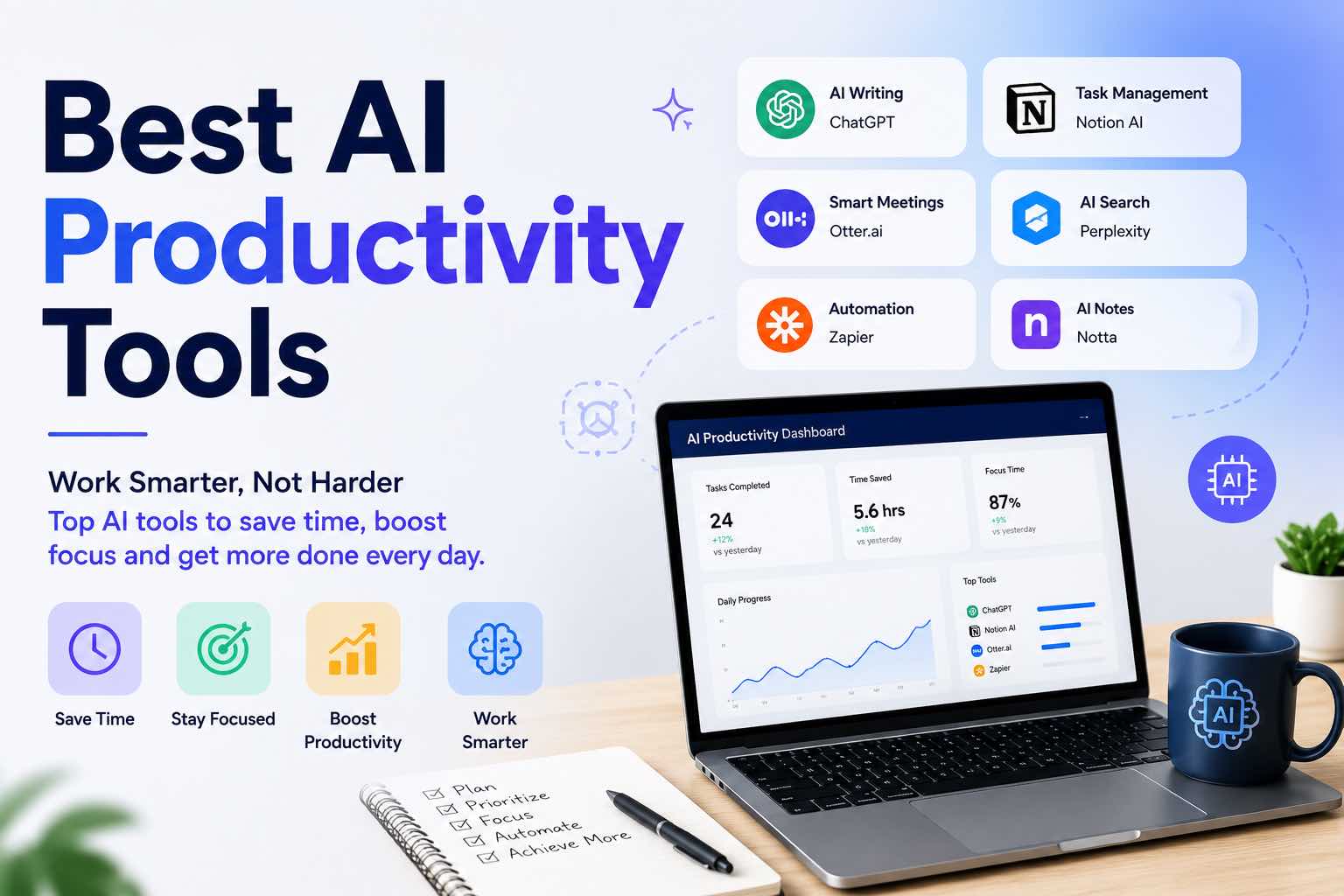
Best AI Productivity Tools in 2026 (Practical Stack That Saves Hours)
The best AI productivity tools for 2026 — writing, meetings, email, notes, and automation — plus a simple stack you can set up in one afternoon.

AI Content Creation
6 min read
Best AI Image Generators in 2026 (Practical Creator Guide)
Compare the best AI image generators in 2026 — Midjourney, DALL·E, Firefly, Ideogram, and free options — plus prompts, use cases, and which tool to pick first.

AI Content Creation
6 min read
Best AI Voice Generators in 2026 (Practical Creator Guide)
Compare the best AI voice generators in 2026 for YouTube, podcasts, courses, and product demos — quality, cloning ethics, pricing mindset, and which tool to pick first.
AI Tools
5 min read
The Practical AI Toolkit for Solo Operators (2026)
A clear starter stack of AI tools for creators and solo operators — what to use, what to skip, and how to set it up in one afternoon.
Tutorials
6 min read
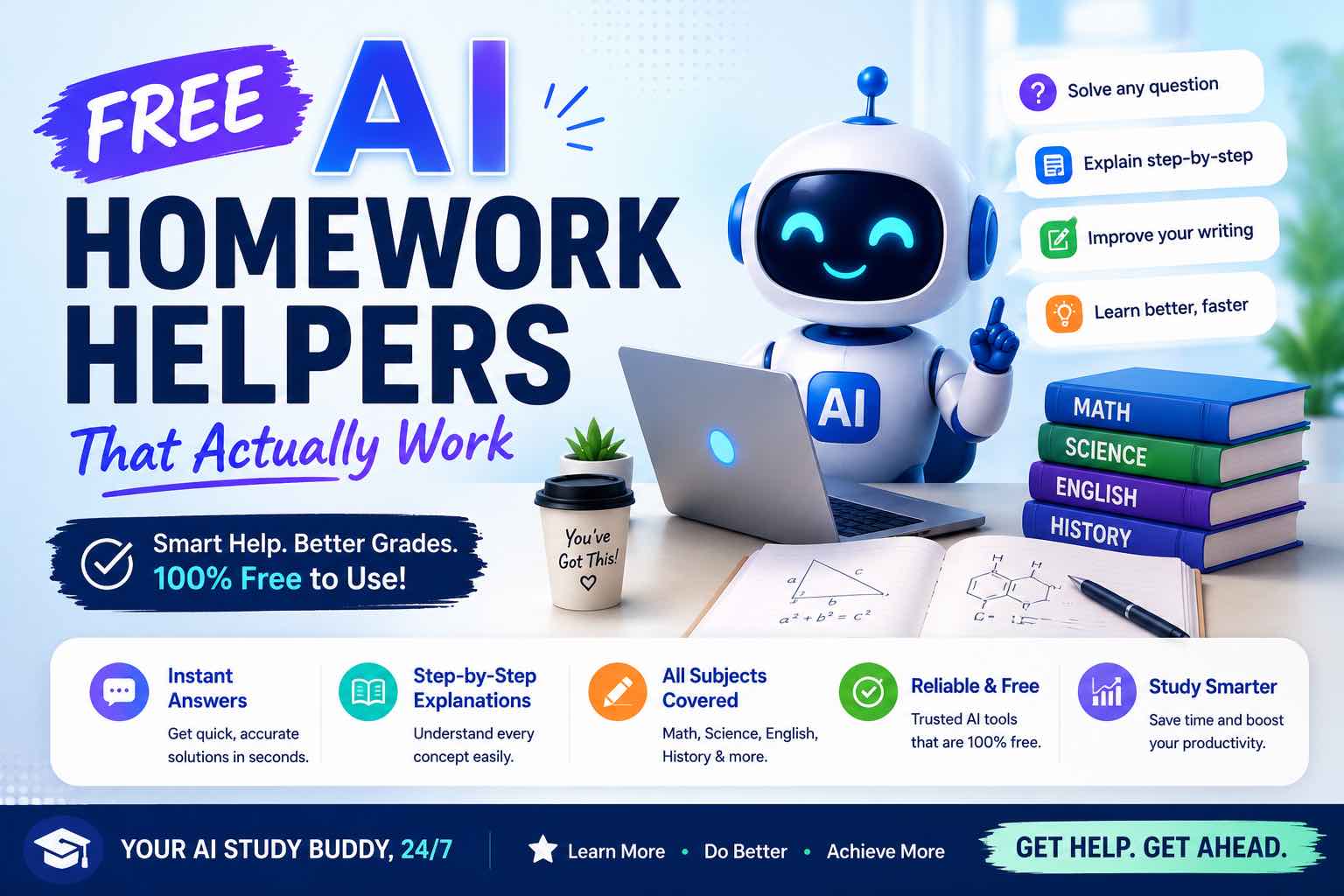
Free AI Homework Helpers That Actually Work (2026 Student Guide)
Free AI homework helpers that actually help you learn — ChatGPT, Claude, Gemini, Photomath-style tools, and study workflows — plus academic integrity rules.
Comparisons
6 min read
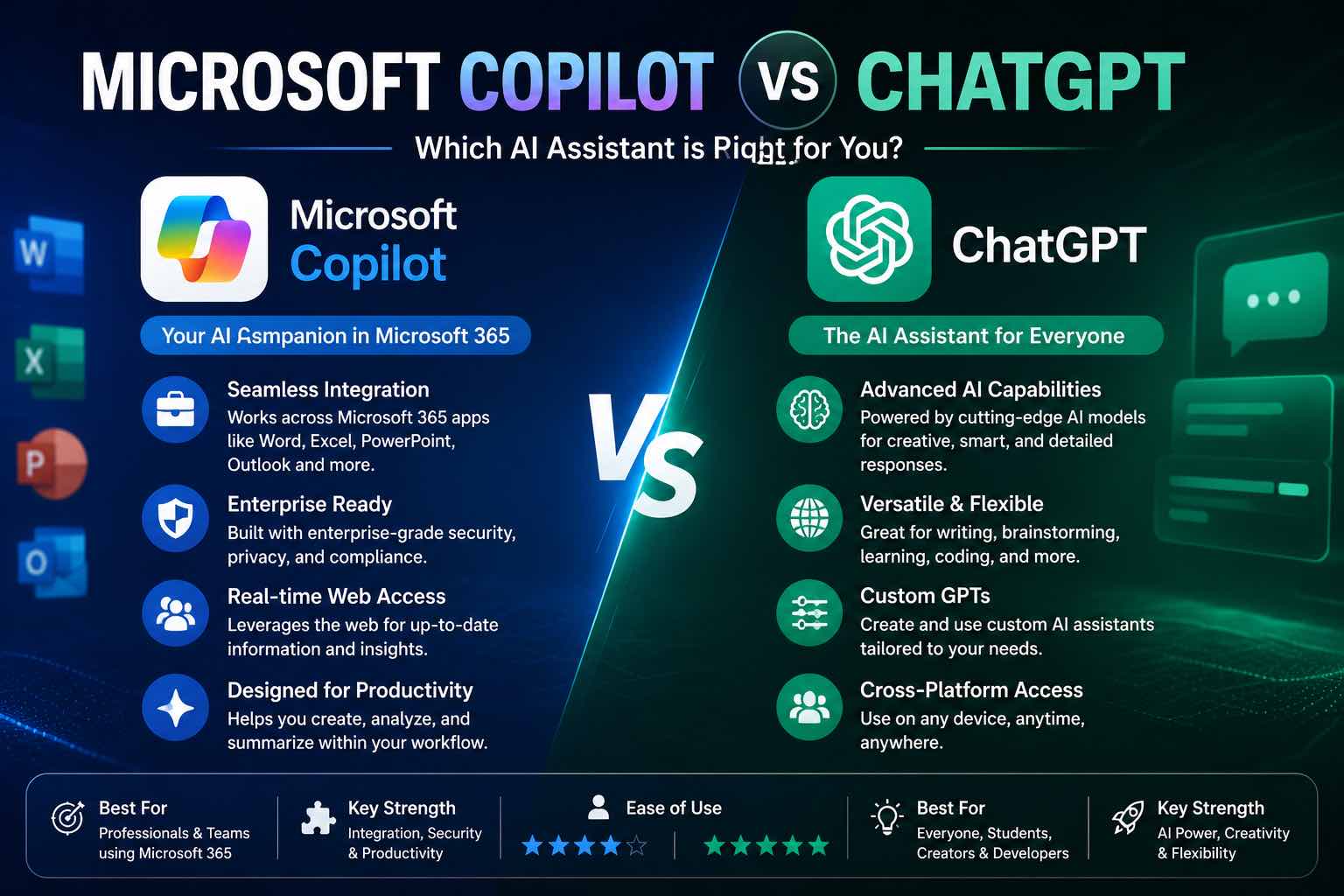
Microsoft Copilot vs ChatGPT (2026): Which Should You Use?
Microsoft Copilot vs ChatGPT compared for work, Office apps, writing, and everyday tasks — strengths, weaknesses, pricing mindset, and which to pick first.

AI Trends
6 min read
The Future of AI in Everyday Life (2026 Reality Check)
How AI will show up in everyday life — home, work, learning, health, and money — what’s already here, what’s coming next, and how to prepare without the hype.

Deep Work
6 min read
The Attention Budget: Why Deep Thinkers Treat Focus Like Capital
Most knowledge work fails not from lack of intelligence, but from bankrupt attention. Here is a practical operating system for protecting cognitive capital.