The Practical AI Toolkit for Solo Operators (2026)
A clear starter stack of AI tools for creators and solo operators — what to use, what to skip, and how to set it up in one afternoon.
Most people do not need twenty AI apps. They need a small toolkit that reliably removes shallow work.
This AutoThinkers guide is for creators, founders, freelancers, and solo operators who want a practical AI stack — not a bookmark graveyard.
The rule: one job per tool
Before installing anything, assign jobs:
| Job | Example outcome |
|---|---|
| Think & draft | Briefs, outlines, first drafts |
| Research assist | Summaries with sources to verify |
| Repetitive ops | Email triage, meeting notes, formatting |
| Make media | Thumbnails, diagrams, short clips |
| Build software | Code help, refactors, tests |
If two tools share the same job, keep the one you open weekly.
The recommended starter stack
1. Primary reasoning model (required)
Pick one strong general model as your home base:
- ChatGPT — broad ecosystem, strong everyday drafting
- Claude — excellent long-document work and careful rewriting
- Gemini — strong when your life already lives in Google Workspace
Tutorial setup (15 minutes):
- Create a Project / custom workspace named after your business
- Upload only non-sensitive reference docs (brand voice, FAQ, offer sheet)
- Save three reusable prompts: Outline, Draft, Critique
- Turn on memory features carefully — or keep a manual “context note” you paste
2. Notes system that stores prompts (required)
AI without a notes home becomes chat chaos.
Use Notion, Obsidian, Apple Notes, or Google Docs — whatever you already trust.
Create four folders:
PromptsWorkflowsOutputs to editDecisions
3. Transcription + meeting cleanup (high ROI)
If you take calls, add a transcription tool (Otter, Granola, Fireflies, or built-in meeting notes).
Workflow:
- Record / transcribe
- Paste transcript into your primary model
- Ask for: decisions, open loops, customer language, next actions
- File the cleaned note the same day
4. Optional image / media tool
Add Midjourney, Ideogram, or Canva AI only if visuals are part of your offer.
Skip this layer if writing and ops are your bottleneck.
5. Optional automation layer
Zapier, Make, or n8n come after a manual workflow works twice.
Automating a broken process just creates expensive mess.
One-afternoon setup tutorial
Hour 1 — Choose and configure
- Pick primary model + notes app
- Create your workspace
- Write a 10-line “About my work” context block
Hour 2 — Build your first three prompts
Outline prompt
Role: senior operator and clear writer.
Task: turn my rough notes into a structured outline.
Constraints: no fluff, keep my voice, mark assumptions.
Output: H2/H3 outline + open questions.
Notes:
{{paste}}
Draft prompt
Expand this outline into a practical draft.
Audience: {{who}}
Tone: direct, specific, no hype.
Include examples and a short checklist at the end.
Outline:
{{outline}}
Critique prompt
Critique this draft like a skeptical editor.
Flag: unclear claims, missing steps, weak CTA, generic advice.
Return: rewrite plan in 7 bullets, then a tighter intro.
Draft:
{{draft}}
Hour 3 — Run a real task end-to-end
Pick one unfinished piece of work:
- newsletter
- landing page section
- client proposal
- SOP
Run Outline → Draft → Critique → human edit → publish/send.
If that loop works, your toolkit is already valuable.
What to avoid in 2026
- Tool hopping every week
- Paying for five “AI writing” apps that do the same thing
- Pasting private customer data into random free tools
- Publishing unedited AI text
- Building automations before you have a checklist
A simple monthly review
Once a month, ask:
- Which tool did I open most?
- Which paid tool did I ignore?
- Which prompt produced reusable output?
- What still needs a human judgment step?
Cancel ignored tools. Promote winning prompts into your notes system.
Closing
A practical AI toolkit is boring on purpose: one strong model, one notes home, one transcription habit, and optional media/automation later.
Master that stack before chasing the next launch. When you are ready for the next guide, we will go deeper on prompts, workflows, and tool-by-tool tutorials.
Related Articles
Keep exploring on AutoThinkers — these 7 guides pair well with this one:
- Prompt Craft Tutorial: Write AI Prompts That Survive Real Work
- Tutorial: Build an AI Content Workflow in 60 Minutes
- AI for Small Business: A Practical Playbook That Pays for Itself
- AI for Students: How to Study Smarter with ChatGPT, Claude & Free AI Tools (2026 Guide)
- The Attention Budget: Why Deep Thinkers Treat Focus Like Capital
- Designing Personal Systems That Survive Contact With Real Weeks
- Lattice Thinking: How to Connect Ideas Without Drowning in Notes
- ChatGPT vs Claude vs Gemini: Which AI Should You Use in 2026?
- How Small Businesses Can Use ChatGPT
- Best AI Productivity Tools in 2026 (Practical Stack That Saves Hours)
- Best AI Image Generators in 2026 (Practical Creator Guide)
- The Future of AI in Everyday Life (2026 Reality Check)
- Best AI Voice Generators in 2026 (Practical Creator Guide)
Keep exploring
Related Articles
Continue with 8 closely related AutoThinkers guides — more tutorials to deepen your AI workflow.
Workflows
7 min read
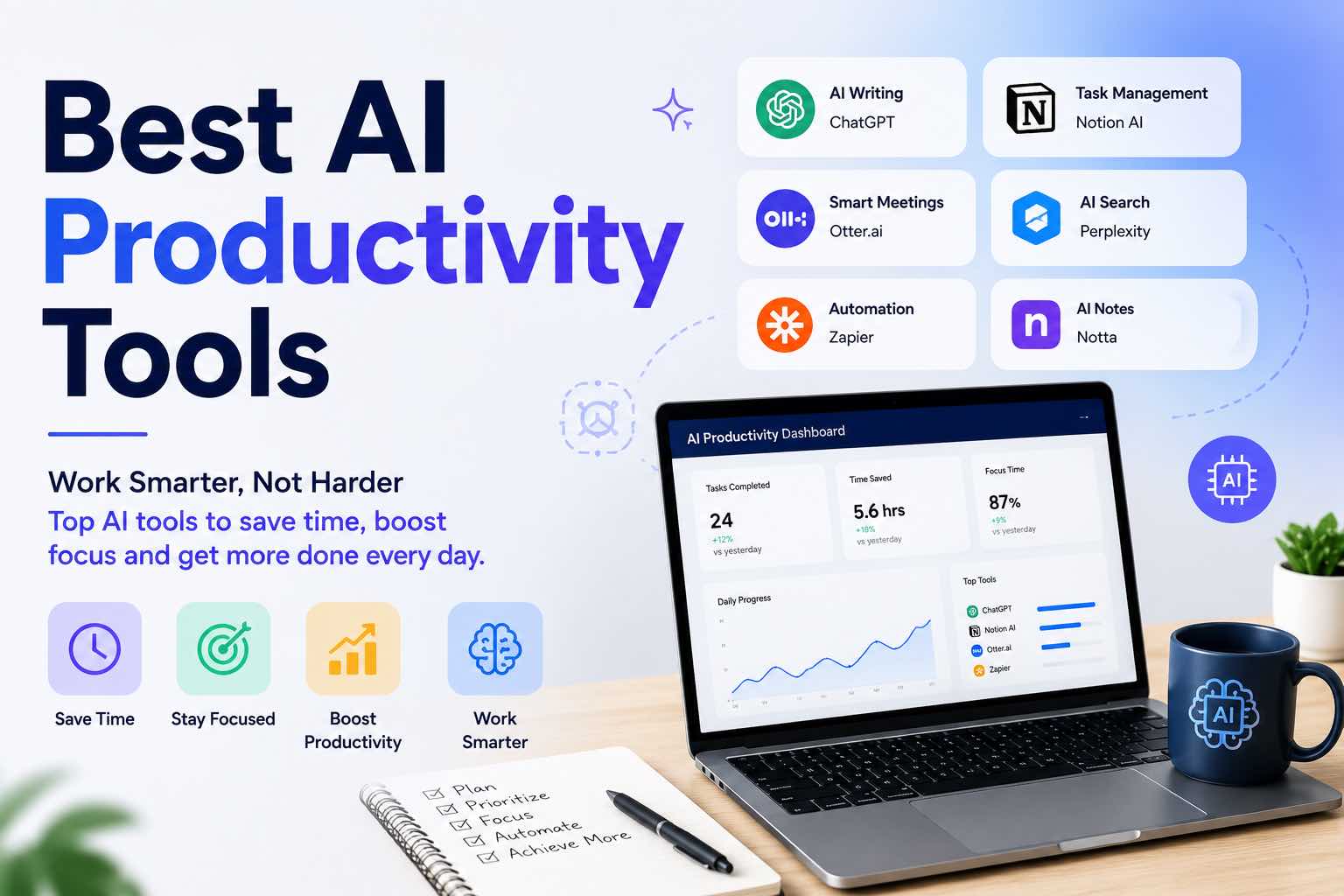
Best AI Productivity Tools in 2026 (Practical Stack That Saves Hours)
The best AI productivity tools for 2026 — writing, meetings, email, notes, and automation — plus a simple stack you can set up in one afternoon.
Workflows
6 min read
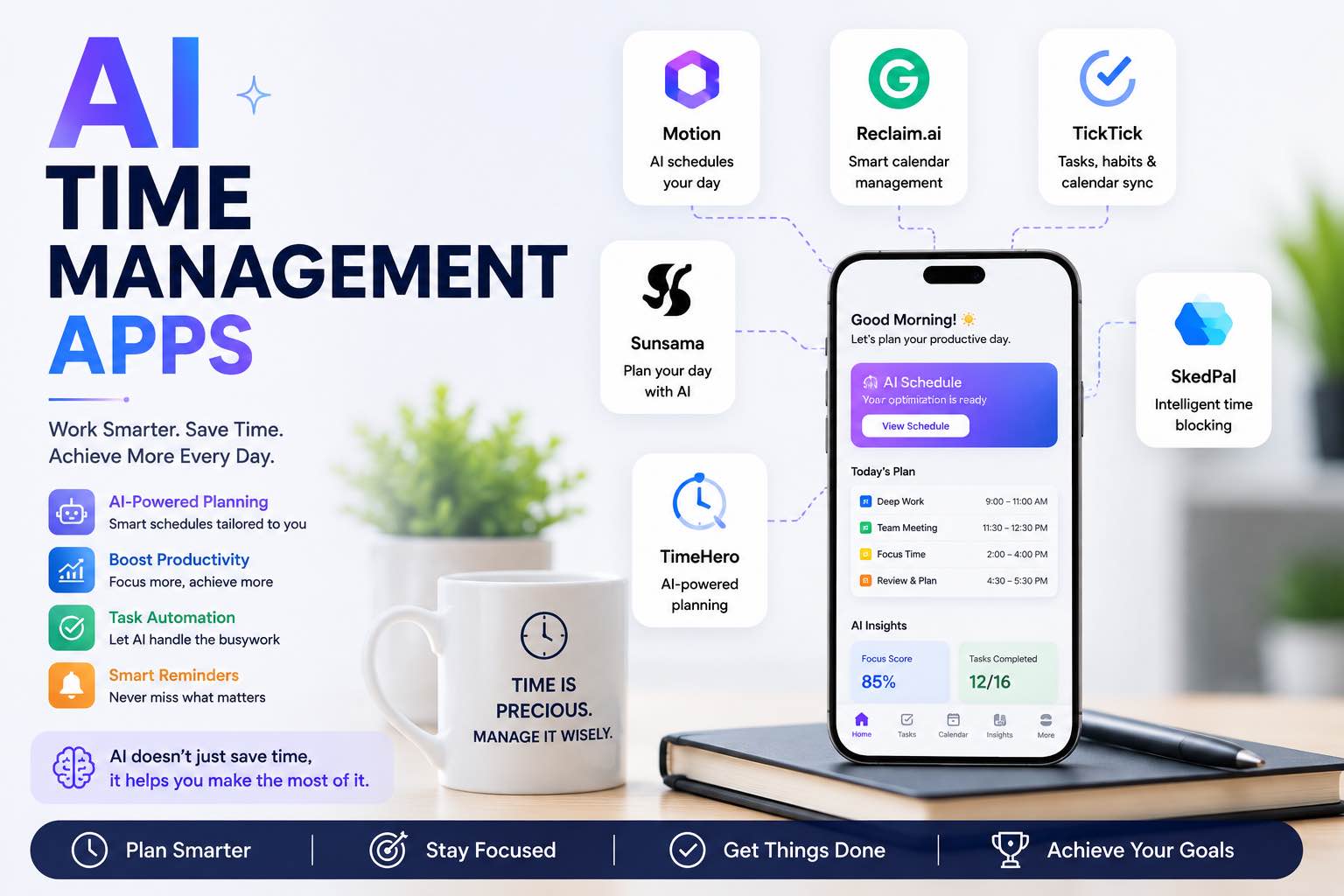
AI Time Management Apps in 2026 (What Actually Saves Your Week)
The best AI time management apps for 2026 — planning, focus, meetings, and task triage — plus a simple system you can run without tool overload.
AI Tools
5 min read
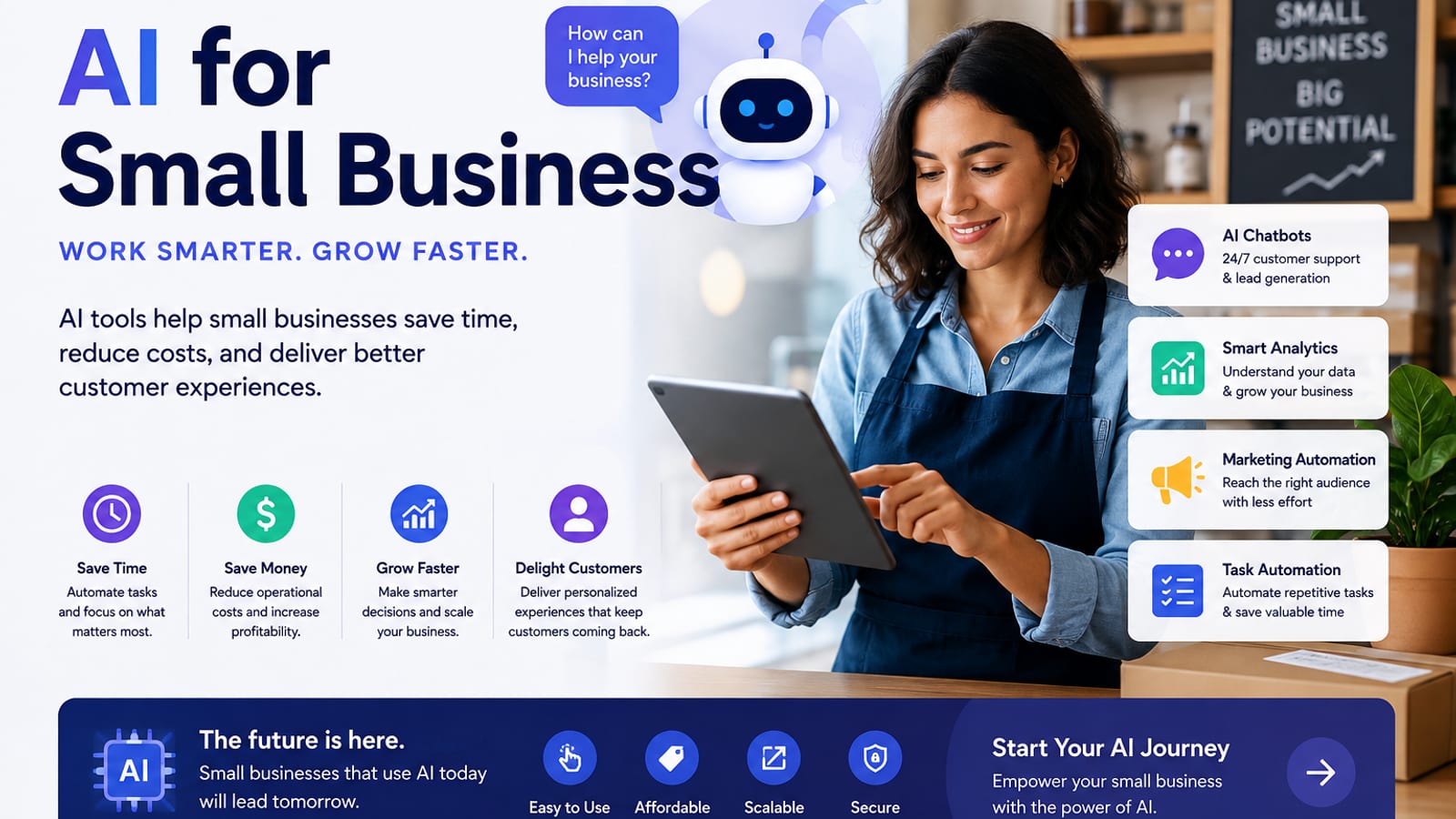
How Small Businesses Can Use ChatGPT (Practical 2026 Guide)
How small businesses can use ChatGPT for customer replies, marketing drafts, SOPs, and admin work — with copy-paste prompts and a safe weekly workflow.
AI Tools
6 min read
AI for Small Business: A Practical Playbook That Pays for Itself
A clear guide to using AI in a small business — where to start, which tasks to automate first, copy-paste prompts, and a 30-day rollout plan.

Comparisons
5 min read
ChatGPT vs Claude vs Gemini: Which AI Should You Use in 2026?
A clear ChatGPT vs Claude vs Gemini comparison for work, study, and content — strengths, weaknesses, pricing mindset, and which model to pick first.
AI Content Creation
6 min read
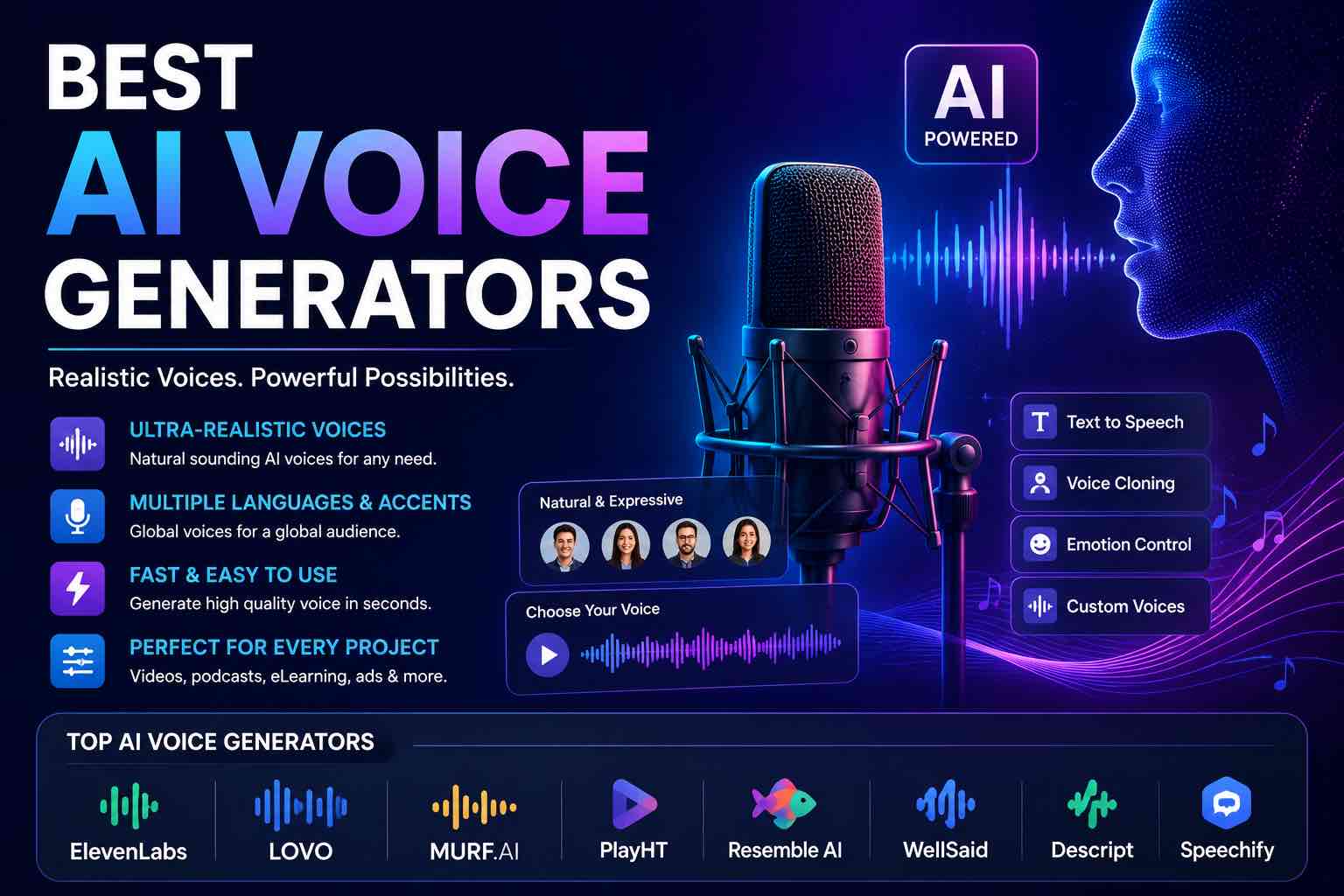
Best AI Voice Generators in 2026 (Practical Creator Guide)
Compare the best AI voice generators in 2026 for YouTube, podcasts, courses, and product demos — quality, cloning ethics, pricing mindset, and which tool to pick first.
Comparisons
6 min read
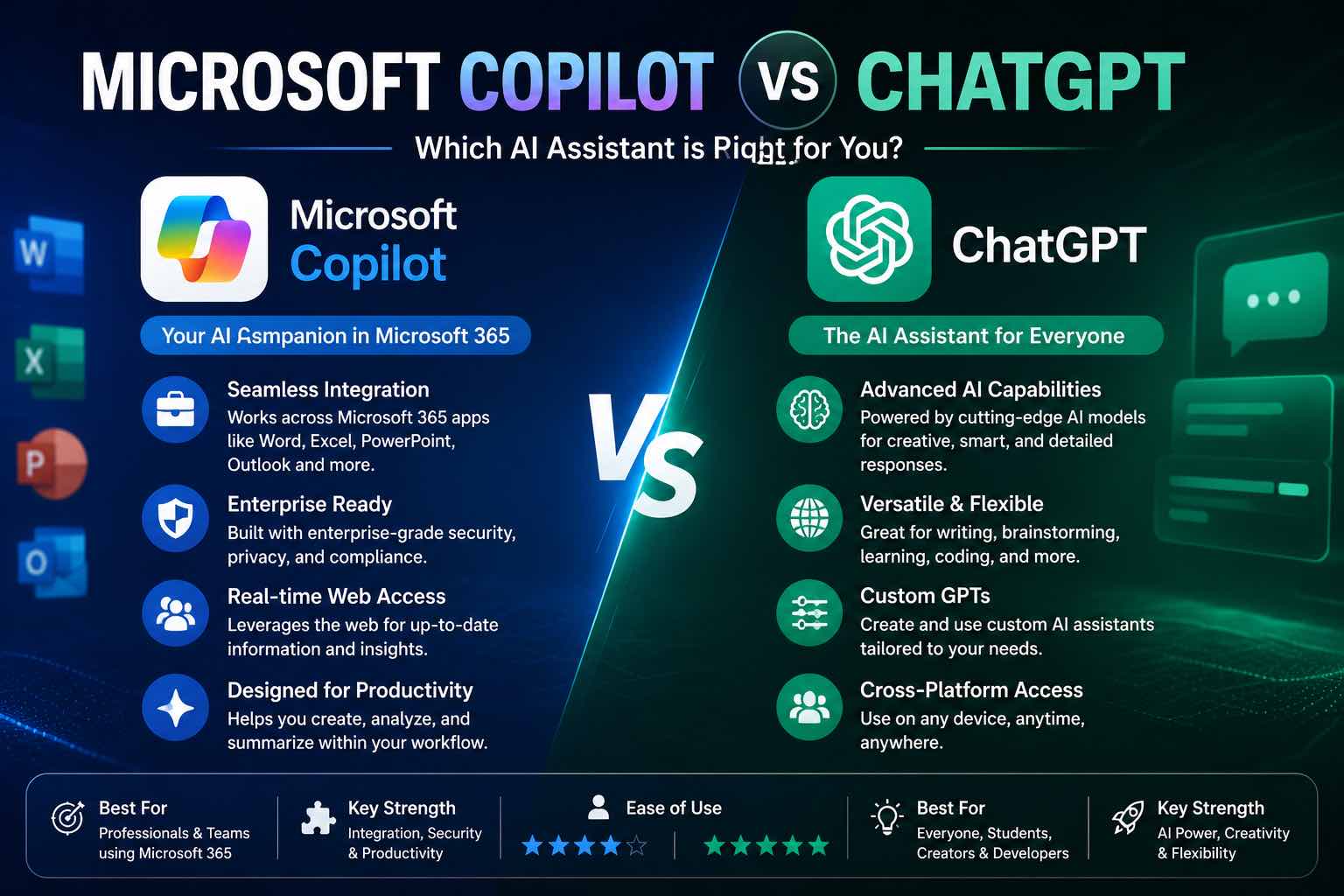
Microsoft Copilot vs ChatGPT (2026): Which Should You Use?
Microsoft Copilot vs ChatGPT compared for work, Office apps, writing, and everyday tasks — strengths, weaknesses, pricing mindset, and which to pick first.

AI Content Creation
6 min read
Best AI Image Generators in 2026 (Practical Creator Guide)
Compare the best AI image generators in 2026 — Midjourney, DALL·E, Firefly, Ideogram, and free options — plus prompts, use cases, and which tool to pick first.