
Tutorial: Build an AI Content Workflow in 60 Minutes
A complete beginner-friendly workflow to research, draft, edit, and publish content with AI — including prompts, checkpoints, and a one-hour setup plan.
If AI has made you faster at starting drafts but slower at finishing them, you need a workflow, not another tool.
This tutorial builds a 60-minute AI content system you can reuse for blog posts, newsletters, LinkedIn threads, and tutorials.
Outcome
By the end you will have:
- A repeatable content pipeline
- Saved prompts for each stage
- A quality gate before publishing
- One finished draft from a real topic
The 6-stage pipeline
- Topic lock
- Angle & outline
- Research assist
- Draft
- Human edit + fact check
- Package for SEO/publish
AI helps most in stages 2–4. You stay responsible for 1, 5, and 6.
Minute 0–10: Topic lock
Write these three lines before opening any AI chat:
Topic:
Reader:
Finished artifact:
Example:
Topic: AI image tools for YouTubers
Reader: creators who film weekly and hate thumbnail busywork
Finished artifact: a tutorial with a recommended starter tool + 5 prompts
No topic lock = endless generation.
Minute 10–20: Angle & outline
Prompt
Role: content strategist.
Turn this topic lock into 3 angles and one detailed outline.
Prefer practical tutorial structure.
Include:
- promised outcome
- steps
- tools needed
- mistakes section
Topic lock:
{{paste}}
Pick one angle. Delete the rest.
Minute 20–30: Research assist
Prompt
List the key concepts a beginner must understand for this outline.
For each concept: 1-sentence explanation + what I should verify manually.
Then list 8 search queries I should run.
Outline:
{{paste}}
Do a quick verification pass on anything product-specific (pricing, features, limits change constantly).
Minute 30–45: Draft
Prompt
Write a complete tutorial draft from this outline.
Voice: clear, specific, no hype.
Use short paragraphs and numbered steps.
Include copy-paste prompts in fenced code blocks.
Add a checklist near the end.
Do not invent product claims.
Outline + notes:
{{paste}}
Save the draft into your notes app immediately.
Minute 45–55: Human edit gate
Run this critique prompt, then edit yourself:
Critique this draft for a busy beginner.
Flag:
- missing prerequisites
- vague steps
- unverifiable claims
- weak ending
Return a punch list only.
Draft:
{{paste}}
Your non-negotiables:
- Every step is doable
- Every tool claim is checked
- The reader knows what “done” looks like
Minute 55–60: Package for publish
Generate SEO extras only after the draft is solid:
Based on this final draft, produce:
1. SEO title options (5)
2. Meta description (150-160 chars)
3. URL slug
4. 5 tags
5. Social post (2 versions)
Draft:
{{paste}}
Workflow board you can copy
| Stage | Status | Owner | AI role |
|---|---|---|---|
| Topic lock | ☐ | You | None |
| Outline | ☐ | You + AI | Structure |
| Research | ☐ | You + AI | Questions + summaries |
| Draft | ☐ | AI then you | Speed |
| Edit / verify | ☐ | You | Critique support |
| Publish package | ☐ | AI then you | Metadata |
Example: one post in one hour
Topic lock: “How to use Claude Projects for client work”
- Outline in 8 minutes
- Research assist for Project setup caveats
- Draft tutorial with screenshots placeholders
- Edit for accuracy
- Publish package: title, meta, tags
That is a real AutoThinkers-style tutorial loop.
Guardrails
- Never paste confidential client files into consumer AI tools unless your plan and policy allow it
- Keep a human as final editor
- Track prompts that produce wins
- Retire workflows that create cleanup debt
Closing checklist
- Topic lock written
- One outline chosen
- Draft saved outside the chat
- Claims verified
- Meta/slug/tags prepared
- Prompt versions filed for reuse
Master this hour-long loop and AI becomes a publishing system — not a distraction engine.
Related Articles
Keep exploring on AutoThinkers — these 7 guides pair well with this one:
- Prompt Craft Tutorial: Write AI Prompts That Survive Real Work
- The Practical AI Toolkit for Solo Operators (2026)
- AI for Small Business: A Practical Playbook That Pays for Itself
- AI for Students: How to Study Smarter with ChatGPT, Claude & Free AI Tools (2026 Guide)
- The Attention Budget: Why Deep Thinkers Treat Focus Like Capital
- Designing Personal Systems That Survive Contact With Real Weeks
- Lattice Thinking: How to Connect Ideas Without Drowning in Notes
- Best AI Image Generators in 2026 (Practical Creator Guide)
- Best AI Voice Generators in 2026 (Practical Creator Guide)
- Perplexity vs ChatGPT (2026): Which AI Should You Use?
Keep exploring
Related Articles
Continue with 8 closely related AutoThinkers guides — more tutorials to deepen your AI workflow.

Tutorials
7 min read
AI for Students: How to Study Smarter with ChatGPT, Claude & Free AI Tools (2026 Guide)
Learn how to use AI for students the right way — study plans, note summaries, essay outlines, exam prep prompts, and academic integrity tips in one practical 2026 guide.

Prompt Craft
4 min read
Prompt Craft Tutorial: Write AI Prompts That Survive Real Work
A step-by-step prompt engineering tutorial with copy-paste templates for drafting, research, critique, and repetitive operations.

Tutorials
6 min read
Free AI Homework Helpers That Actually Work (2026 Student Guide)
Free AI homework helpers that actually help you learn — ChatGPT, Claude, Gemini, Photomath-style tools, and study workflows — plus academic integrity rules.

AI Tools
5 min read
How Small Businesses Can Use ChatGPT (Practical 2026 Guide)
How small businesses can use ChatGPT for customer replies, marketing drafts, SOPs, and admin work — with copy-paste prompts and a safe weekly workflow.
AI Tools
6 min read
AI for Small Business: A Practical Playbook That Pays for Itself
A clear guide to using AI in a small business — where to start, which tasks to automate first, copy-paste prompts, and a 30-day rollout plan.

Comparisons
6 min read
Perplexity vs ChatGPT (2026): Which AI Should You Use?
Perplexity vs ChatGPT compared for research, citations, writing, and everyday work — when to search with sources, when to draft, and which to pick first.

Systems Thinking
5 min read
Designing Personal Systems That Survive Contact With Real Weeks
Most personal operating systems die by Wednesday. Here is how to design workflows that bend under load instead of shattering.
Workflows
6 min read
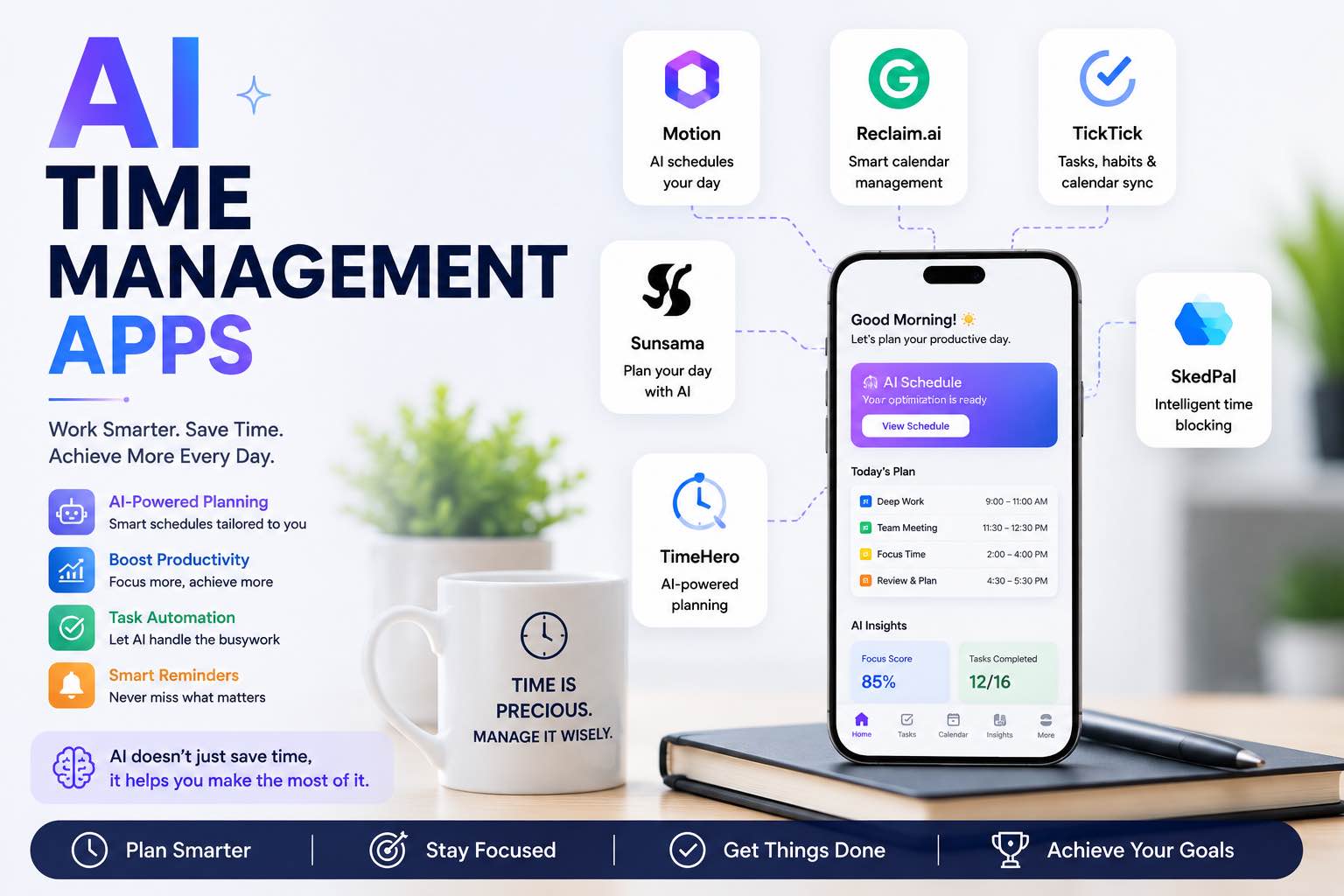
AI Time Management Apps in 2026 (What Actually Saves Your Week)
The best AI time management apps for 2026 — planning, focus, meetings, and task triage — plus a simple system you can run without tool overload.