
Designing Personal Systems That Survive Contact With Real Weeks
Most personal operating systems die by Wednesday. Here is how to design workflows that bend under load instead of shattering.
A personal system that only works on quiet Mondays is not a system. It is a costume.
AutoThinkers readers usually already have ambition and tools. What they need is resilience: workflows that degrade gracefully when a child gets sick, a deploy breaks, or three client fires arrive before coffee.
This guide shows how to design personal systems with the same humility good engineers bring to production software.
The myth of the perfect stack
People rebuild their stack because friction feels like moral failure. A missed habit becomes “I need a new app.”
Better diagnosis: your system has no failure modes.
Production systems assume outages. Personal systems should assume bad weeks.
Three properties of durable personal systems
1. Slack
Slack is unused capacity that absorbs shocks. In calendars, that means unscheduled recovery blocks. In writing, that means a buffer draft. In fitness, that means a minimum viable session (10 minutes) that still counts.
No slack means every surprise becomes a cascade.
2. Feedback
Without feedback, you optimize vibes. Define one leading indicator per system:
- Writing: words in trusted draft, not publishing streaks
- Sales: conversations started, not CRM vanity fields
- Learning: claims tested, not books finished
3. Substitutability
If one tool or ritual is unavailable, what is the fallback?
- Full workout → walk
- Deep research block → 25-minute claim review
- Fancy capture app → plain note in phone
A system with no substitutes is brittle by design.
Map your system like an engineer
Draw four boxes:
- Inputs (requests, ideas, messages)
- Buffers (inbox, backlog, later list)
- Processors (maker blocks, review rituals)
- Outputs (decisions, shipped artifacts, messages sent)
Then ask:
- Where do inputs arrive faster than processors clear them?
- Which buffer becomes a graveyard?
- Which output is actually valued by someone else?
Most “productivity problems” are mismatched rates between inputs and processors.
The minimum viable operating cadence
Skip elaborate dashboards. Run this cadence for 30 days:
Daily (12 minutes)
- Choose one hard outcome
- Clear only the inbox items that unblock that outcome
- Shutdown note: what moved, what is parked
Weekly (45 minutes)
- Rank top three outcomes for next week
- Kill or postpone one commitment
- Review one metric that matters
Monthly (90 minutes)
- Retire one ritual that no longer earns its keep
- Improve one bottleneck with automation or elimination
- Rewrite your “definition of a good week”
Consistency beats sophistication.
Automation that helps (and automation that harms)
Helpful automation:
- Templates for recurring decisions
- Auto-filing of receipts and references
- Reminders for reviews you already believe in
- Transcription for interviews you will actually synthesize
Harmful automation:
- Auto-scheduling every minute
- Notification rules so clever you never feel urgency
- Dashboards you maintain instead of using
- AI summaries that replace reading primary material you need to judge
Rule of thumb: automate transport and formatting, never priority and taste.
Case study: the consultant who stopped rebuilding Notion
A freelance strategy consultant rebuilt their Notion OS every quarter. Output did not improve.
Intervention:
- Froze tools for 60 days
- Introduced a paper index card for daily hard outcome
- Limited Notion to three databases: Clients, Claims, Decisions
- Added a Friday kill ritual: one commitment removed
Within a month, proposal turnaround dropped and evening anxiety fell. The win was not a better database. It was fewer moving parts plus explicit kill switches.
Stress tests for your system
Once a month, run one stress test:
- Travel week: can the system run on phone + one notebook?
- Sick day: what is the 20-minute maintenance mode?
- Deadline crush: which reviews are suspended without guilt?
- Tool outage: where do critical notes live offline?
If you cannot answer, your system is theatrical.
A template you can copy
Purpose: Protect deep work while staying responsive to high-value humans.
Daily hard outcome: One sentence.
Maker blocks: Tue/Thu 9:00–11:00.
Response windows: 11:30 and 16:00.
Buffers: Email, Slack, Ideas inbox.
Weekly kill: Remove one recurring obligation.
Metrics: Artifacts shipped; unanswered high-value messages older than 48h.
Failure mode: If energy < 4/10, run maintenance mode only (clear blockers + one 25-minute push).
Print it. Do not decorate it.
Closing
Systems thinking for individuals is not about becoming a robot. It is about designing a life where important thinking still happens when reality gets loud.
Build for bad weeks. Keep slack. Measure outputs. Automate transport. Protect judgment.
That is how a personal operating system earns the right to exist past Wednesday.
Related Articles
Keep exploring on AutoThinkers — these 7 guides pair well with this one:
- The Attention Budget: Why Deep Thinkers Treat Focus Like Capital
- Lattice Thinking: How to Connect Ideas Without Drowning in Notes
- The Practical AI Toolkit for Solo Operators (2026)
- Tutorial: Build an AI Content Workflow in 60 Minutes
- AI for Small Business: A Practical Playbook That Pays for Itself
- Prompt Craft Tutorial: Write AI Prompts That Survive Real Work
- AI for Students: How to Study Smarter with ChatGPT, Claude & Free AI Tools (2026 Guide)
- AI Time Management Apps in 2026 (What Actually Saves Your Week)
Keep exploring
Related Articles
Continue with 8 closely related AutoThinkers guides — more tutorials to deepen your AI workflow.

Prompt Craft
4 min read
Prompt Craft Tutorial: Write AI Prompts That Survive Real Work
A step-by-step prompt engineering tutorial with copy-paste templates for drafting, research, critique, and repetitive operations.
Tutorials
6 min read
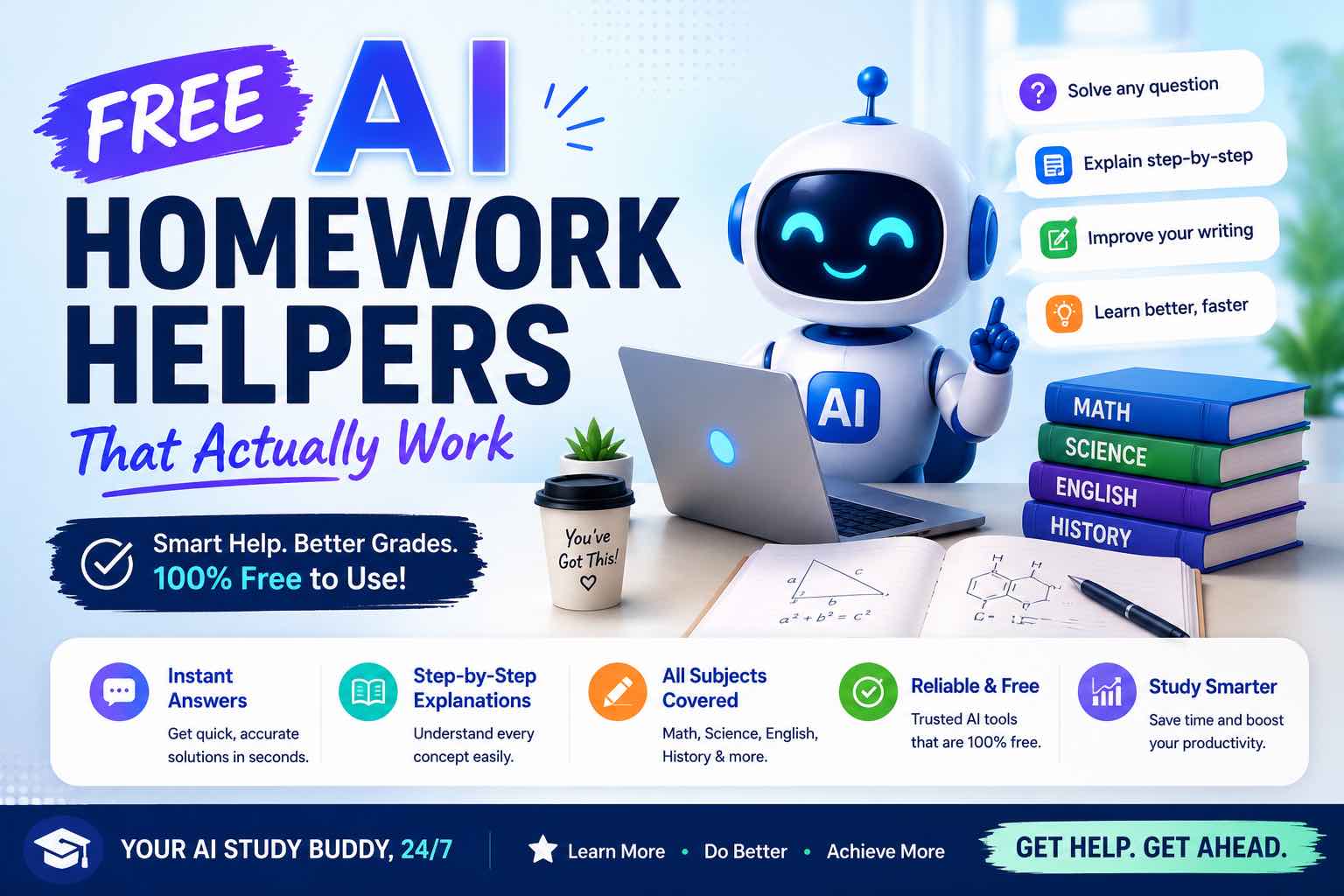
Free AI Homework Helpers That Actually Work (2026 Student Guide)
Free AI homework helpers that actually help you learn — ChatGPT, Claude, Gemini, Photomath-style tools, and study workflows — plus academic integrity rules.

AI Tools
6 min read
AI for Small Business: A Practical Playbook That Pays for Itself
A clear guide to using AI in a small business — where to start, which tasks to automate first, copy-paste prompts, and a 30-day rollout plan.
Workflows
7 min read
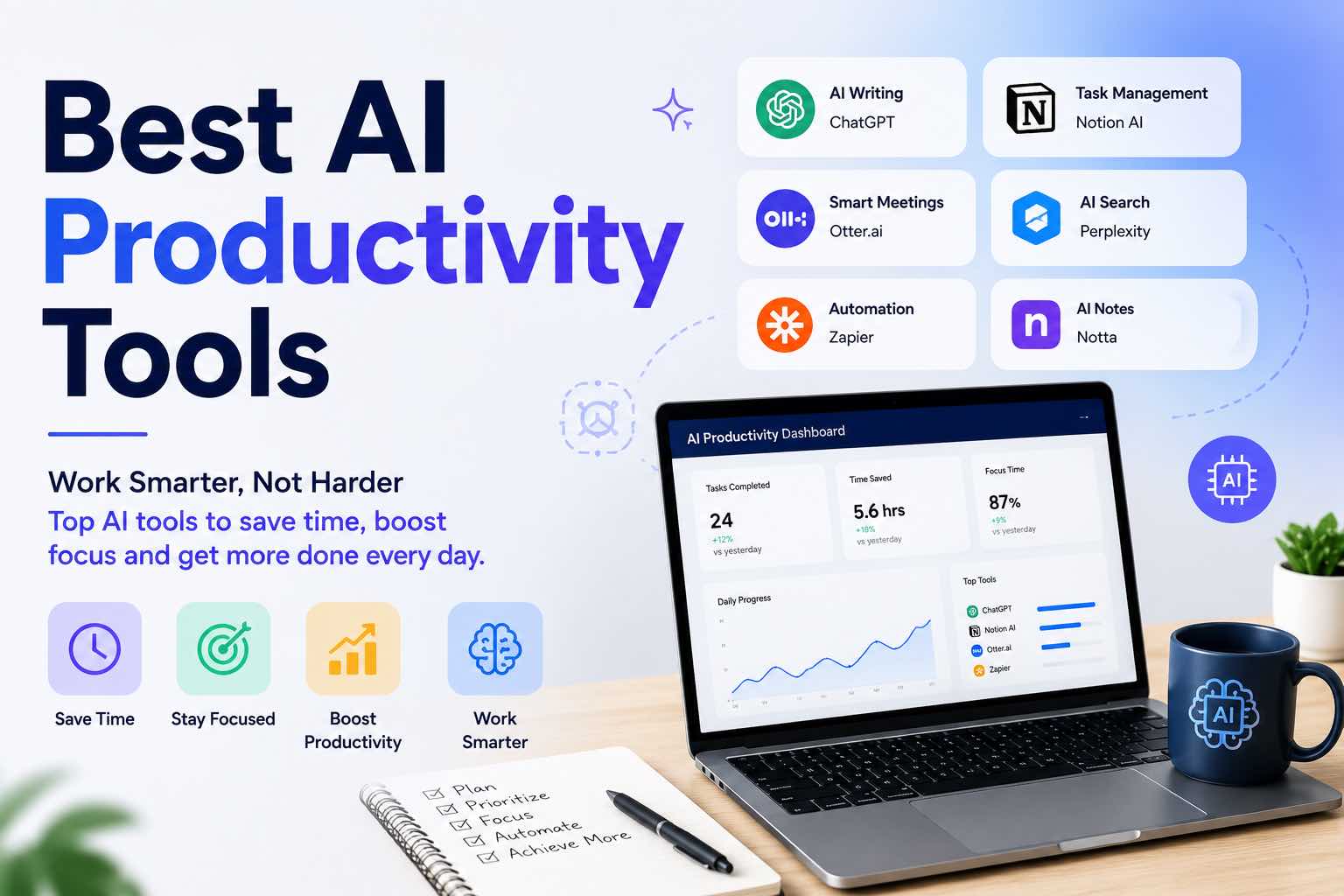
Best AI Productivity Tools in 2026 (Practical Stack That Saves Hours)
The best AI productivity tools for 2026 — writing, meetings, email, notes, and automation — plus a simple stack you can set up in one afternoon.

Tutorials
5 min read
Tutorial: Build an AI Content Workflow in 60 Minutes
A complete beginner-friendly workflow to research, draft, edit, and publish content with AI — including prompts, checkpoints, and a one-hour setup plan.
Deep Work
6 min read
The Attention Budget: Why Deep Thinkers Treat Focus Like Capital
Most knowledge work fails not from lack of intelligence, but from bankrupt attention. Here is a practical operating system for protecting cognitive capital.
Workflows
6 min read
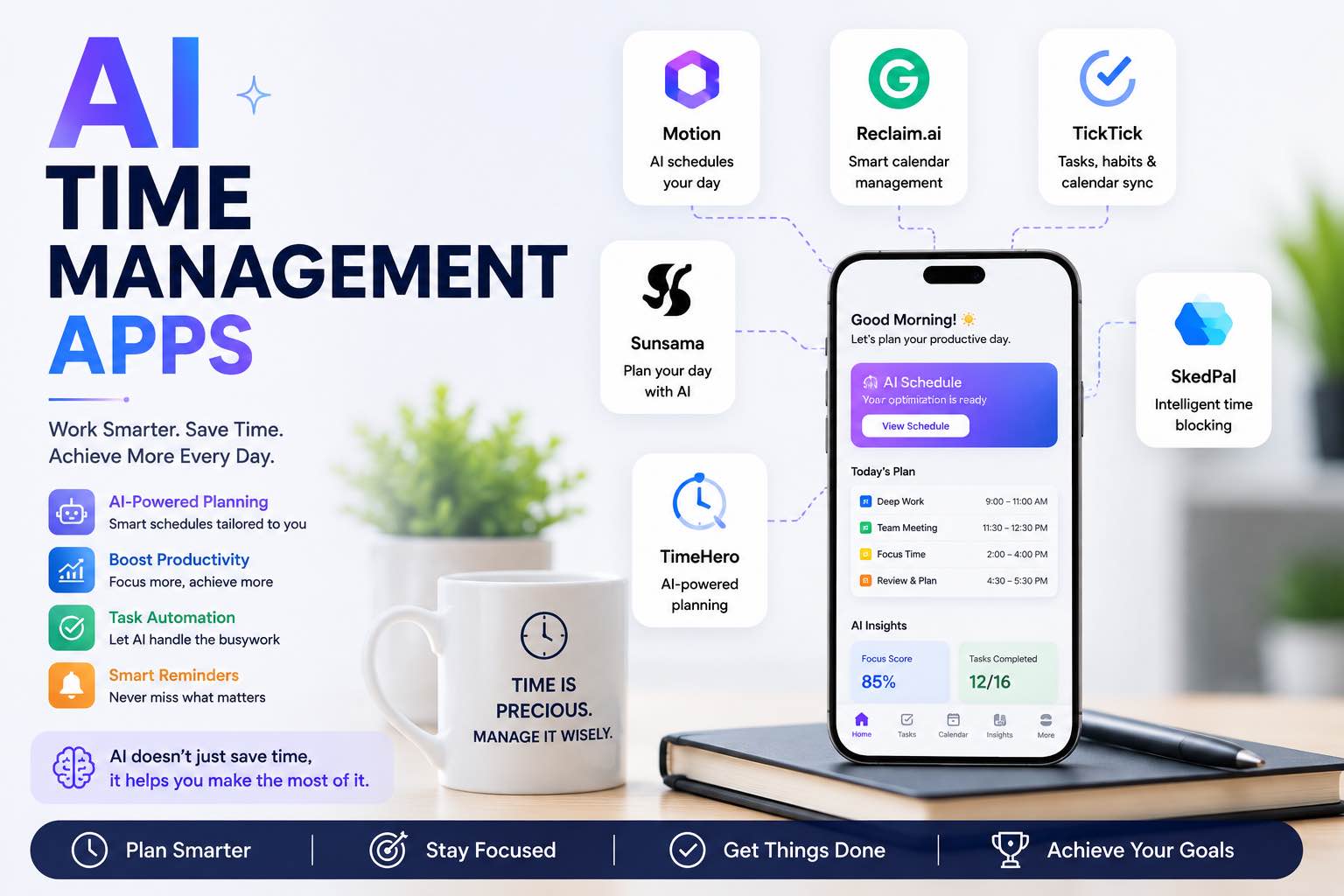
AI Time Management Apps in 2026 (What Actually Saves Your Week)
The best AI time management apps for 2026 — planning, focus, meetings, and task triage — plus a simple system you can run without tool overload.

Mental Models
5 min read
Lattice Thinking: How to Connect Ideas Without Drowning in Notes
A practical method for building a personal idea lattice — the missing structure between scattered notes and genuine insight.