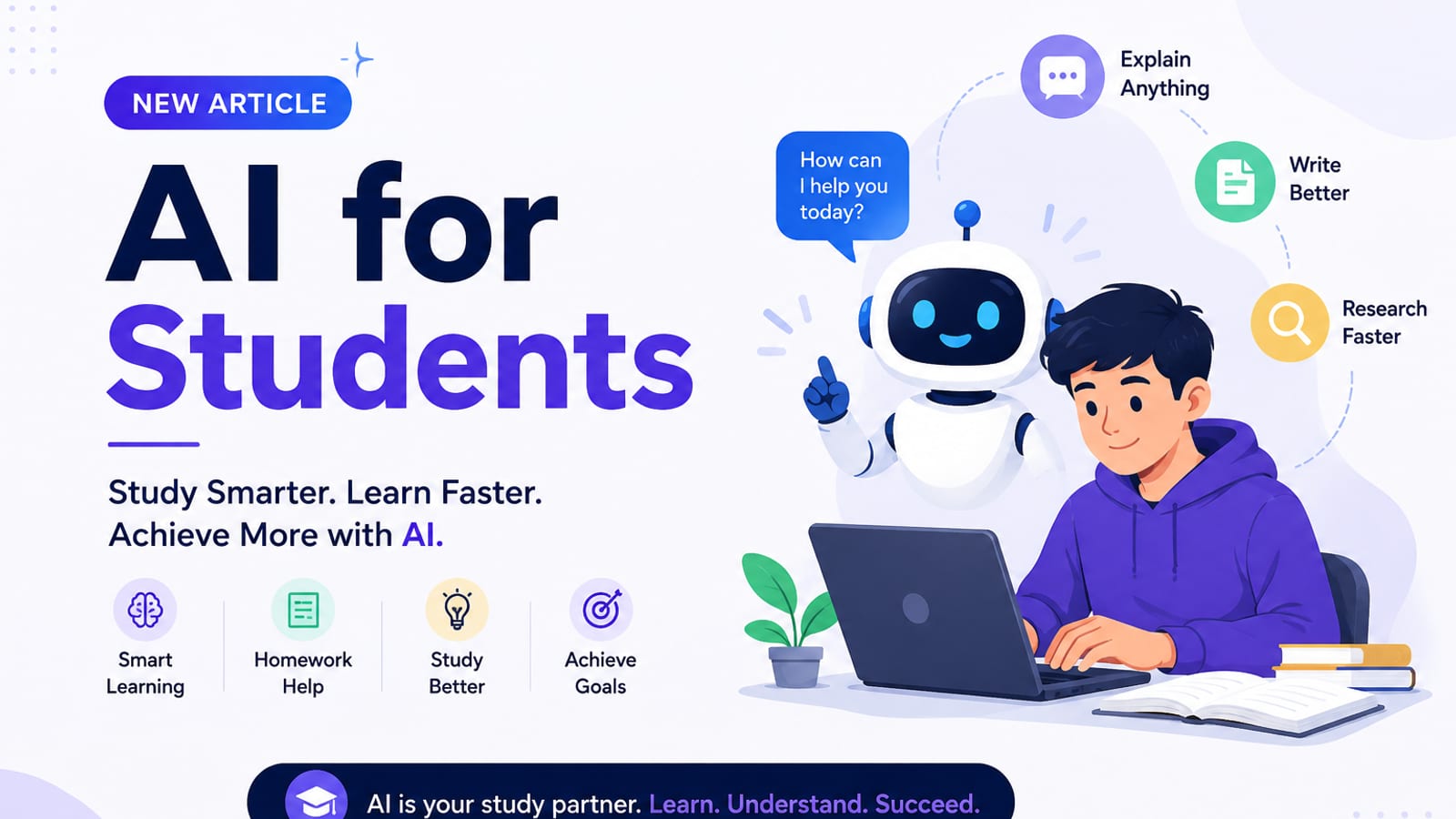
AI for Students: How to Study Smarter with ChatGPT, Claude & Free AI Tools (2026 Guide)
Learn how to use AI for students the right way — study plans, note summaries, essay outlines, exam prep prompts, and academic integrity tips in one practical 2026 guide.
AI for students is no longer optional — it is a study advantage when used correctly.
This 2026 AutoThinkers guide shows how students can use ChatGPT, Claude, and free AI study tools to learn faster, revise smarter, and stay academically honest. You will get copy-paste prompts, a weekly study workflow, and clear rules for what AI should (and should not) do.
If you are searching for how to use AI for studying, ChatGPT for students, or the best AI tools for students, start here.
Why AI matters for students in 2026
Students today face denser reading lists, tighter deadlines, and more online coursework. AI can help with:
- Turning long notes into revision sheets
- Explaining hard topics in simple language
- Building study plans and exam checklists
- Improving writing structure before final edits
- Practicing interview/viva questions
Used well, AI becomes a tutor + organizer. Used poorly, it becomes a shortcut that weakens learning and risks academic penalties.
Best AI tools for students (practical shortlist)
| Tool | Best for | Student tip |
|---|---|---|
| ChatGPT | Explanations, practice questions, planning | Ask for step-by-step reasoning |
| Claude | Long PDFs/notes and careful rewriting | Great for summarizing chapters |
| Gemini | Google Docs / Workspace study flows | Useful if your notes live in Drive |
| Notion AI / Docs AI | Organizing coursework | Keep prompts + notes in one place |
| Quiz/flashcard tools | Active recall | Convert summaries into quizzes |
You do not need ten apps. One strong model + a notes app is enough to start.
Related reads on AutoThinkers:
- Prompt Craft Tutorial: Write AI Prompts That Survive Real Work
- The Practical AI Toolkit for Solo Operators (2026)
- Tutorial: Build an AI Content Workflow in 60 Minutes
- The Attention Budget: Why Deep Thinkers Treat Focus Like Capital
- Lattice Thinking: How to Connect Ideas Without Drowning in Notes
How to use AI for studying (step-by-step)
Step 1: Set a clear learning goal
Before opening any AI chat, write:
Subject:
Topic:
Exam / deadline:
What “done” looks like:
Example:
Subject: Biology
Topic: Photosynthesis
Exam: Friday quiz
Done: I can explain the process and answer 10 practice questions without notes
Step 2: Upload or paste only what you need
Paste class notes, lecture bullets, or a chapter section. Avoid dumping entire copyrighted textbooks when policies forbid it. Prefer your own notes and public resources.
Step 3: Ask AI to teach, then test you
The winning loop is:
- Explain
- Summarize
- Quiz me
- Correct my answers
- Create a revision sheet
Step 4: Rewrite in your own words
If you cannot explain it without the chat open, you have not learned it yet.
Copy-paste AI prompts for students
1) Concept explainer (beginner-friendly)
You are a patient tutor for a {{level}} student.
Explain {{topic}} in simple language.
Use:
1) plain explanation
2) real-life analogy
3) 5 key terms
4) one common mistake
Ask me 3 check questions at the end.
2) Lecture notes to revision sheet
Turn these lecture notes into a one-page revision sheet.
Include: key ideas, formulas/definitions, examples, and a 7-point checklist.
Notes:
{{paste}}
3) Essay outline helper (not ghostwriting)
Help me outline an essay on {{topic}}.
Audience: {{teacher/class}}
Requirements: {{word count / rubric}}
Provide:
- thesis options (3)
- H2 outline
- evidence I should research
- counterargument section
Do not write the full essay.
4) Exam practice generator
Create a practice test on {{topic}} for {{exam type}}.
Include:
- 8 short questions
- 2 long questions
- answer key with brief explanations
Difficulty: medium-hard.
5) Weak-area diagnosis
I will answer questions. After each answer, score me and explain mistakes.
Then build a mini study plan for my weak areas.
Topic: {{topic}}
Start with question 1.
6) Presentation / viva prep
Create 12 likely viva/presentation questions on {{topic}}.
For each: model answer (6-8 lines) + one follow-up question.
A weekly AI study workflow (students can copy)
| Day | Task | AI role |
|---|---|---|
| Mon | Capture lecture notes | Clean + structure notes |
| Tue | Deep understanding | Explain + analogies |
| Wed | Active recall | Quiz + flashcards |
| Thu | Assignment support | Outline + rubric check |
| Fri | Weak-area practice | Targeted drills |
| Sat | Spaced revision | Summary + mixed quiz |
| Sun | Plan next week | Study calendar |
This workflow works for high school, college, and professional exam prep.
Academic integrity: what is allowed vs risky
Usually safer uses
- Explaining concepts
- Creating practice questions
- Improving grammar/clarity after you write a draft
- Building study plans
- Summarizing your own notes
High-risk / often not allowed
- Submitting AI-written essays as your own
- Solving graded take-home exams with AI when banned
- Fabricating citations
- Copying AI text without disclosure when required
Rule: Follow your school/university AI policy first. When unsure, ask your teacher and keep AI as a tutor, not a replacement for your work.
SEO tip for student creators and class blogs
If you publish study notes or educational content online, AI can also help with:
- Clear titles (
AI for students,ChatGPT study prompts, etc.) - Meta descriptions
- FAQ sections
- Internal links between related study guides
That same structure is how this article is optimized for search: primary keyword in the title/intro, helpful H2s, FAQs, and practical examples.
FAQ: AI for students
Is AI good for students?
Yes — when used for understanding, practice, and organization. It is less useful (and often harmful) when used only to generate finished homework.
What is the best AI for students in 2026?
ChatGPT and Claude are strong all-purpose options. Pick one, learn good prompts, and keep your notes organized.
Can AI help with exam preparation?
Yes. Use AI to generate practice questions, mark your answers, and build spaced-revision schedules.
How do students avoid AI detection issues?
Write your own final work, use AI for learning support, cite sources properly, and follow institutional rules. Do not submit unedited AI text.
Are there free AI tools for students?
Many tools offer free tiers. Start free, then upgrade only if you use it weekly for real study gains.
7-day starter challenge
- Day 1: Choose one AI tool and create a “Study Tutor” chat
- Day 2: Convert one lecture into a revision sheet
- Day 3: Generate and complete a 10-question quiz
- Day 4: Build an essay outline (not a full draft)
- Day 5: Practice explaining a topic out loud without AI
- Day 6: Create a weak-area drill set
- Day 7: Review what improved your scores/understanding
Conclusion
AI for students works best as a study system: explain → practice → correct → revise. Use ChatGPT or Claude as a tutor, keep academic integrity intact, and measure progress with quizzes and recall — not with how fast you can generate text.
Want a custom guide next (AI for medical students, engineering students, IELTS/TOEFL, or coding students)? Send your subject and we will publish a tailored tutorial on AutoThinkers.
Related Articles
Keep exploring on AutoThinkers — these 7 guides pair well with this one:
- Prompt Craft Tutorial: Write AI Prompts That Survive Real Work
- The Practical AI Toolkit for Solo Operators (2026)
- Tutorial: Build an AI Content Workflow in 60 Minutes
- The Attention Budget: Why Deep Thinkers Treat Focus Like Capital
- Lattice Thinking: How to Connect Ideas Without Drowning in Notes
- Designing Personal Systems That Survive Contact With Real Weeks
- AI for Small Business: A Practical Playbook That Pays for Itself
- Best ChatGPT Prompts for Students
- ChatGPT vs Claude vs Gemini: Which AI Should You Use in 2026?
- Free AI Homework Helpers That Actually Work (2026 Student Guide)
Keep exploring
Related Articles
Continue with 8 closely related AutoThinkers guides — more tutorials to deepen your AI workflow.

Prompt Craft
5 min read
Best ChatGPT Prompts for Students (2026 Copy-Paste Library)
The best ChatGPT prompts for students — study plans, note summaries, practice quizzes, essay outlines, and exam prep templates you can copy today.
Tutorials
6 min read
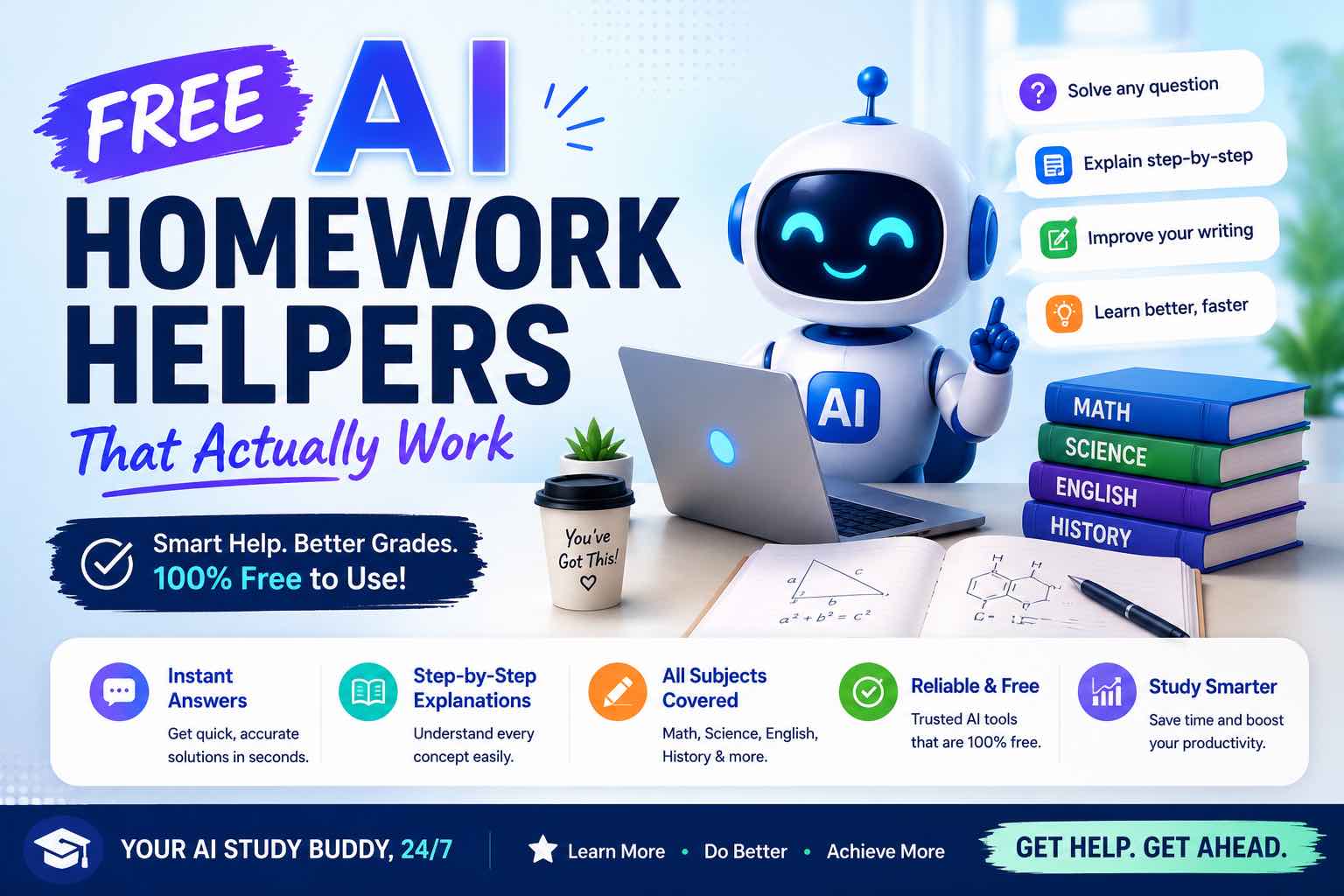
Free AI Homework Helpers That Actually Work (2026 Student Guide)
Free AI homework helpers that actually help you learn — ChatGPT, Claude, Gemini, Photomath-style tools, and study workflows — plus academic integrity rules.

AI Tools
5 min read
How Small Businesses Can Use ChatGPT (Practical 2026 Guide)
How small businesses can use ChatGPT for customer replies, marketing drafts, SOPs, and admin work — with copy-paste prompts and a safe weekly workflow.

Tutorials
5 min read
Tutorial: Build an AI Content Workflow in 60 Minutes
A complete beginner-friendly workflow to research, draft, edit, and publish content with AI — including prompts, checkpoints, and a one-hour setup plan.

Comparisons
5 min read
ChatGPT vs Claude vs Gemini: Which AI Should You Use in 2026?
A clear ChatGPT vs Claude vs Gemini comparison for work, study, and content — strengths, weaknesses, pricing mindset, and which model to pick first.

AI Content Creation
6 min read
Best AI Image Generators in 2026 (Practical Creator Guide)
Compare the best AI image generators in 2026 — Midjourney, DALL·E, Firefly, Ideogram, and free options — plus prompts, use cases, and which tool to pick first.
AI Tools
6 min read
AI for Small Business: A Practical Playbook That Pays for Itself
A clear guide to using AI in a small business — where to start, which tasks to automate first, copy-paste prompts, and a 30-day rollout plan.
Workflows
7 min read
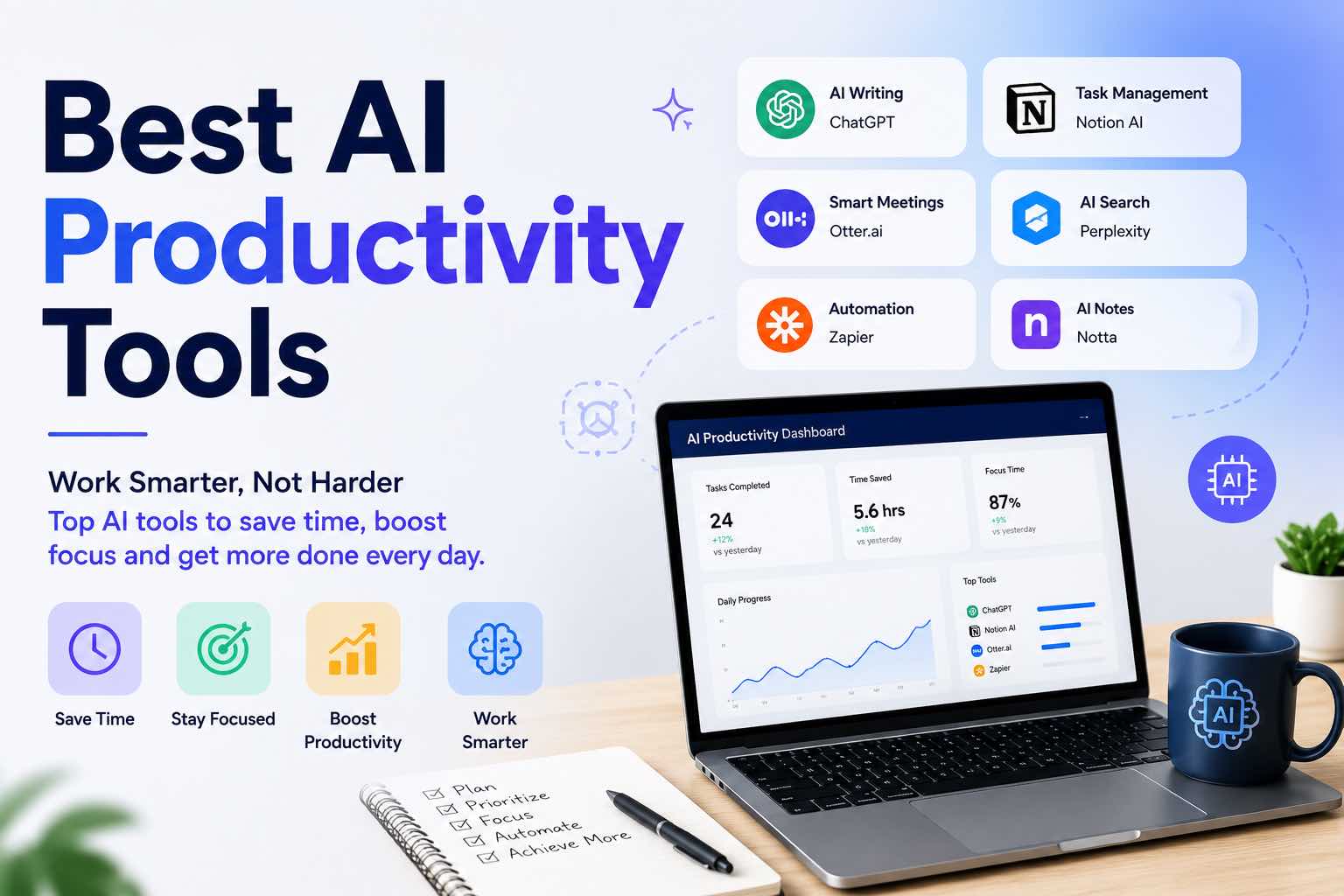
Best AI Productivity Tools in 2026 (Practical Stack That Saves Hours)
The best AI productivity tools for 2026 — writing, meetings, email, notes, and automation — plus a simple stack you can set up in one afternoon.