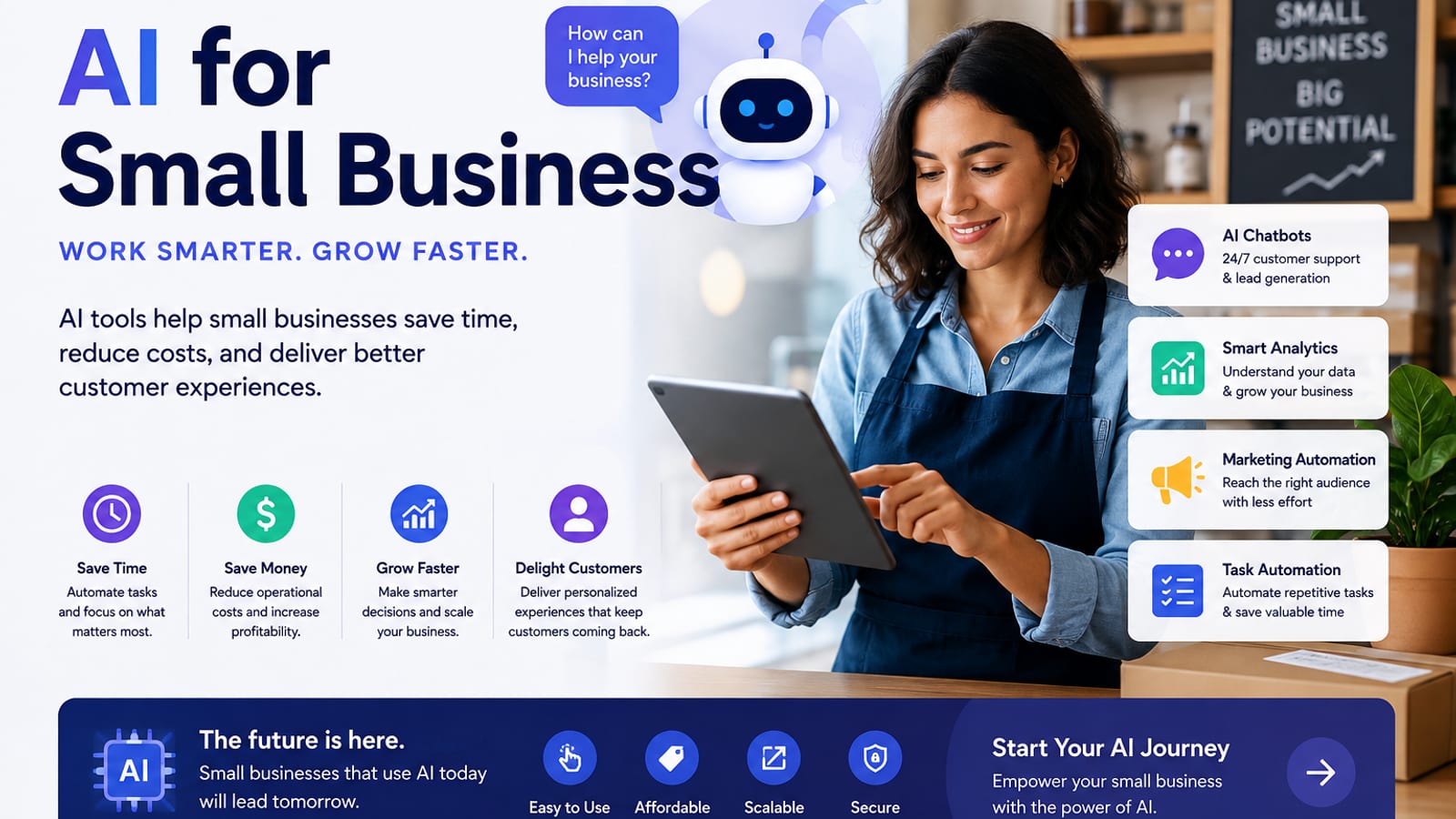
AI for Small Business: A Practical Playbook That Pays for Itself
A clear guide to using AI in a small business — where to start, which tasks to automate first, copy-paste prompts, and a 30-day rollout plan.
Small businesses do not need an AI department. They need a few reliable workflows that save hours every week.
This AutoThinkers playbook shows where AI helps most for owners, freelancers, shops, agencies, and local service businesses — plus prompts and a 30-day plan you can start today.
Who this is for
- Solo operators and teams under 20 people
- Local service businesses (clinics, salons, contractors, consultants)
- Online sellers and creators selling offers
- Agencies that want faster delivery without hiring yet
If you are still doing repetitive writing, follow-ups, reporting, or content from scratch every week, AI can help quickly.
The 80/20 rule for small-business AI
Ignore shiny demos. Focus on work that is:
- Repetitive
- Text-heavy
- Easy to check
- Tied to revenue or customer experience
Best first wins:
| Area | AI use | Example outcome |
|---|---|---|
| Sales | Draft proposals & follow-ups | Faster quotes |
| Marketing | Posts, emails, product blurbs | Consistent publishing |
| Support | FAQ answers & macros | Quicker replies |
| Operations | SOPs, checklists, summaries | Less chaos |
| Finance admin | Invoice reminders & summaries | Fewer missed payments |
Do not start with complex custom bots. Start with one strong AI chat tool + your existing docs.
Recommended starter stack (keep it cheap)
- ChatGPT or Claude — drafting, planning, rewriting
- Your notes/docs app — Google Docs, Notion, or Word
- Email + CRM you already use
- Optional later: Canva AI (creatives), a scheduling tool, Zapier/Make for automation
One model + good prompts beats five unused subscriptions.
7 high-ROI AI workflows (with prompts)
1) Customer reply assistant
Role: friendly support specialist for a small business.
Tone: clear, warm, professional.
Business: {{what you sell}}
Customer message:
{{paste}}
Write:
1) Best reply
2) Shorter SMS version
3) One clarifying question if needed
Do not invent policies or prices.
2) Proposal / quote draft
Create a one-page proposal for a small business.
Offer: {{service}}
Client need: {{problem}}
Scope: {{what's included}}
Timeline: {{dates}}
Price options: {{packages}}
Output: intro, scope, timeline, investment, next step CTA.
Keep it under 350 words.
3) Weekly social content batch
Create 7 social posts for {{business}} targeting {{audience}}.
Goal: {{book calls / sell product / get reviews}}
Include:
- Hook
- Value
- Soft CTA
Add 3 hashtag suggestions per post.
Avoid hype and fake urgency.
4) Google Business / review responses
Write a response to this review.
Business: {{name}}
Review:
{{paste}}
If positive: thank + invite return.
If negative: apologize, own the issue, offer a next step.
Keep under 90 words.
5) SOP from a messy voice note
Turn these rough notes into a step-by-step SOP.
Audience: new hire
Include: tools needed, steps, quality checklist, common mistakes.
Notes:
{{paste}}
6) Meeting / call summary
Summarize this call for a small business owner.
Extract: decisions, action items (owner + deadline), risks, customer language.
Transcript:
{{paste}}
7) Offer clarification page
Rewrite this offer so a busy customer understands it in 20 seconds.
Include: who it's for, outcome, what's included, price framing, FAQ (5).
Offer notes:
{{paste}}
A 30-day rollout plan
Days 1–3: Pick one bottleneck
Choose only one:
- slow proposals
- inconsistent posting
- support backlog
- no SOPs
Write this sentence:
If AI works, I will save ___ hours/week on ___.
Days 4–10: Build one workflow
Create and save 3 prompts for that bottleneck. Run them on real work daily. Edit everything before sending.
Days 11–20: Measure
Track:
- hours saved
- response time
- content published
- proposals sent
Keep only what produces a measurable win.
Days 21–30: Expand carefully
Add a second workflow only after the first is reliable. Then consider light automation (templates, canned replies, schedulers).
Guardrails every small business should use
- Never paste confidential customer data into random free tools
- Always fact-check prices, policies, legal claims, and medical/financial advice
- Keep a human as final approver for customer-facing messages
- Disclose AI use where required by platform or local rules
- Store winning prompts in a shared doc so staff can reuse them
Cost reality check
A practical monthly budget for many small businesses:
- AI chat plan: low-to-moderate subscription
- Optional design AI: one tool max
- Automation later: only after manual process works
If a tool does not save at least a few hours a month or help close deals, cancel it.
Common mistakes
- Buying every “AI for business” app
- Publishing unedited AI text
- Automating a broken process
- Expecting AI to replace judgment overnight
- No owner review step
Closing checklist
- One bottleneck chosen
- One AI chat tool selected
- Three saved prompts
- One weekly metric tracked
- Human review rule in place
AI for small business works when it becomes a habit, not a science project. Start with one workflow this week, measure the time saved, and scale only what pays for itself.
Want a follow-up tutorial for your industry (clinic, ecommerce, agency, restaurant, coaching)? Send the niche and we will publish a tailored guide next.
Related Articles
Keep exploring on AutoThinkers — these 7 guides pair well with this one:
- The Practical AI Toolkit for Solo Operators (2026)
- Tutorial: Build an AI Content Workflow in 60 Minutes
- Prompt Craft Tutorial: Write AI Prompts That Survive Real Work
- Designing Personal Systems That Survive Contact With Real Weeks
- The Attention Budget: Why Deep Thinkers Treat Focus Like Capital
- AI for Students: How to Study Smarter with ChatGPT, Claude & Free AI Tools (2026 Guide)
- Lattice Thinking: How to Connect Ideas Without Drowning in Notes
- How Small Businesses Can Use ChatGPT
- ChatGPT vs Claude vs Gemini: Which AI Should You Use in 2026?
Keep exploring
Related Articles
Continue with 8 closely related AutoThinkers guides — more tutorials to deepen your AI workflow.
AI Tools
5 min read
How Small Businesses Can Use ChatGPT (Practical 2026 Guide)
How small businesses can use ChatGPT for customer replies, marketing drafts, SOPs, and admin work — with copy-paste prompts and a safe weekly workflow.
AI Tools
5 min read
The Practical AI Toolkit for Solo Operators (2026)
A clear starter stack of AI tools for creators and solo operators — what to use, what to skip, and how to set it up in one afternoon.
Tutorials
7 min read
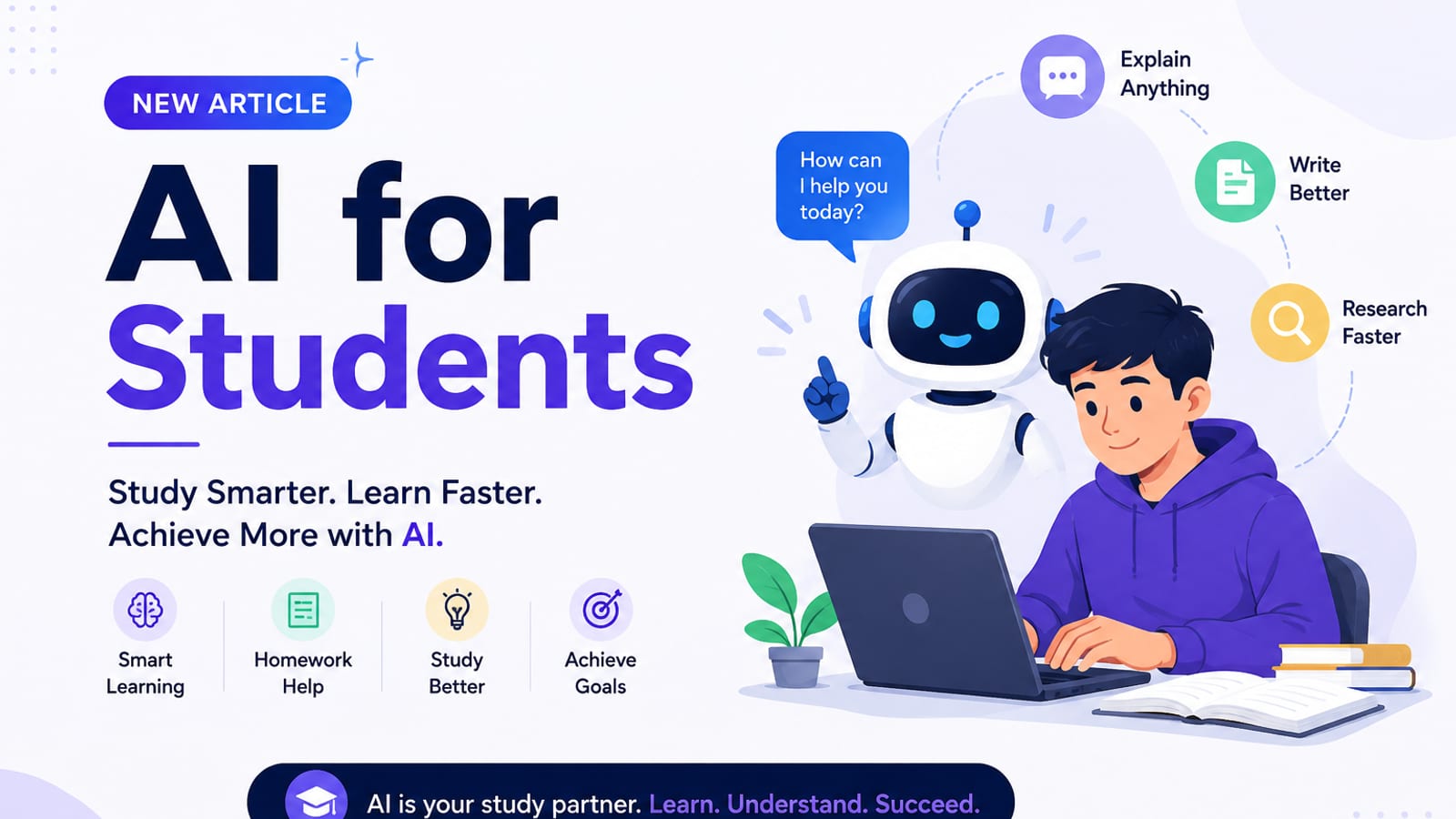
AI for Students: How to Study Smarter with ChatGPT, Claude & Free AI Tools (2026 Guide)
Learn how to use AI for students the right way — study plans, note summaries, essay outlines, exam prep prompts, and academic integrity tips in one practical 2026 guide.

AI Content Creation
6 min read
Best AI Image Generators in 2026 (Practical Creator Guide)
Compare the best AI image generators in 2026 — Midjourney, DALL·E, Firefly, Ideogram, and free options — plus prompts, use cases, and which tool to pick first.
Tutorials
6 min read
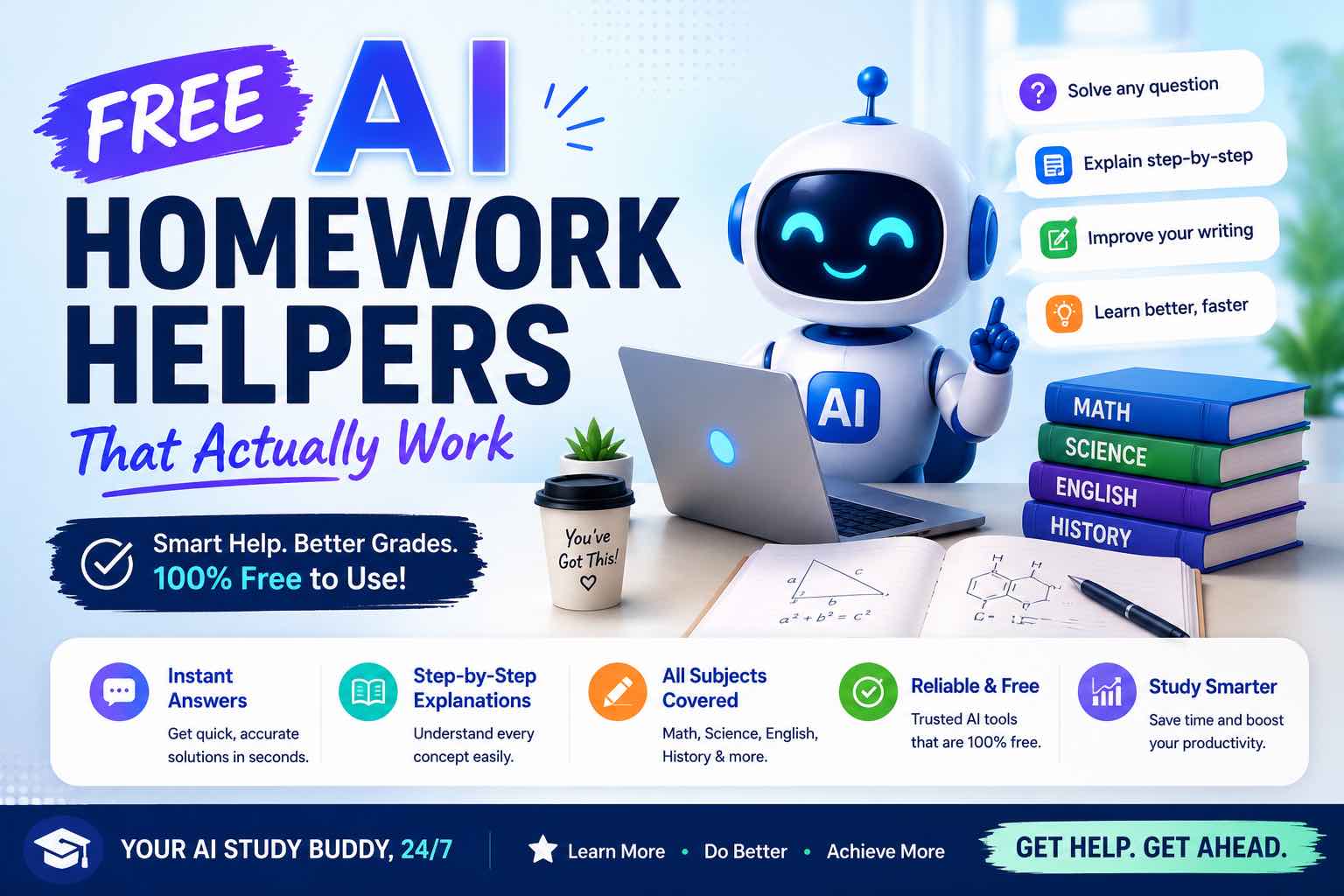
Free AI Homework Helpers That Actually Work (2026 Student Guide)
Free AI homework helpers that actually help you learn — ChatGPT, Claude, Gemini, Photomath-style tools, and study workflows — plus academic integrity rules.
AI Content Creation
6 min read
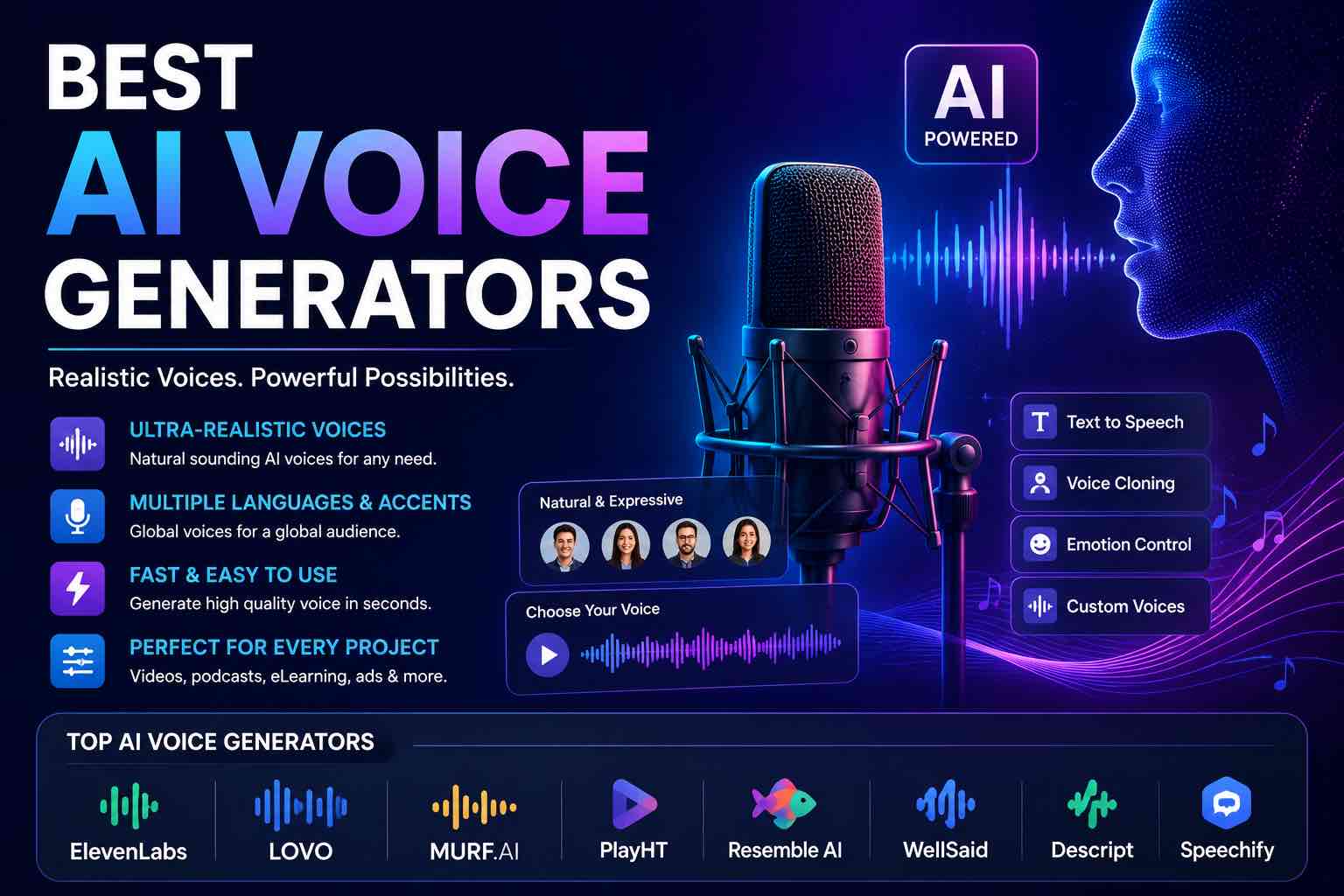
Best AI Voice Generators in 2026 (Practical Creator Guide)
Compare the best AI voice generators in 2026 for YouTube, podcasts, courses, and product demos — quality, cloning ethics, pricing mindset, and which tool to pick first.
Workflows
7 min read
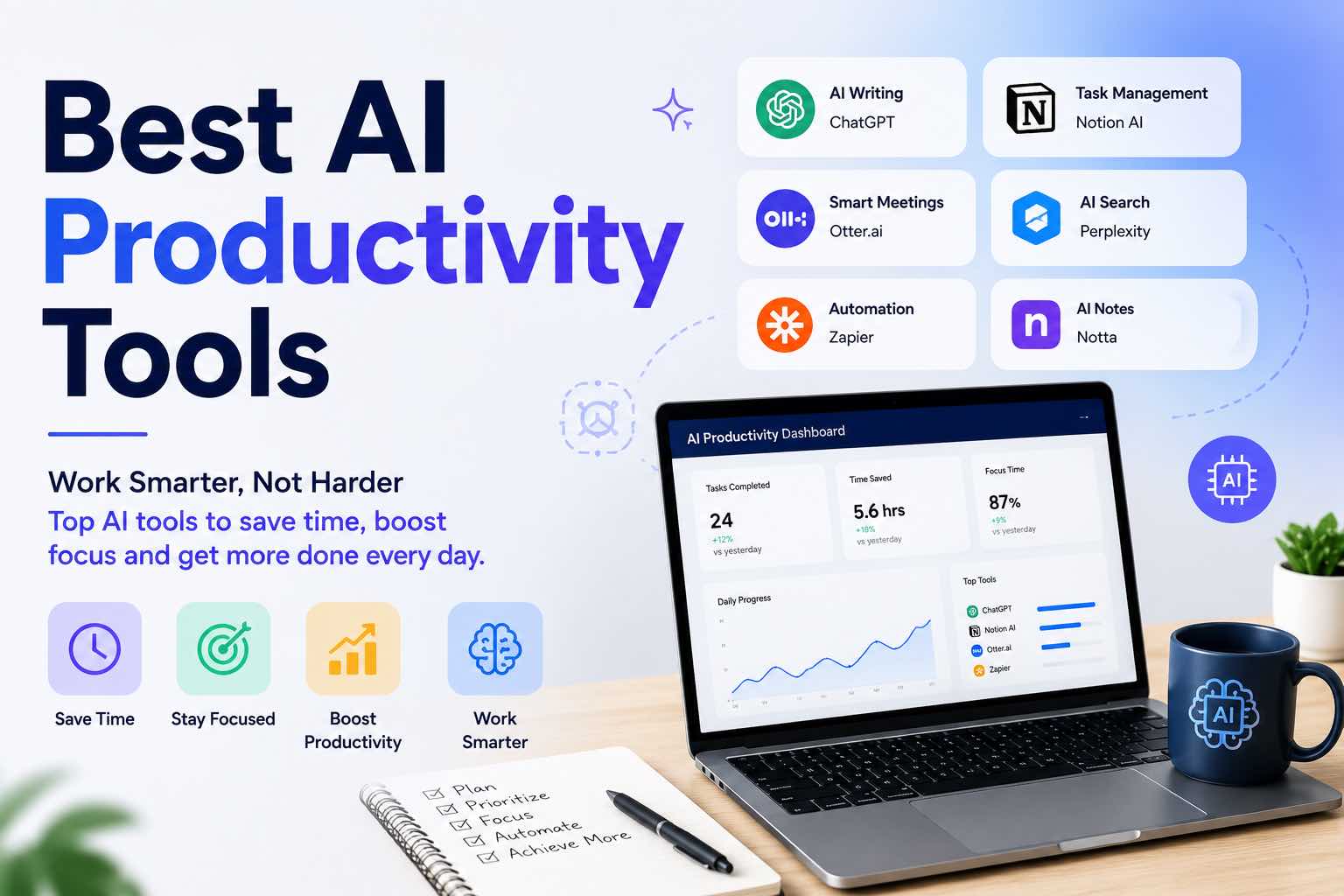
Best AI Productivity Tools in 2026 (Practical Stack That Saves Hours)
The best AI productivity tools for 2026 — writing, meetings, email, notes, and automation — plus a simple stack you can set up in one afternoon.

Prompt Craft
4 min read
Prompt Craft Tutorial: Write AI Prompts That Survive Real Work
A step-by-step prompt engineering tutorial with copy-paste templates for drafting, research, critique, and repetitive operations.