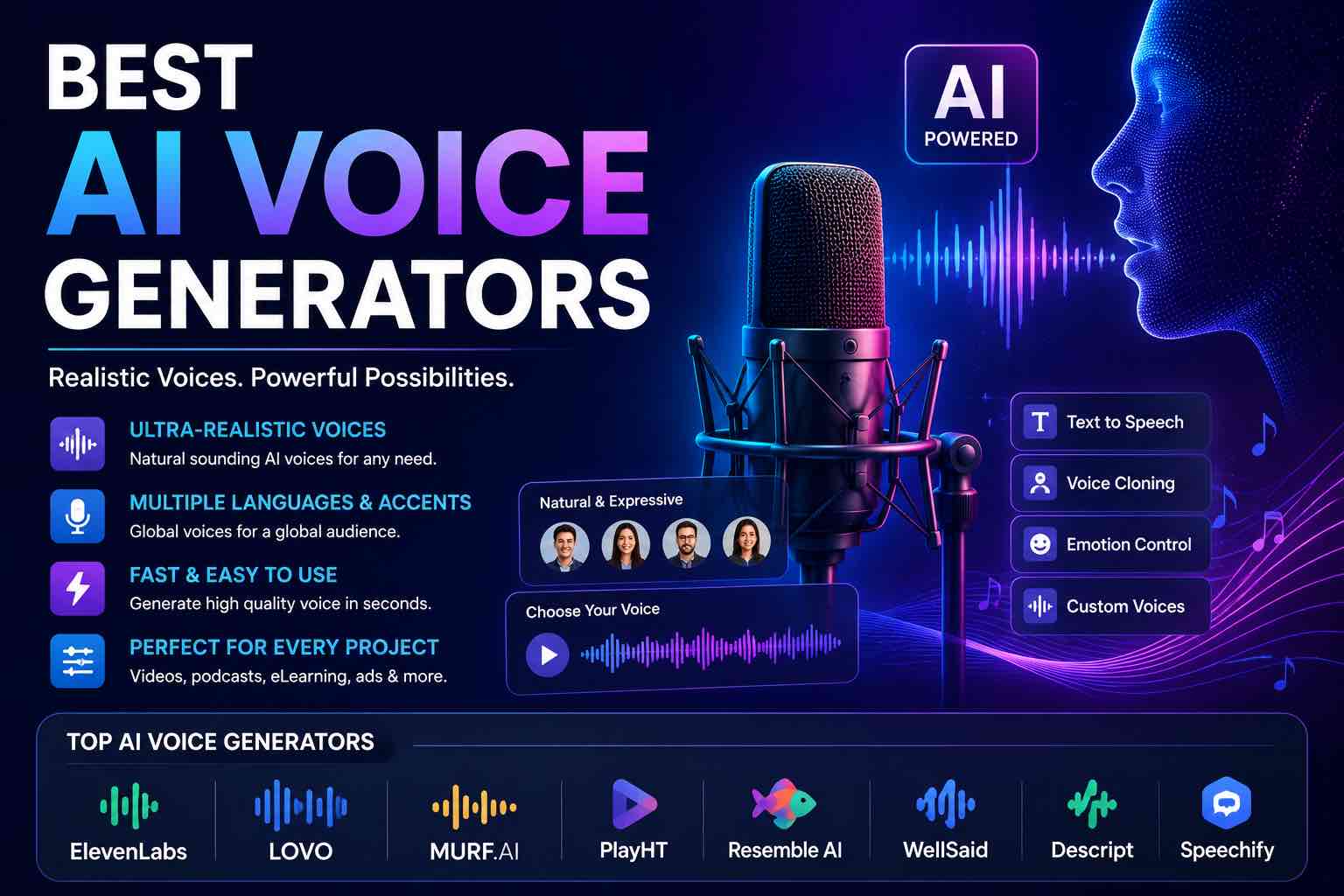
Best AI Voice Generators in 2026 (Practical Creator Guide)
Compare the best AI voice generators in 2026 for YouTube, podcasts, courses, and product demos — quality, cloning ethics, pricing mindset, and which tool to pick first.
AI voice tools are no longer robotic novelties. For creators and small teams, they are a way to ship voiceovers, explainers, course narration, and product demos without booking a studio every week.
The catch: the best AI voice generator is the one that sounds natural and fits your ethics, budget, and editing workflow.
Pair with: Best AI Image Generators · AI Content Workflow in 60 Minutes
Quick picks
| If you need… | Start with |
|---|---|
| Natural multilingual narration | ElevenLabs-class voice platforms |
| Fast drafts inside a creator suite | Murf / WellSaid / Speechify-style studio tools |
| Simple TTS for docs & accessibility | Google / Amazon / Microsoft cloud TTS |
| Voice inside your video editor | Built-in AI voice in CapCut / Descript / similar |
| Free experiments | Platform free tiers + browser TTS (limits apply) |
Tool names and plans change quickly — buy for the job, then re-test quarterly.
What to evaluate before you pay
- Naturalness — breath, pacing, emotion (not just “clear”)
- Control — pauses, emphasis, pronunciation dictionaries
- Languages & accents you actually need
- Editing loop — regenerate one sentence without redoing the whole file
- Commercial license — YouTube, client work, paid courses
- Cloning rules — consent, abuse protections, brand safety
- Export quality — WAV/MP3, sample rate, noise floor
1) Premium AI voice platforms (best overall quality)
Category leaders: ElevenLabs and similar high-realism voice APIs/studios.
Best for: YouTube narration, premium podcasts intros, product story videos
Strengths: highly natural speech, emotion controls, strong multilingual options
Watch outs: cost at volume; cloning requires clear consent and policy care
Use when: voice quality is part of your brand, not a throwaway draft.
2) Creator voice studios (best guided workflow)
Category: Murf, WellSaid, Speechify Create, and similar “studio timeline” tools.
Best for: course creators, marketers, training videos
Strengths: timelines, stock voices, team collaboration, simpler UI than raw APIs
Watch outs: can sound more “corporate template” unless you tune pacing
Use when: you want a full voiceover project workspace, not just an API box.
3) Cloud TTS from big platforms (best utility & scale)
Category: Google Cloud TTS, Amazon Polly, Microsoft Azure speech, Apple AVSpeech for apps.
Best for: apps, IVR, accessibility read-aloud, high-volume automation
Strengths: reliable infrastructure, broad language coverage, developer control
Watch outs: some voices still sound more synthetic than boutique AI voices
Use when: you are shipping product features, not cinematic brand films.
4) AI voice inside editors (best speed for video teams)
Category: Descript Overdub-style tools, CapCut AI voice, other editor-native TTS.
Best for: quick explainer videos, social clips, iterating scripts daily
Strengths: generate → cut → caption in one place
Watch outs: fewer pro voice options; check commercial terms per plan
Use when: your bottleneck is publishing cadence, not perfect timbre.
5) Free & low-cost options
- Free tiers on major voice platforms (watermark/character limits)
- Browser or OS built-in speech for drafts
- Open-source / local TTS if you want privacy and can accept setup time
Free is perfect for script testing. Upgrade when you publish weekly and hit limits.
Voice cloning: powerful — and easy to misuse
AI voice cloning can match a real person. That is useful for creators narrating their own library — and dangerous for scams.
Non-negotiable rules:
- Only clone voices you own or have written consent to use
- Never impersonate someone for fraud, politics, or “surprise” deepfakes
- Disclose synthetic voice when your audience/platform/policy expects it
- Keep a human review step before publishing client work
If your brand needs trust, authenticity beats novelty.
Copilot / ChatGPT vs dedicated voice tools
Chat assistants help you write the script. Dedicated voice generators perform it.
Typical pipeline:
- Draft script in ChatGPT/Claude (Prompt Craft Tutorial)
- Tighten for spoken rhythm (shorter sentences, clearer hooks)
- Generate voice in your chosen TTS tool
- Edit in Descript/CapCut/DAW
- Add visuals (Best AI Image Generators)
For assistant choice at work, see Microsoft Copilot vs ChatGPT.
A 45-minute voiceover workflow
- Script (15 min): one idea per sentence; mark pauses
- Generate (10 min): 2 voice options, same paragraph
- Pick + fix (10 min): pronunciation, pace, breathe points
- Mix (10 min): normalize loudness, light EQ, export MP3/WAV
Spoken-script prompt:
Rewrite this for natural voiceover.
Constraints:
- Grade 8 reading level
- Sentences under 18 words when possible
- Add [pause] markers between ideas
- Keep my meaning; cut fluff
Script:
{{paste}}
Who should buy what first
| Role | First purchase | Delay |
|---|---|---|
| YouTuber / educator | Premium voice platform or creator studio | Complex API setup |
| Course creator | Creator studio with timeline | 10 overlapping subscriptions |
| App / product team | Cloud TTS | Cinematic voice brands |
| Small business ads | One studio tool + human review | Voice cloning strangers |
| Beginner | Free tier for 2 weeks | Annual plan on day one |
Small teams: keep the stack boring — see Best AI Productivity Tools and Practical AI Toolkit.
Common mistakes
- Generating a 10-minute read without editing pauses
- Using the same “happy corporate” voice for every niche
- Ignoring loudness (quiet YouTube voiceovers get skipped)
- Cloning without consent
- Paying for three voice apps that do the same job
Closing checklist
- Primary voice tool chosen (one only)
- Commercial-use terms checked
- Script-to-spoken rewrite habit saved
- Pronunciation notes for brand words
- Consent rules for any cloning
- Export preset (loudness + format) documented
The best AI voice generator is the one that helps you publish clear audio on a schedule — with ethics intact. Start with one tool, master pacing and review, then expand languages or cloning only when needed.
Related Articles
Keep exploring on AutoThinkers — these guides pair well with this one:
- Best AI Image Generators in 2026 (Practical Creator Guide)
- Tutorial: Build an AI Content Workflow in 60 Minutes
- The Practical AI Toolkit for Solo Operators (2026)
- Best AI Productivity Tools in 2026 (Practical Stack That Saves Hours)
- Prompt Craft Tutorial: Write AI Prompts That Survive Real Work
- Microsoft Copilot vs ChatGPT (2026): Which Should You Use?
- ChatGPT vs Claude vs Gemini: Which AI Should You Use in 2026?
- How Small Businesses Can Use ChatGPT
- The Future of AI in Everyday Life (2026 Reality Check)
Keep exploring
Related Articles
Continue with 8 closely related AutoThinkers guides — more tutorials to deepen your AI workflow.
AI Content Creation
6 min read
Best AI Image Generators in 2026 (Practical Creator Guide)
Compare the best AI image generators in 2026 — Midjourney, DALL·E, Firefly, Ideogram, and free options — plus prompts, use cases, and which tool to pick first.
Comparisons
5 min read
ChatGPT vs Claude vs Gemini: Which AI Should You Use in 2026?
A clear ChatGPT vs Claude vs Gemini comparison for work, study, and content — strengths, weaknesses, pricing mindset, and which model to pick first.
Comparisons
6 min read
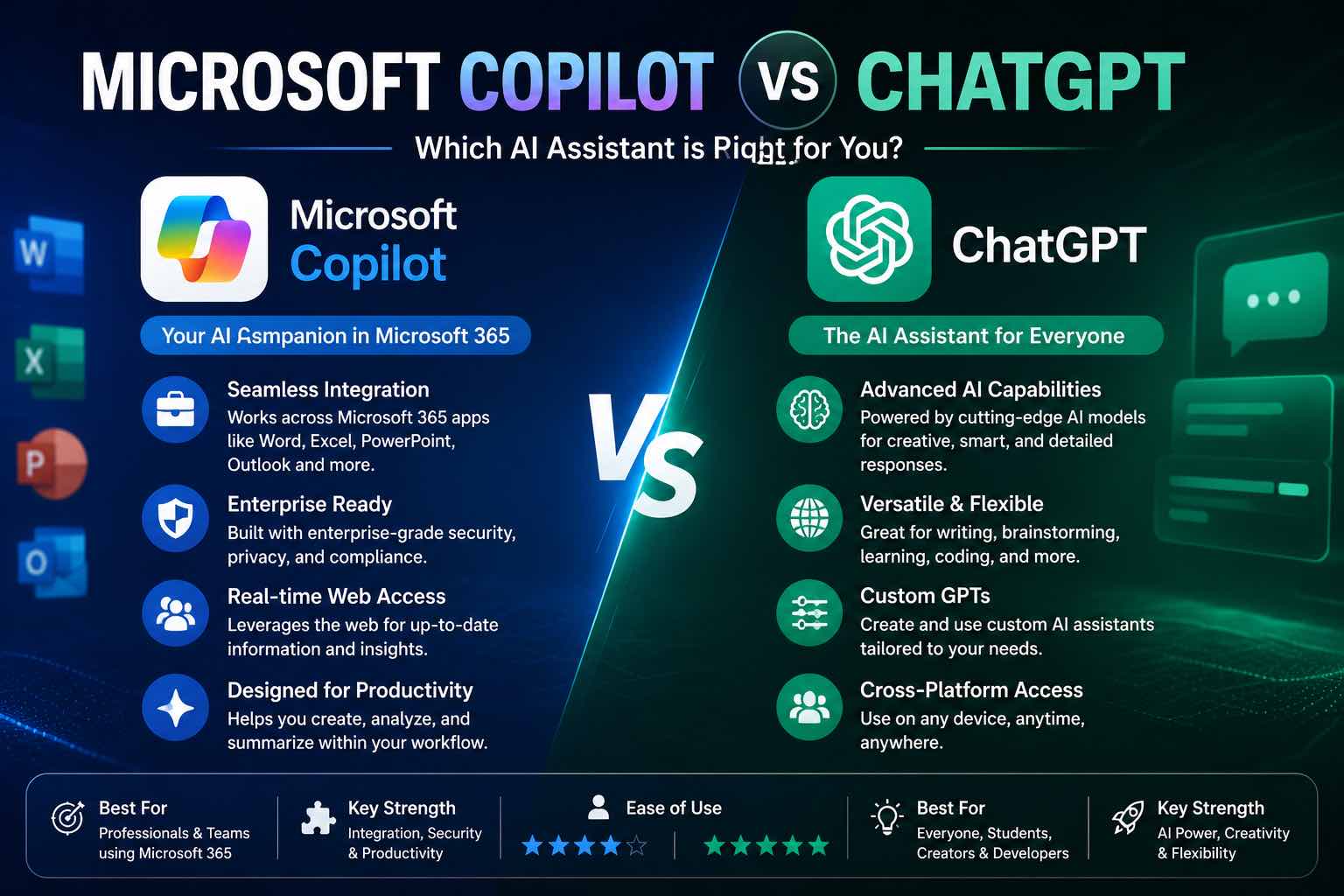
Microsoft Copilot vs ChatGPT (2026): Which Should You Use?
Microsoft Copilot vs ChatGPT compared for work, Office apps, writing, and everyday tasks — strengths, weaknesses, pricing mindset, and which to pick first.
Workflows
7 min read
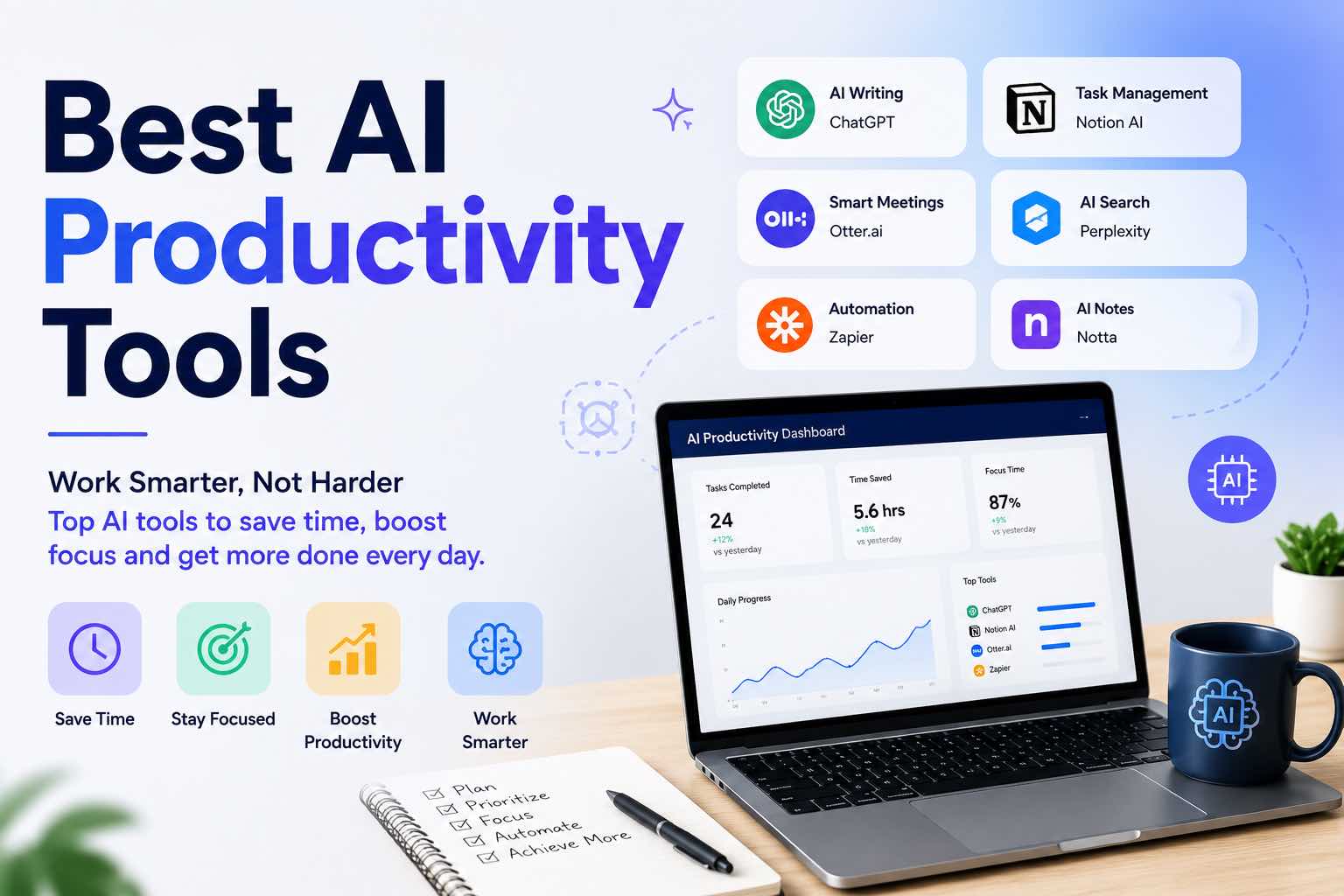
Best AI Productivity Tools in 2026 (Practical Stack That Saves Hours)
The best AI productivity tools for 2026 — writing, meetings, email, notes, and automation — plus a simple stack you can set up in one afternoon.
Workflows
6 min read
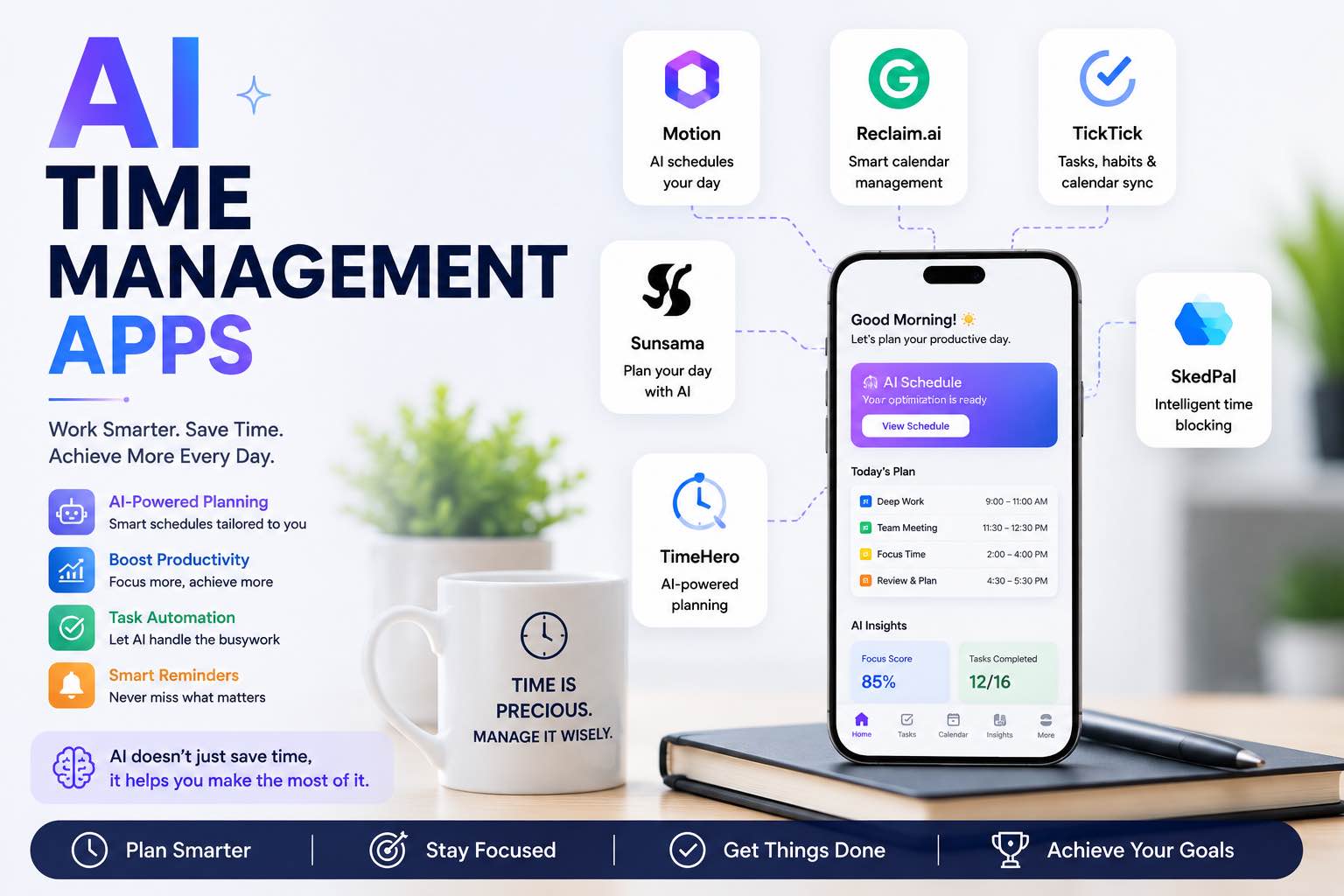
AI Time Management Apps in 2026 (What Actually Saves Your Week)
The best AI time management apps for 2026 — planning, focus, meetings, and task triage — plus a simple system you can run without tool overload.
AI Tools
6 min read
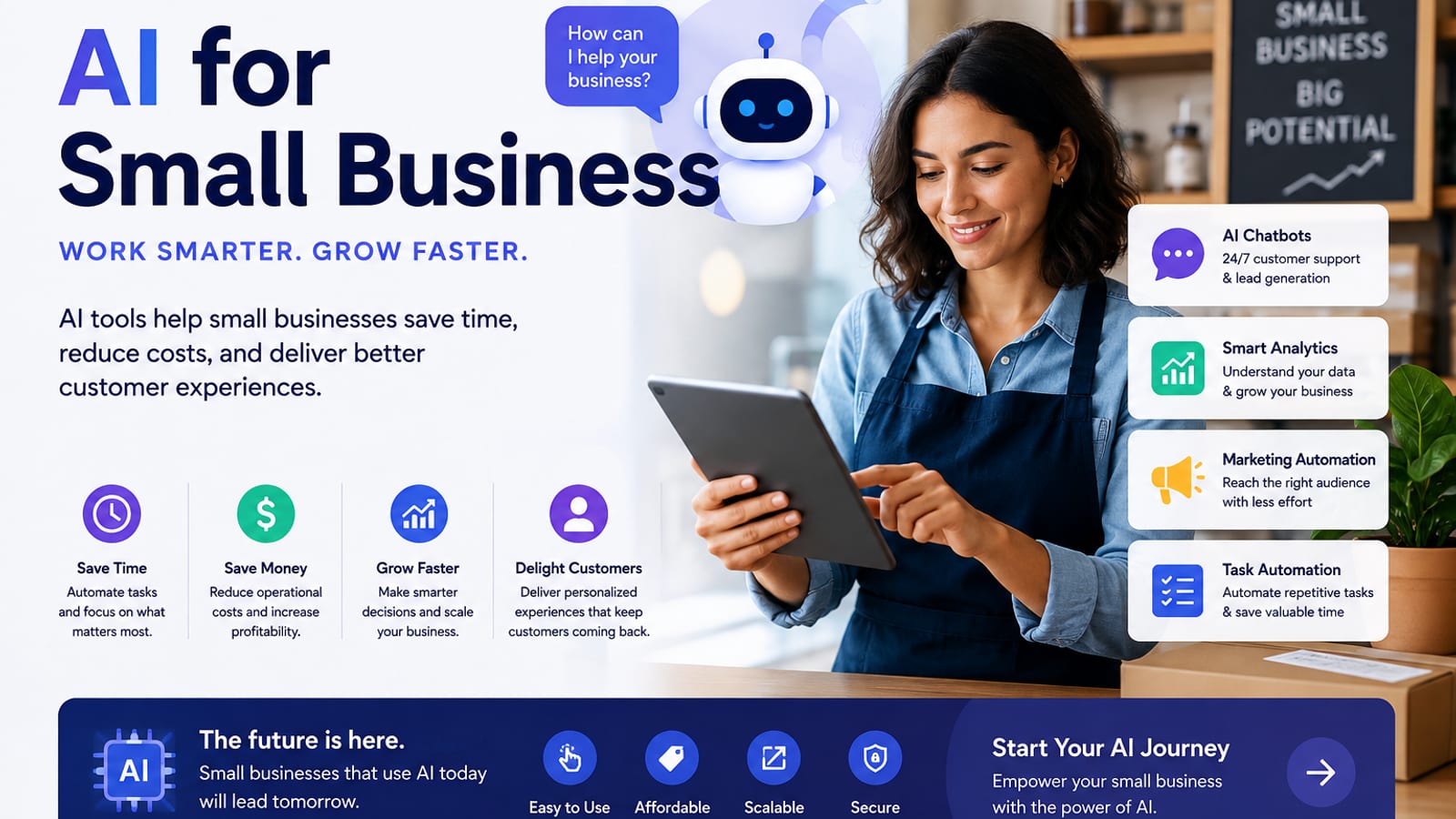
AI for Small Business: A Practical Playbook That Pays for Itself
A clear guide to using AI in a small business — where to start, which tasks to automate first, copy-paste prompts, and a 30-day rollout plan.
Comparisons
6 min read
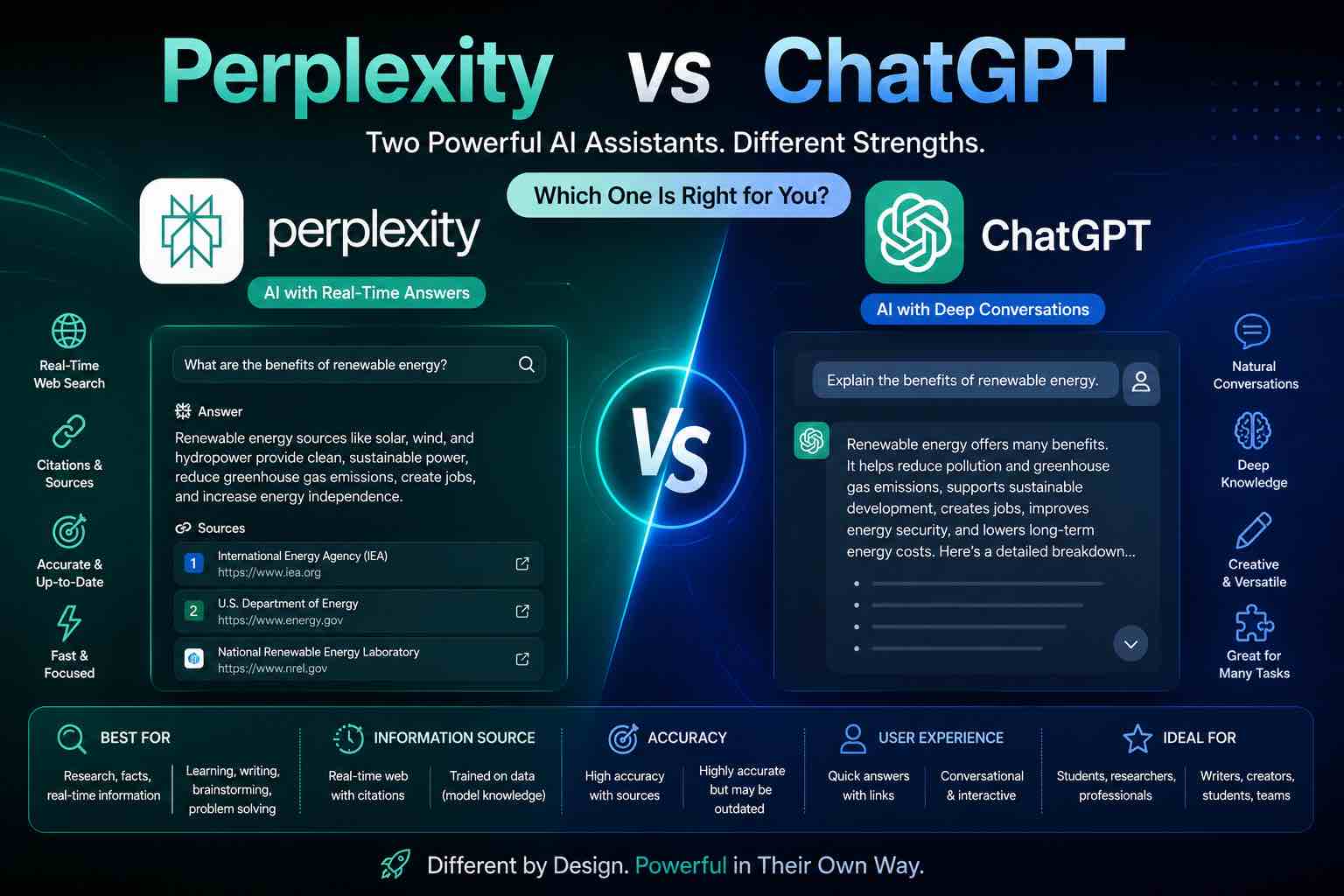
Perplexity vs ChatGPT (2026): Which AI Should You Use?
Perplexity vs ChatGPT compared for research, citations, writing, and everyday work — when to search with sources, when to draft, and which to pick first.
Tutorials
7 min read
AI for Students: How to Study Smarter with ChatGPT, Claude & Free AI Tools (2026 Guide)
Learn how to use AI for students the right way — study plans, note summaries, essay outlines, exam prep prompts, and academic integrity tips in one practical 2026 guide.